5 System information
In the system information menu (under System menu), information on the system is
displayed.
- [Show version], see Chapter 5.1.
- [Show status], see Chapter 5.2.
- [Show alarm information], see Chapter 5.3.
- [Show HW options] (hardware options), see Chapter 5.4.
- [Show ModBus-TCP I/O module], see Chapter 5.5.
- [Browse the Alibi memory], see Chapter 5.6.
- [Show calibration check number], see Chapter 5.7.
- [Show Pendeo data], see Chapter 5.8.
- [Show event log], see Chapter 5.9.
- [Print conguration settings], see Chapter 5.10.
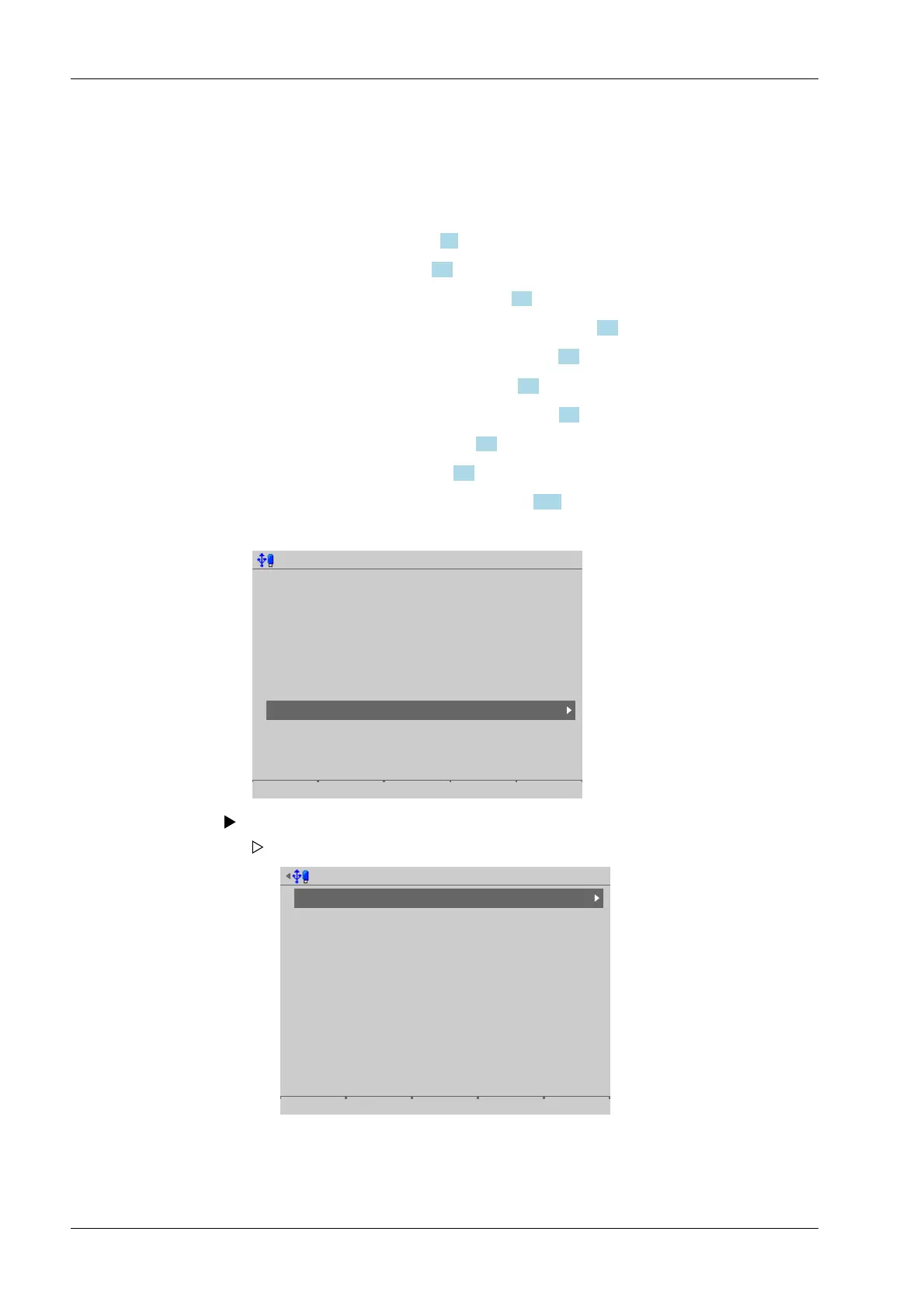
Accessible via MENU - [Operation]- [System information] .
Operating @admin
Application menu
Weighing
Check weighing
Device employed as terminal
Configuration
System menu
System setup
System information
System maintenance
Logout
Select and conrm [System information].
System information @admin
Show version
Show status
Show alarm information
Show HW options
Show ModBus-TCP IO module
Browse alibi memory
Show calibration check numbers
Show Pendeo data
Show event log
Print configuration settings
The System information menu opens.
Process Controller Maxxis 5 PR 5900 5 System information
Minebea Intec EN-244



 To Next Page