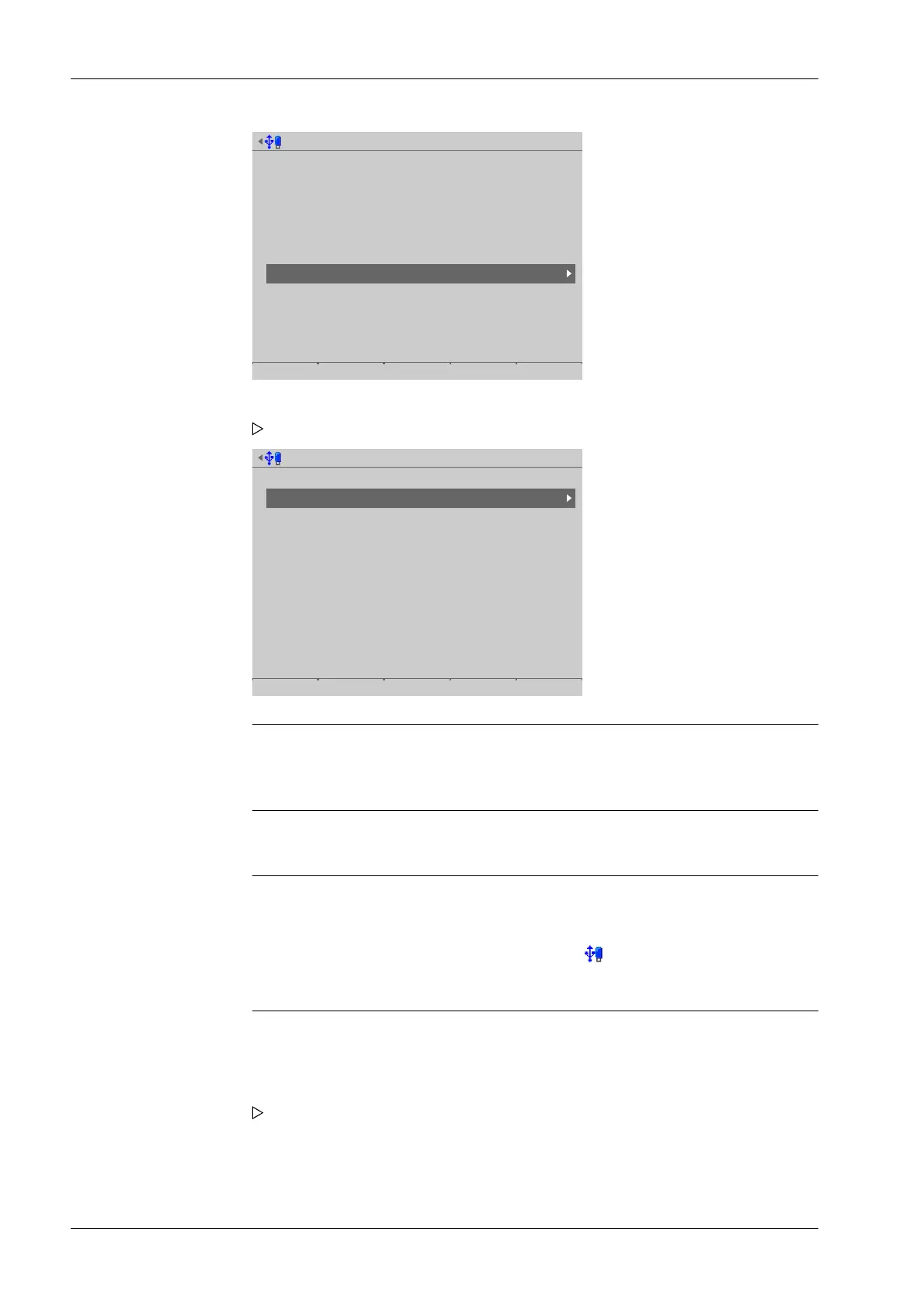
System maintenance @admin
Backup
Restore
Export
Import
Alibi memory maintenance
SD card maintenance
Create service report
Shutdown & Power off
Update software
Factory reset
Test hardware
Select media for service report @admin
Attached storage devices
USB stick
Network share connections
Backups
Exports
Reports
Note:
The connections with the shared directories are only shown if this has been
congured in the menu [Operating]- [System setup]- [Network share connections] .
Note:
If no USB stick is plugged in, a warning appears.
- Plug in a USB stick and wait until the symbol appears in the info line.
- Press the [Retry] soft key.
The service report le (pr5900-servicereport-devicename-date + generated
number.xml) is saved to the "Service reports" folder on the storage medium (here:
USB stick).
1. Select and conrm [Create service report].
A selection window with the available storage media opens.
2. In this case: Select and conrm USB stick.
An information window is displayed when the process is complete.
Process Controller Maxxis 5 PR 5900 6 System maintenance
Minebea Intec EN-312



 To Next Page