Input: max. 16 alphanumeric characters
[Server]
The host name (see Chapter 4.4) or the IP address may be entered.
[Share name on server]
The existing name on the server where the directory was created.
Input: max. 64 characters
[Folder path]
The existing folder path within network sharing (only if required).
The user-dened folder path is subject to the following restrictions:
- A maximum of 128 characters are permitted.
- 0-9, A-Z (not case-sensitive) are permitted.
- Spaces and "/" are not permitted at the start of the entry.
- Spaces, "//", "./", " /", ".." and "/ " are not permitted.
- Spaces, "." or "/" are not permitted at the end of the entry.
- "<", ">", ":", """, "/", "\", "|", "?" and "*" are not permitted.
Input: via keyboard
[Domain]
The existing range for network sharing (only if required).
Input: max. 64 characters
[User name]
User name in the network (only if required).
Input: max. 64 characters
[Password]
Password in the network (only if required).
Input: max. 64 characters
Edit network share connection @admin
Connection name
Server
Share name on server
Folder path
Domain
User name
Password
Report
XXX.company.com
Office
Prod_data/Share_PR5900/R...
COMPANY
forename.surname
*********************************...
Test Save
i
Test passed
Ok
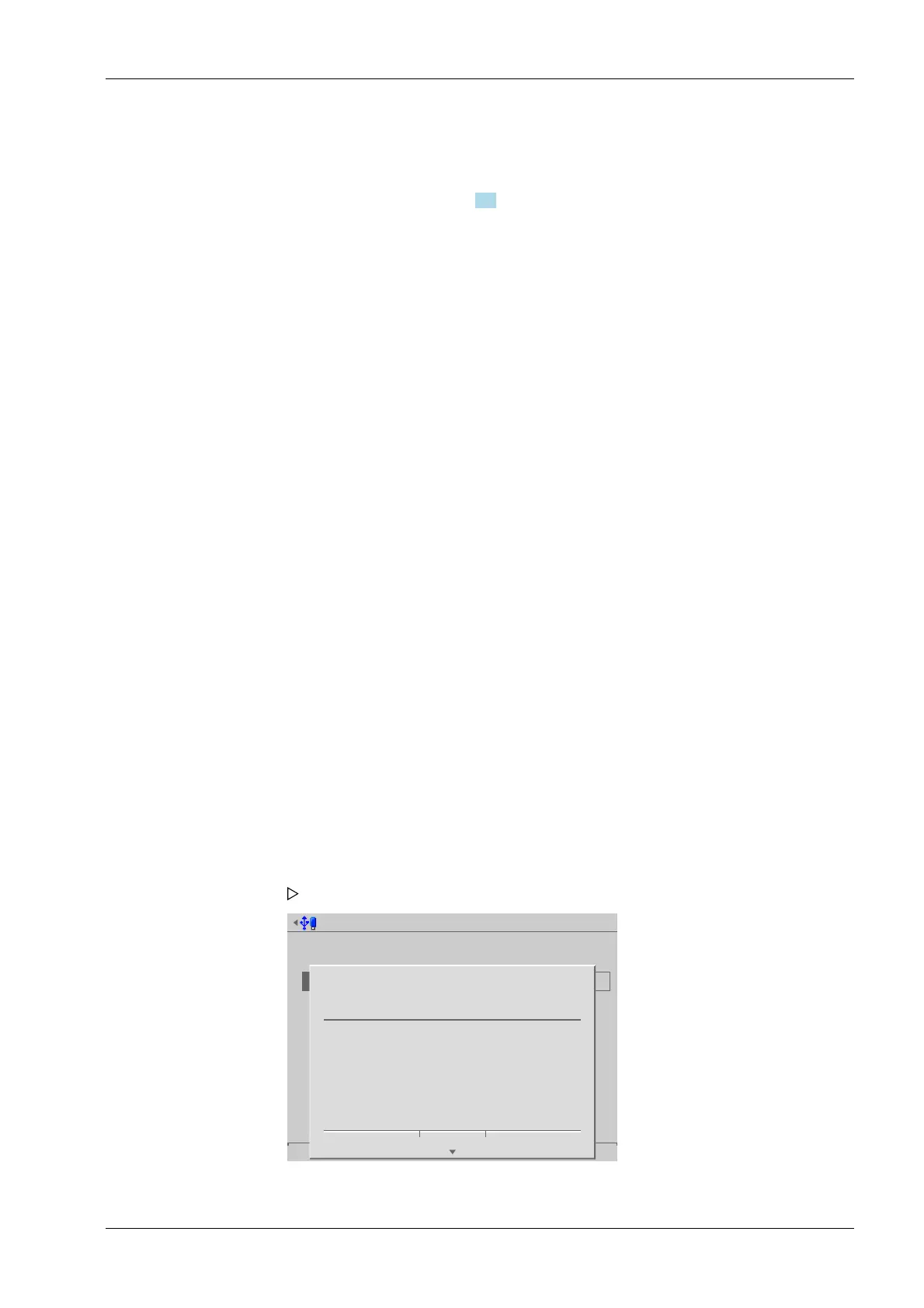
3. Press the [Test] soft key to test the connection.
An information window is displayed.
4. Press the [OK] soft key to hide the window.
4 System setup Process Controller Maxxis 5 PR 5900
EN-85 Minebea Intec



 To Next Page