Note:
Users "admin" and "default” cannot be deleted!
Accessible via MENU - [Operating] - [System setup]- [User management] .
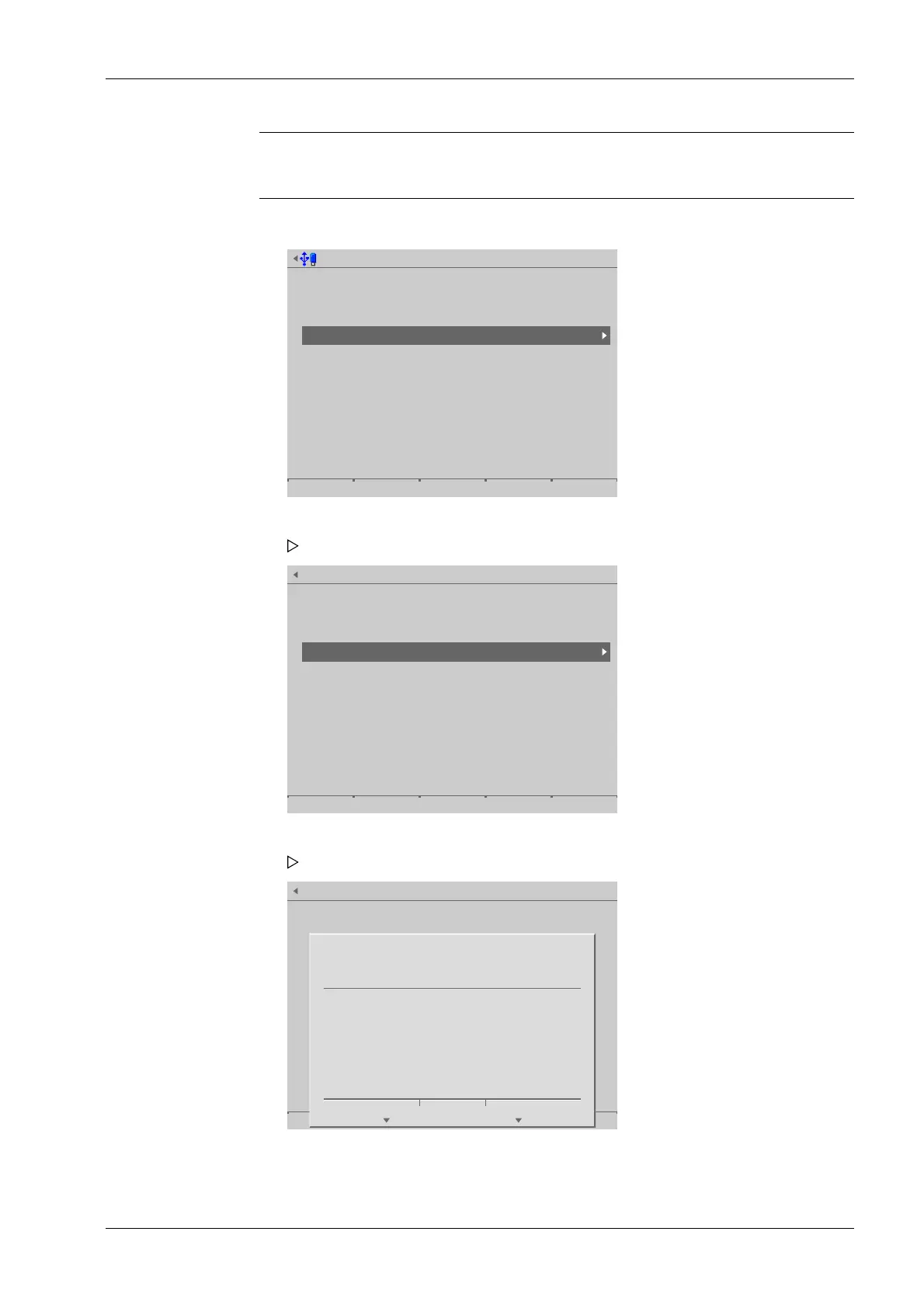
User management @admin
Create user
Copy user
Change user settings
Remove user
Deactivate user management
Select user @admin
Select users for removal.
admin
default
user01
Remove user @admin
?
Are you sure you really want to
remove the user "user01"? All settings for this
user will be lost.
Yes No
1. Select and conrm [Remove user].
A selection window opens.
2. Select and conrm the appropriate user.
A prompt window appears.
3. Press the corresponding soft key.
4. Press the [Save] soft key to save the settings.
4 System setup Process Controller Maxxis 5 PR 5900
EN-237 Minebea Intec



 To Next Page