WP-A
Max 3000kg
N
g
0g 3000g
Login
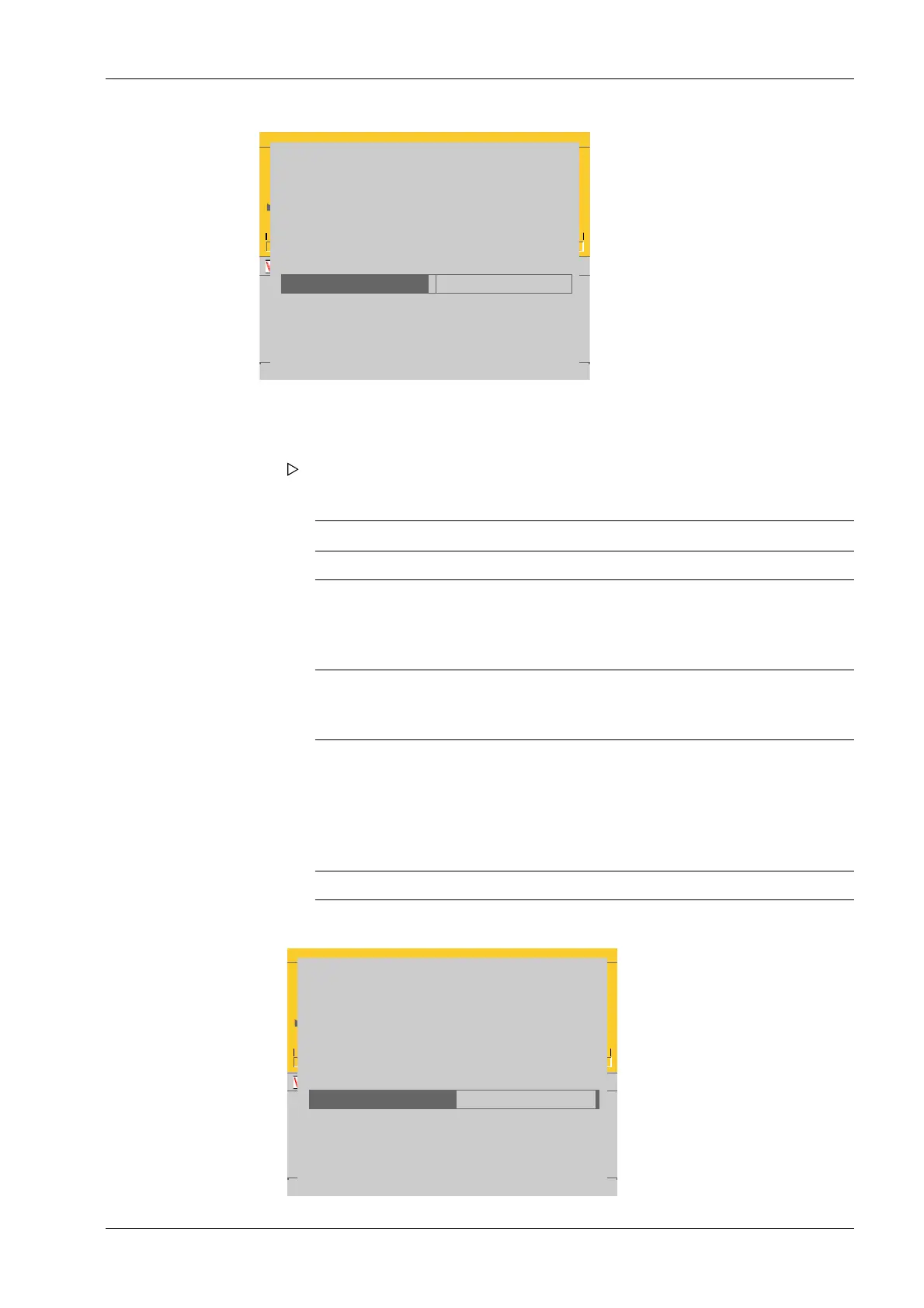
Password recovery dialog
These are the values for unlocking the password:
Device boardnumber
Unlock query
Valid until
Please mail ALL values to <help@minebea-intec.com>
to receive the unlock answer
Unlock answer
354942727
2211871966
2017-11-24-14:40:08
0
The following steps must be taken in order to unlock the password.
WP-A
Max 3000kg
N
g
0g 3000g
Login
Password recovery dialog
These are the values for unlocking the password:
Device boardnumber
Unlock query
Valid until
Please mail ALL values to <help@minebea-intec.com>
to receive the unlock answer
Unlock answer
354942727
3726723325
2017-11-25-09:53:03
2123604360
1. Take a screenshot of the password unlock window via the website, copy and paste
into an e-mail message, and send to "help@minebea-intec.com".
Response from help@minebea-intec.com
Body of the e-mail Description
Generated unlock data
Time stamp "yyyymmdd-hhmmss" Manufacturer informati-
on:
Date and time of genera-
ted response
Remote user "xxxxx.xxxxx" Manufacturer informati-
on:
Edited by
customer
company
contact
board number
unlock query
valid until
"Mr. X. Ample"
"Example Company"
"xxxxx.xxxxx@xxxxx.com"
"xxxxxxxxx"
"xxxxxxxxxx"
"yyyy-mm-dd-hh:mm:ss"
Customer name
Company name
E-mail address
Board number
Unlock query
valid until: date and time
response "xxxxxxxxxx" Unlock answer
A generated response will be sent.
2. The unlock answer can be found in the "response" line of the e-mail.
4 System setup Process Controller Maxxis 5 PR 5900
EN-239 Minebea Intec



 To Next Page