Restore from SD card @admin
Select items to restore.
Setup data
Calibration data
User management
Application data
Database tables
Start All None
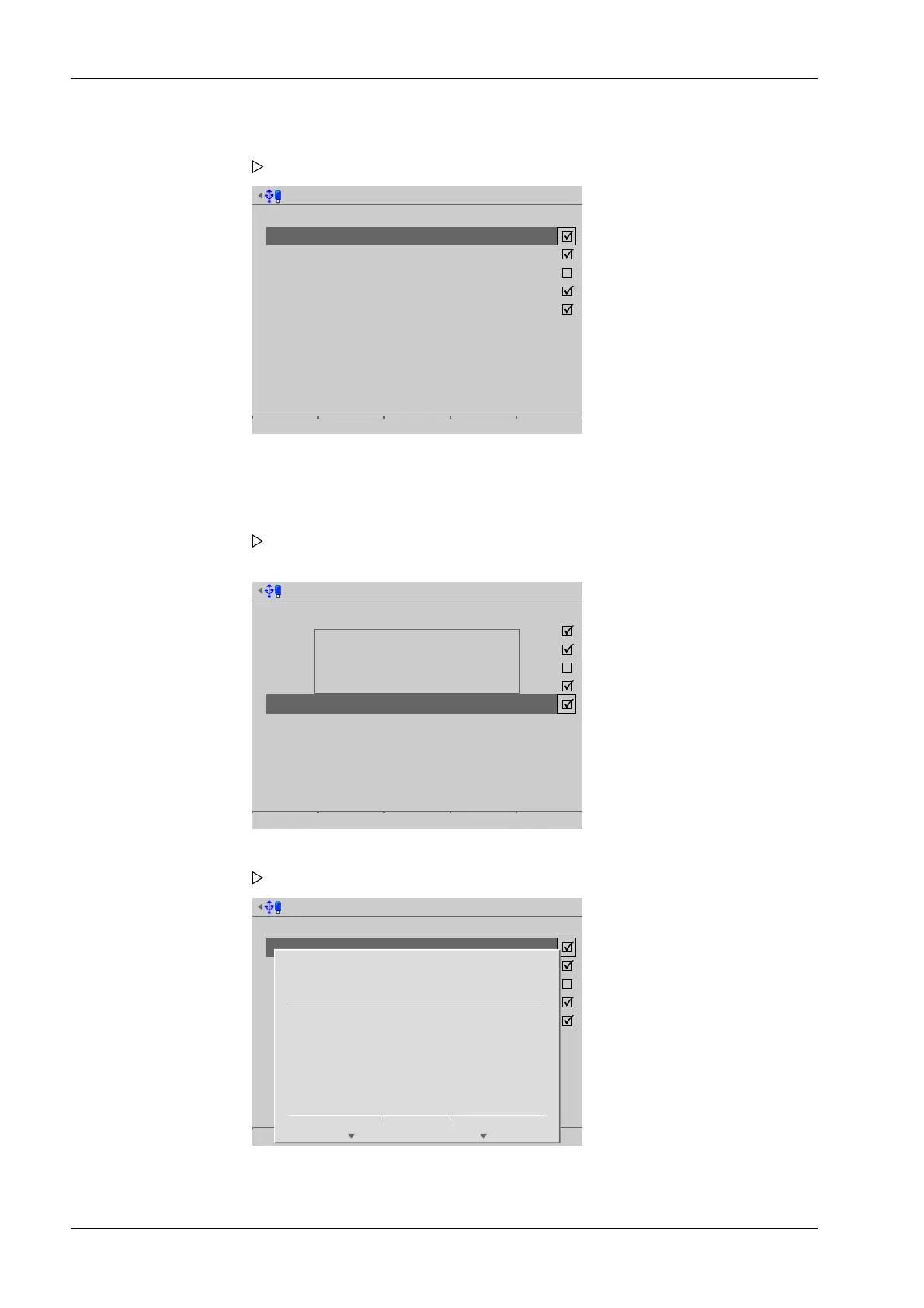
Press the [None] soft key to deselect all selected items.
Restore from SD card @admin
Select items to restore.
Setup data
Calibration data
User management
Application data
Database tables
Start All None
WARNING:
Backup database is for
PR5900 Basic 01.00.02.161.
Currently loaded application is
PR5900 Count 00.00.28.1808.
Restore from SD card @admin
Select items to restore.
Setup data
Calibration data
User management
Application data
Database tables
Start All None
?
Press 'Next' to resave
the selection.
Cancel Continue
2. Select and conrm the desired folder.
A selection window opens.
3. Check the appropriate box ☑ or press the [All] soft key to select all possible items.
4. Press the [Start] soft key to start the process.
If the database tables on the storage medium are not designed for the
application currently on the device, a warning message is displayed.
5. If necessary, choose a dierent backup directory.
A prompt window appears.
6. Press the [Continue] soft key.
Process Controller Maxxis 5 PR 5900 6 System maintenance
Minebea Intec EN-274



 To Next Page