Note:
During the importing process, only data present in the record being imported will be
overwritten.
The following applies:
- Importing the setup data will only replace the settings present in the record. For
example, if the record only contains operating parameters, the other settings will
remain unchanged.
- Importing the calibration data will only replace the calibration values present in the
record.
- Importing the user management data will only replace the settings present in the
record. For example, if the record only contains new users, the existing users will
remain unchanged.
- Importing the application data will only replace the settings present in the record.
For example, if the record only contains print parameters, the other settings will
remain unchanged.
- Importing the database tables will only replace the tables present in the record. If
the record contains the tare table only, the text table will remain unchanged in the
device; the tare table will be overwritten completely however.
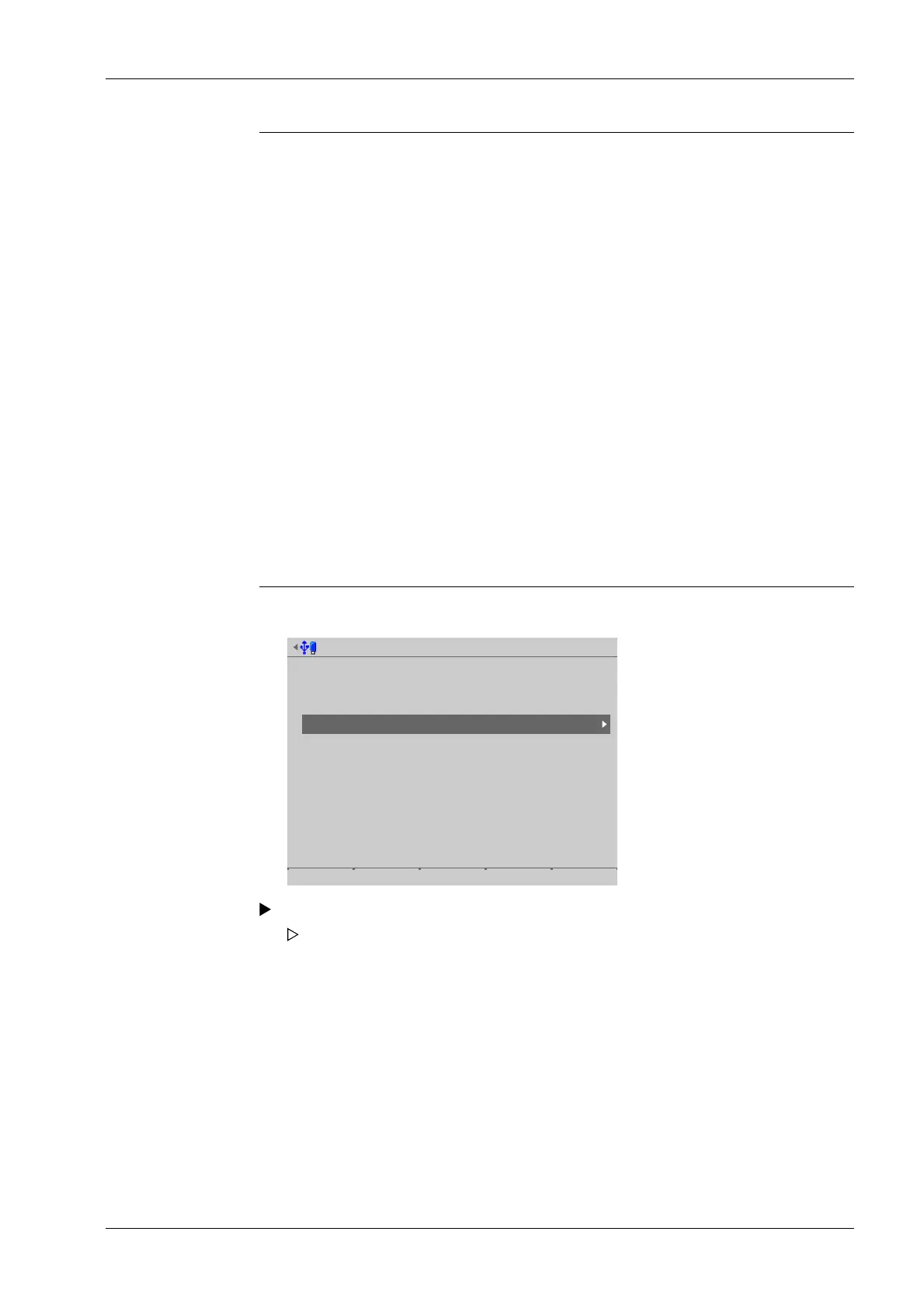
Accessible via MENU - [Operating] - [System maintenance]- [Import] .
System maintenance @admin
Backup
Restore
Export
Import
Alibi memory maintenance
SD card maintenance
Create service report
Shutdown & Power off
Update software
Factory reset
Test hardware
Select and conrm [Import].
The window listing the available storage media is shown.
6 System maintenance Process Controller Maxxis 5 PR 5900
EN-287 Minebea Intec



 To Next Page