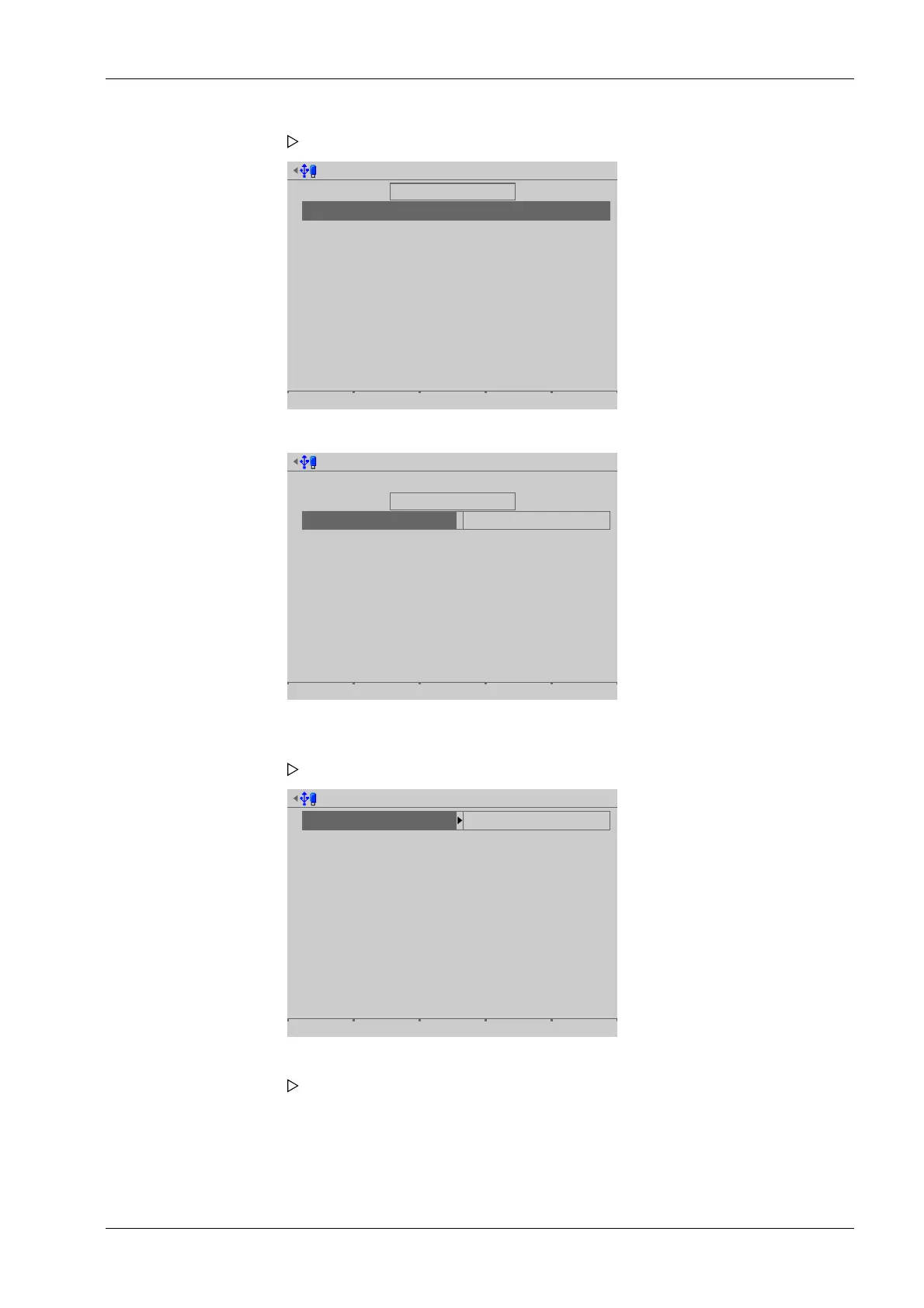
Export + clear alibi records @admin
Select alibi records to export
First sequence number
Last sequence number
Select output
Compression
Destination
27
142
No compression
USB stick
Export Browse
01.03.2013 10:50:29
The rst record of the range is selected automatically and cannot be changed.
Export + clear alibi records @admin
Select alibi records to export
First sequence number
Last sequence number
Select output
Compression
Destination
27
142
No compression
USB stick
Export Browse
13.01.2014 15:21:19
Select the data record to export by date @admin
Year
Month
daylight
2014
Jan
13
4 records
4 Data records
4 Data records
Show
A window with the possible export range opens.
2. Select [Last sequence number] and press the [Browse] soft key to search for the last
record of the range.
A selection window opens.
3. Select and conrm the desired record.
A selection window opens.
6 System maintenance Process Controller Maxxis 5 PR 5900
EN-299 Minebea Intec



 To Next Page