Select the data record to export by date @admin
Year
Month
daylight
2013
Mar
1
36 records
24 Data records
16 Data records
Show
03.2013
04.2013
24 Data records
12 Data records
Select the data record to export by date @admin
01.03.2013
Date/Time
Sequence number
Serial number
ID
G
NET
T
A
A
A
[16/16]
01.03.2013-11:20:41
31
408966395
PR 5900 ALIBI
<2516.6 g>
<2516.6 g>
0.0 g
Previous Next -10 +10 Select
Print alibi records @admin
Select alibi records to print
First sequence number
Last sequence number
31
51
Print Browse
22.04.2013 11:43:15
For an example of an Alibi printout, see Chapter 10.3.
4. Select and conrm the desired record.
5. Press the [Show] soft key.
6. Press the [Previous]/[Next] soft key to display the desired record.
7. Press the [Select] soft key to conrm the rst record of the range.
Another window opens that displays the sequence number (here: 31) of the
selected record under [First sequence number].
8. Dene the last sequence number in accordance with the rst sequence number.
9. Press the [Print] soft key to start printing.
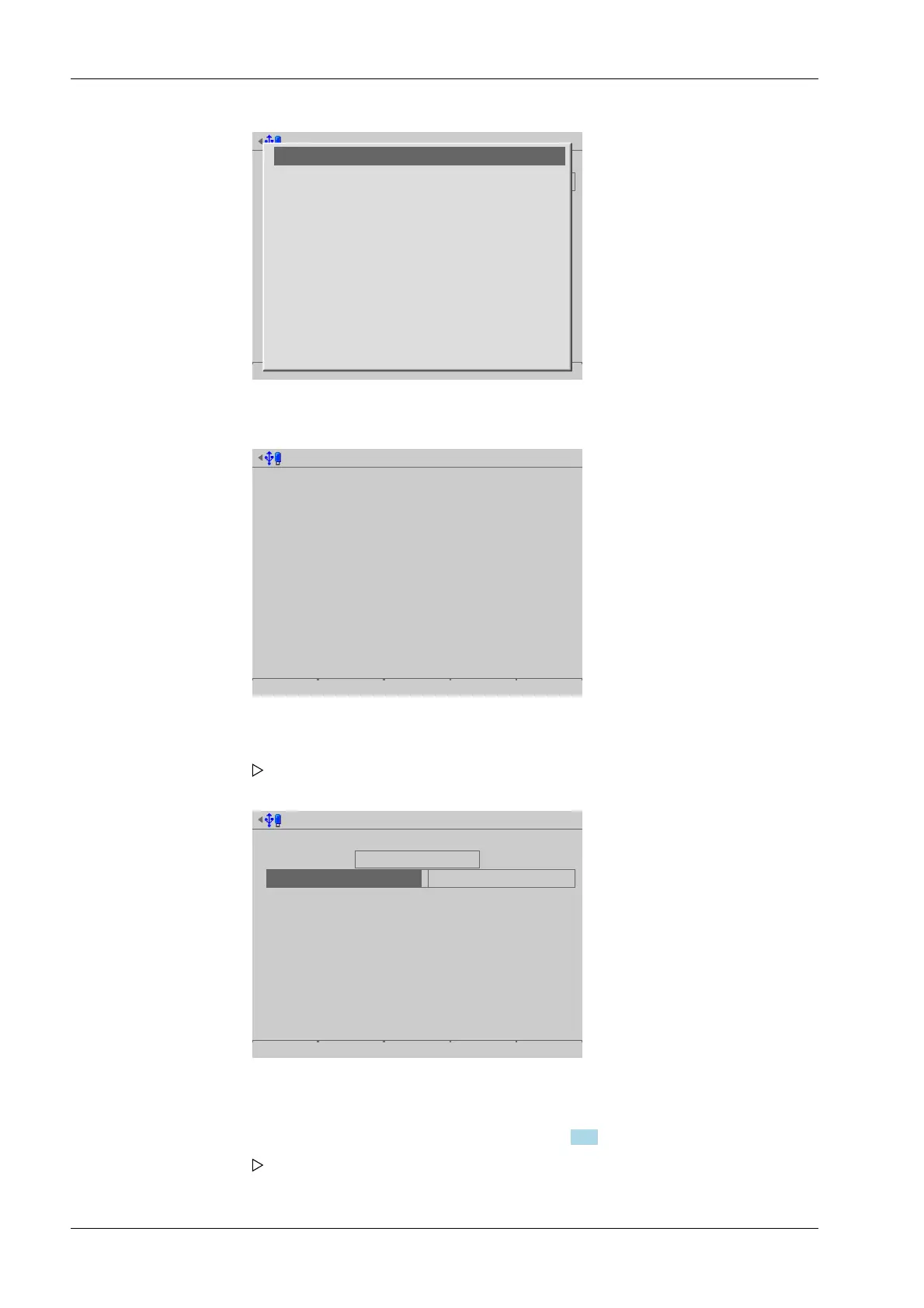
A progress window is shown during the printing process. An information window
is displayed when the process is complete.
Process Controller Maxxis 5 PR 5900 6 System maintenance
Minebea Intec EN-304



 To Next Page