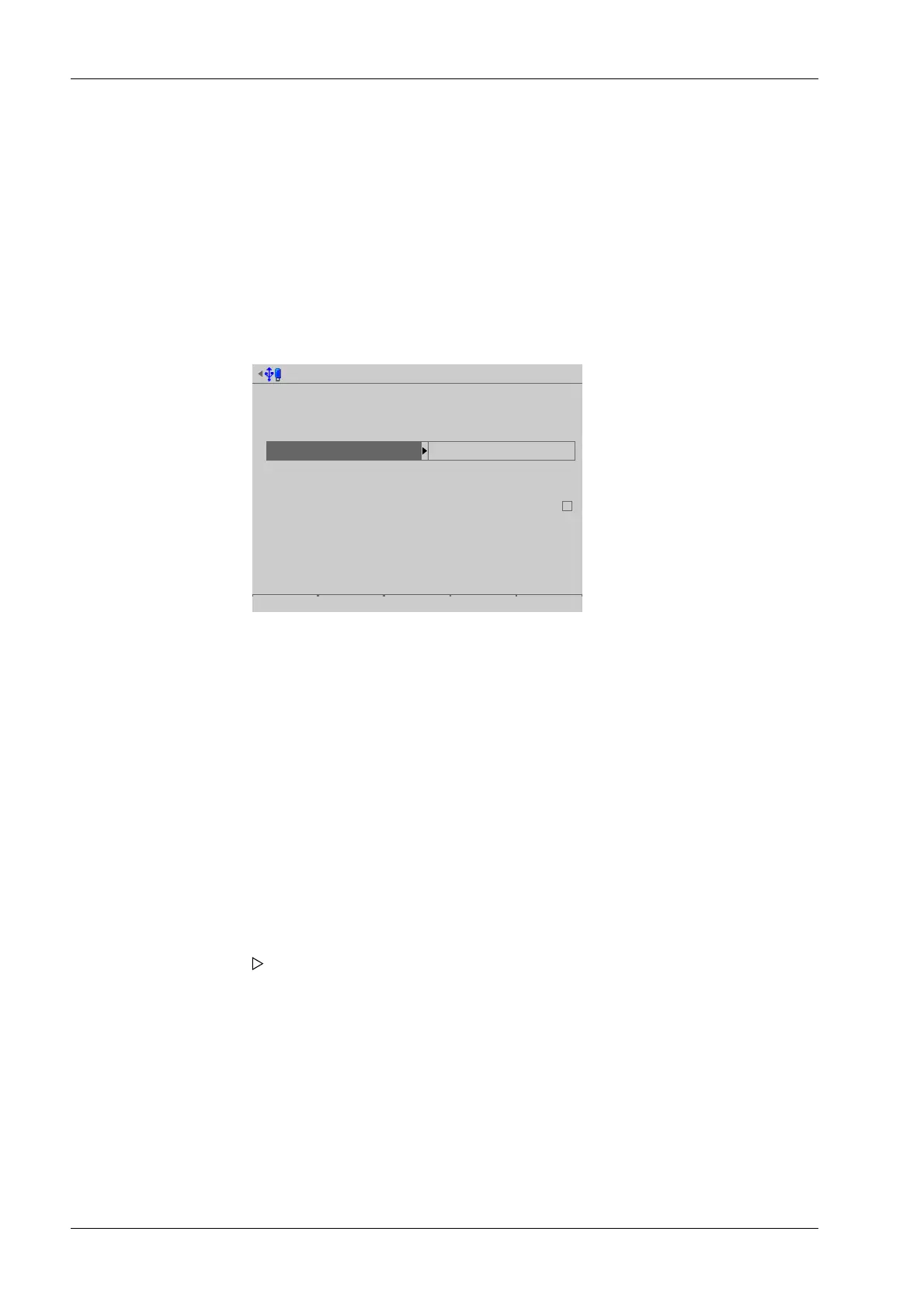
[Time zone]
Selection: all existing time zones
[Local date]
Can be congured if [Clock source]- [Local hardware clock] has been selected.
Input: via keyboard
[Local time]
Can be congured if [Clock source]- [Local hardware clock] has been selected.
Input: via keyboard
Date & Time @admin
Time zone
Local date
Local time
Clock source
Remote NTP server
Last update
online
Berlin, Germany
02-08.2012
12:11:22
Remote NTP
0.0.0.0
00.00.0000-00:00:00
Default Format Save
[Clock source]
Selection: local hardware clock, remote NTP (Network Time Protocol)
[Remote NTP server]
The IP address can only be entered if [Clock source]- [Remote NTP] (Network Time
Protocol) has been selected.
Input: IP address via keyboard
[Last update]
Indicates when the last data was received by the remote NTP.
[online]
The checkbox ☑ indicates whether the remote NTP was successfully contacted during
the last attempt.
3. Press the [Format] soft key to set the format parameters.
A selection window opens.
Process Controller Maxxis 5 PR 5900 4 System setup
Minebea Intec EN-74



 To Next Page