Weighing electronics Logical weighing point
WP‑‑A WP‑‑B WP‑‑C WP‑‑D
[User scale] W W W W
[xBPI scale] W W W W
[SBI scale] W W W W
[Pendeo Truck] W W W W
[Pendeo Process] W W W W
[PR‑Net weighing point]
W W W W
[Mettler-Scale] W W W W
[SMA scale] W W W W
When the PR 5900 internal weighing electronics are plugged into the slots for A or B, they
are automatically assigned to weighing point A or B, respectively.
Weighing electronics can only be assigned to a logical weighing point once.
WP‑A is displayed as the factory setting.
This key can be used to switch the display to the desired weighing point.
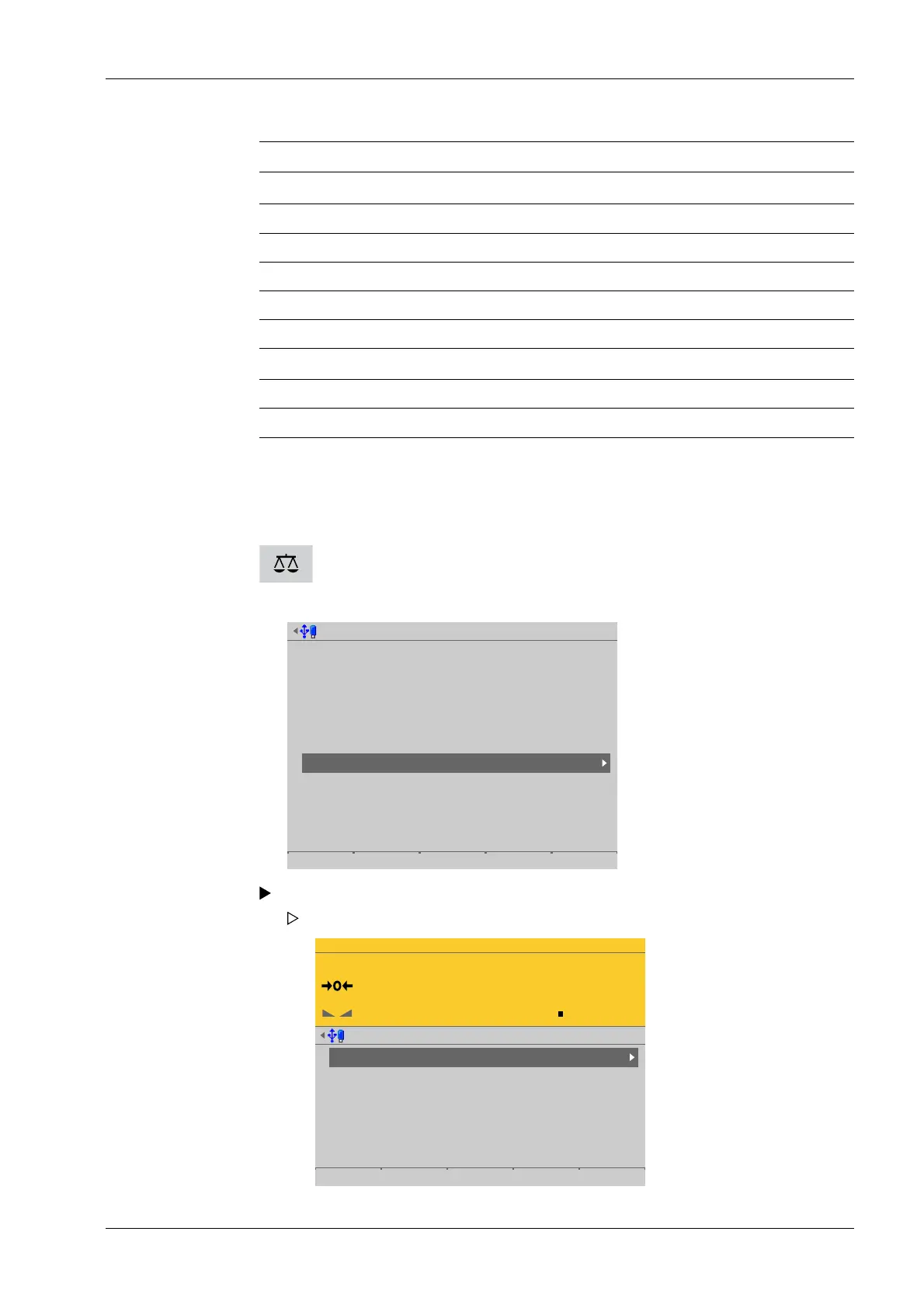
Accessible via MENU – [Operating] - [System setup] - [Weighing points].
System setup @admin
Connected devices
Date & Time
Operating parameters
Network parameters
Network share connections
Fieldbus parameters
Weighing points
Display settings
License settings
User management
Alibi memory
Select and conrm [Weighing points].
Weighing points @admin
Weighing point A
Weighing point B
Weighing point C
Weighing point D
Internal weighing point
Pendeo Truck
xBPI scale
User scale
Parameters Calib Units
The Weighing points menu appears.
4 System setup Process Controller Maxxis 5 PR 5900
EN-91 Minebea Intec



 To Next Page