4 Parts Replacement VJ-1604 Maintenance Manual
Rev.-05 4-140
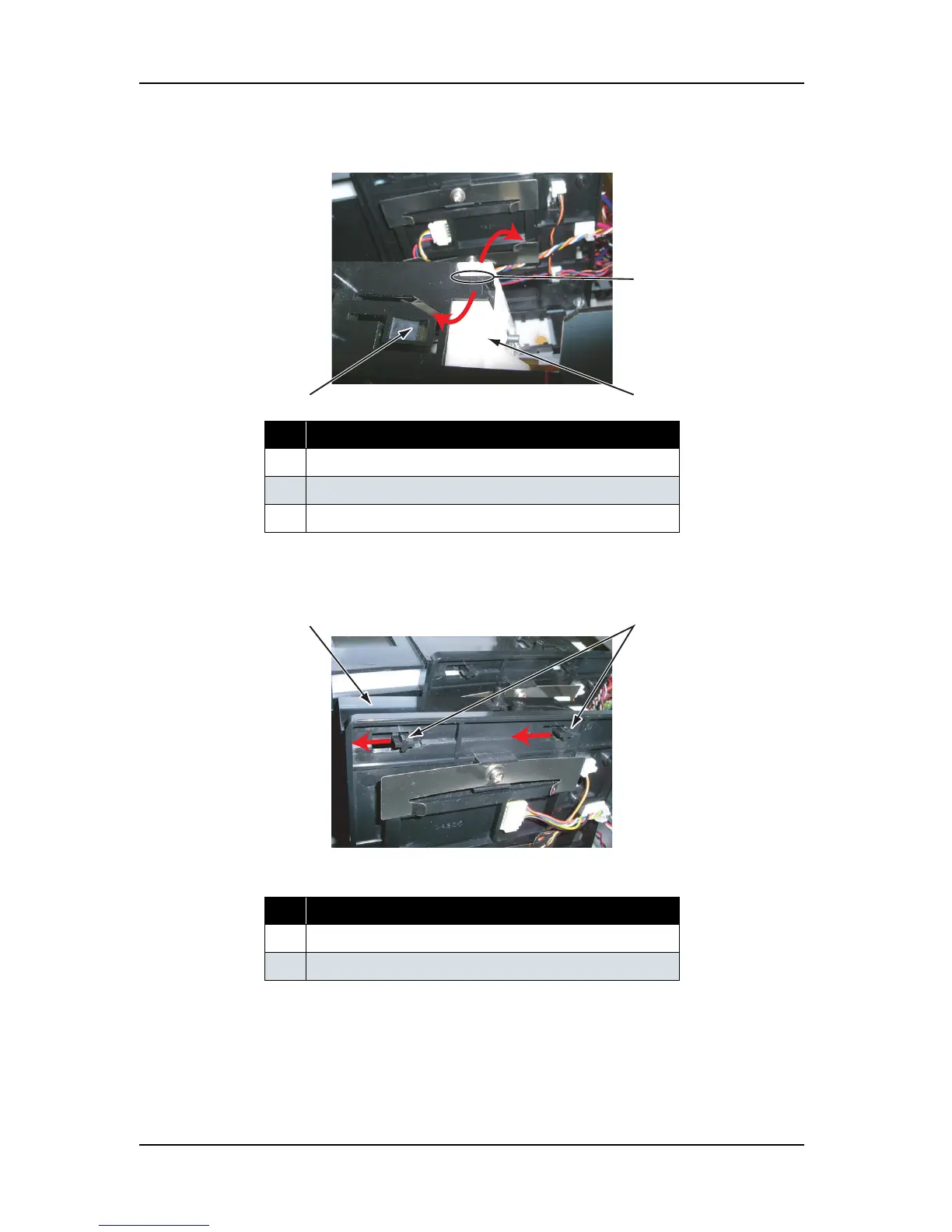
8. Detach the hook of the cartridge slide.
9. Move the hook of the cartridge slide to the direction shown below.
10. Remove the cartridge slide.
11. Detach the ink cartridge control cable from the clamp.
12. Move the frame assembly and the needle to the direction shown below.
No. Part name
1 Cartridge slide
2 Frame assembly, needle
3Hook
No. Part name
1 Cartridge slide
2 Hook of the cartridge slide
1
3
2
1
2















 To Next Page