Main SP Tables-1
D146/D147/D148/D149/D150 2-80 System Maintenance Section
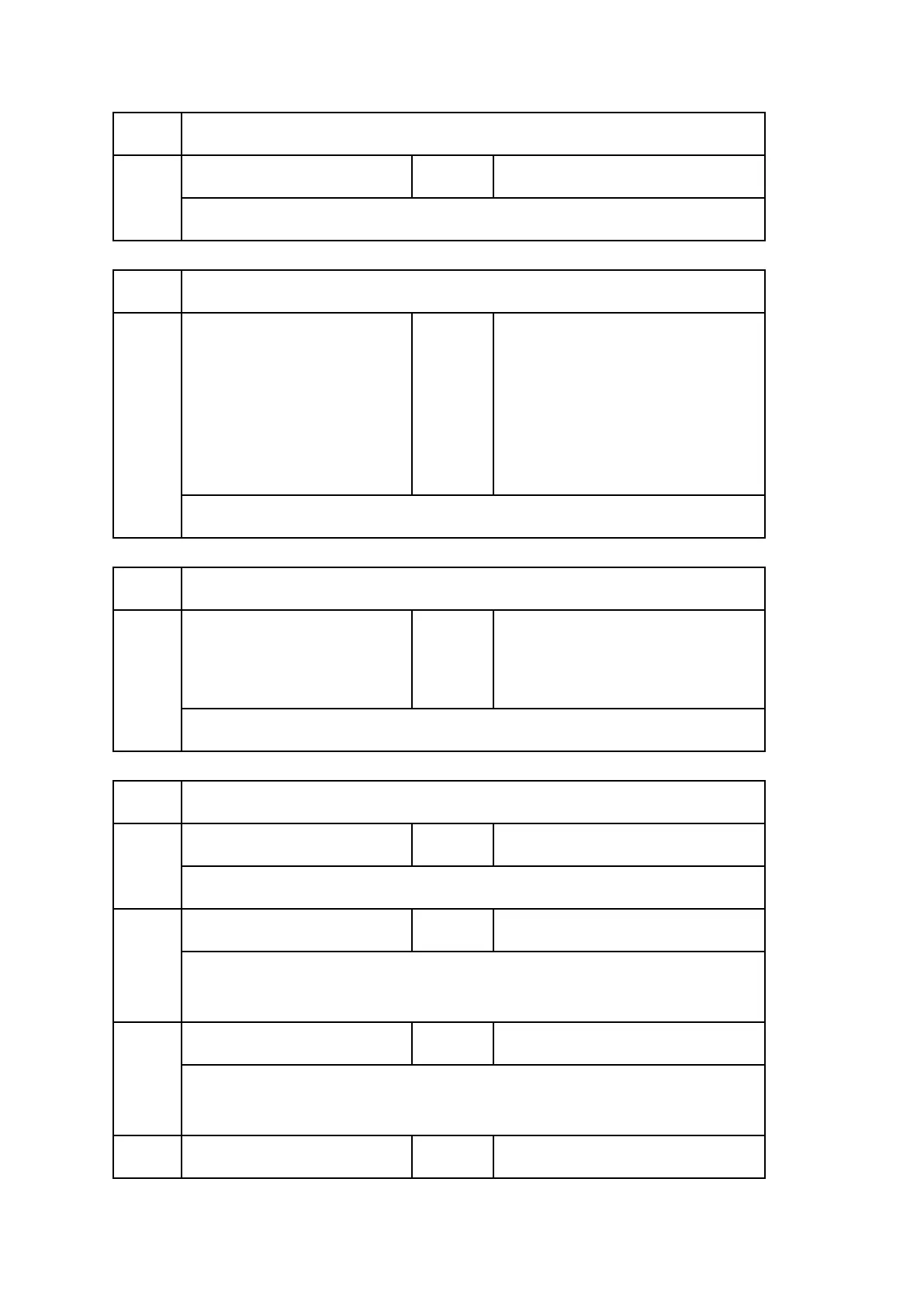
1133 [Voltage Detection]
001
Voltage Detection *ENG [0.0 to 350.0 / 0.0 / 0.1V/step]
Do not change. Displays AC voltage detect result.
1134 [Effective Duty Adjustment]
001
Control Method Switch *ENG
[0 or 1 / D146, D147(ALL) and
D148, D149, D150(NA, TW): 0,
D148, D149, D150(EU, AS, CHN,
KOR):1 / 1/step]
0: OFF
1: ON
Do not change. Switch effective duty adjustment.
1135 [Inrush Control]
001
Inrush Control *ENG
[0 or 1 / 0 / 1/step]
0: Normal (Do not)
1: Inrush current suppress (Do)
Do not change. Select do or do not control inrush current suppress control.
1141 [Fusing SC Error Time Info]
001
SC Number *ENG [0 to 99999 / 0 / 1/step]
Display occurring SC.
101
Htg Roller:Ctr Det1 *ENG [-5 to 300 / 0 / 1deg/step]
Display detailed conditions when SC occur. Displayed content is calculate
temp.: center: occurred time.
102
Htg Roller:End Det1 *ENG [-5 to 300 / 0 / 1deg/step]
Display detailed conditions when SC occur. Displayed content is detect temp.:
center: occurred time.
103 Press Roller:Ctr Det1 *ENG [-5 to 300 / 0 / 1deg/step]


 To Next Page
 Loading...