VISOR
®
Communications manual
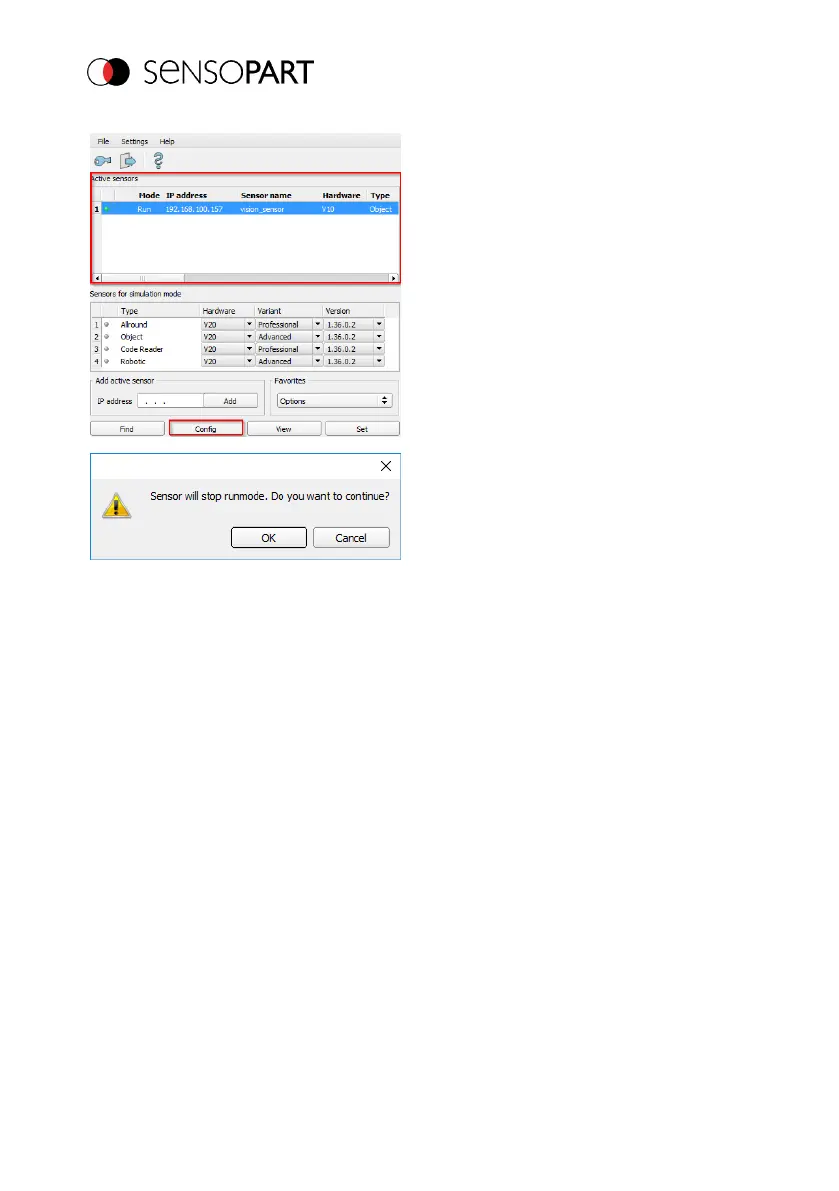
6. Open SensoConfig by selecting the
sensor you want and then clicking on the
"Configure" button.
7. Confirm the following dialog box with
"OK" to stop SensoFind and start the
configuration in SensoConfig.
Page 16 EN 06814859 - 1/24/2019-00



 To Next Page