VISOR
®
Communications manual
Data output in ASCII
Telegrams: Availability and supported interfaces (Page 85)
Overview telegrams (Page 81)
Output data (ASCII), dynamically put together based on the user settings in the
software:SensoConfig/Output/Data output.
Basic string construction:
<START> (((<OPTIONAL FIELDS> <SEPARATOR> <PAYLOAD>))) <CHKSUM> <TRAILER>
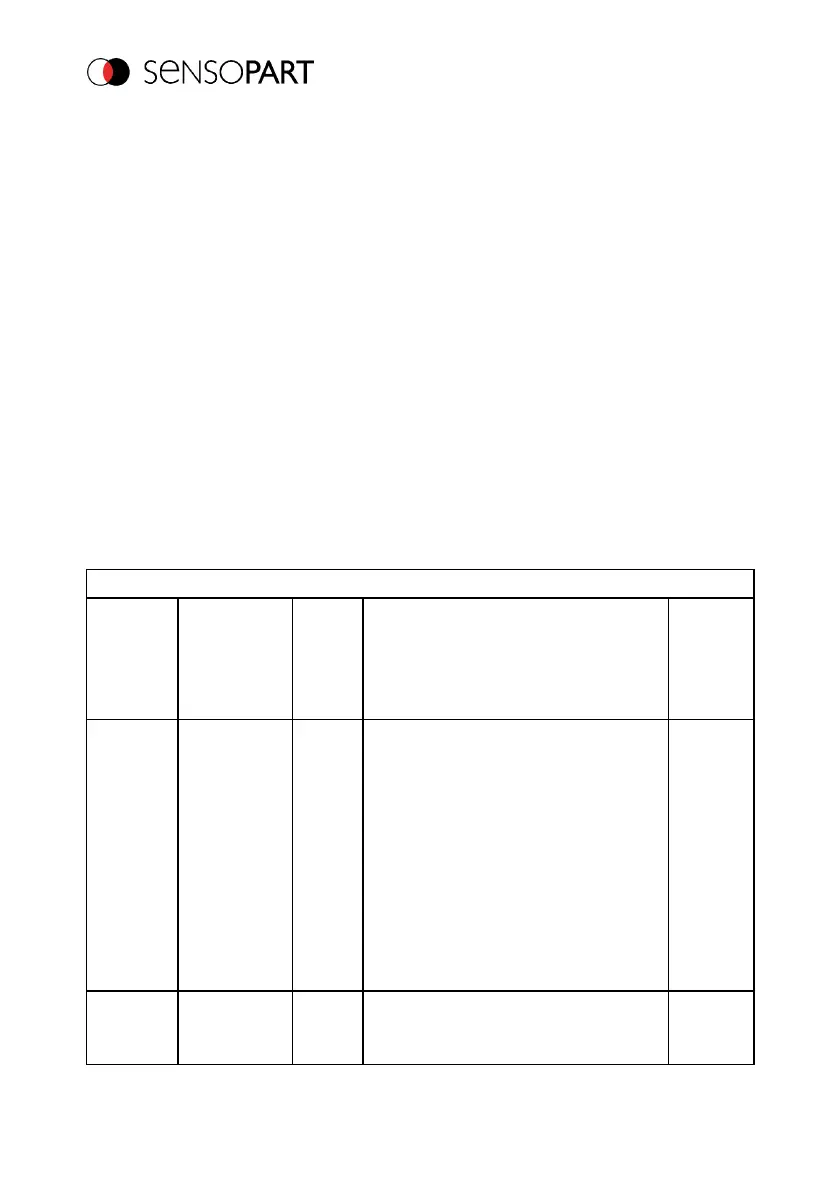
Output data (ASCII):
<OPTIONAL FIELDS>
Parameter
Description
Length
ASCII
[Byte]
Data type
Available
for
Selected
fields
This
checkbox
shows all
selected fields.
The
checkbox for
selected
fields is not
shown.
16
ASCII: The output order is from left to
right and from top to bottom, i.e., for each
checkbox that is enabled, a byte is set
beginning with the LSB.
Binary: The output order is from left to
right and from top to bottom, i.e., for each
checkbox that is enabled, a bit is set
beginning with the least significant one.
All types
Telegram
length
Number of
characters,
1 ... 10
ASCII: E.g., output string with 10
characters; telegram length: 10 + 2
characters (one byte per whole number
All types
Page 173 EN 06814859 - 1/24/2019-00



 To Next Page