VISOR
®
Communications manual
The IP address of the VISOR
®
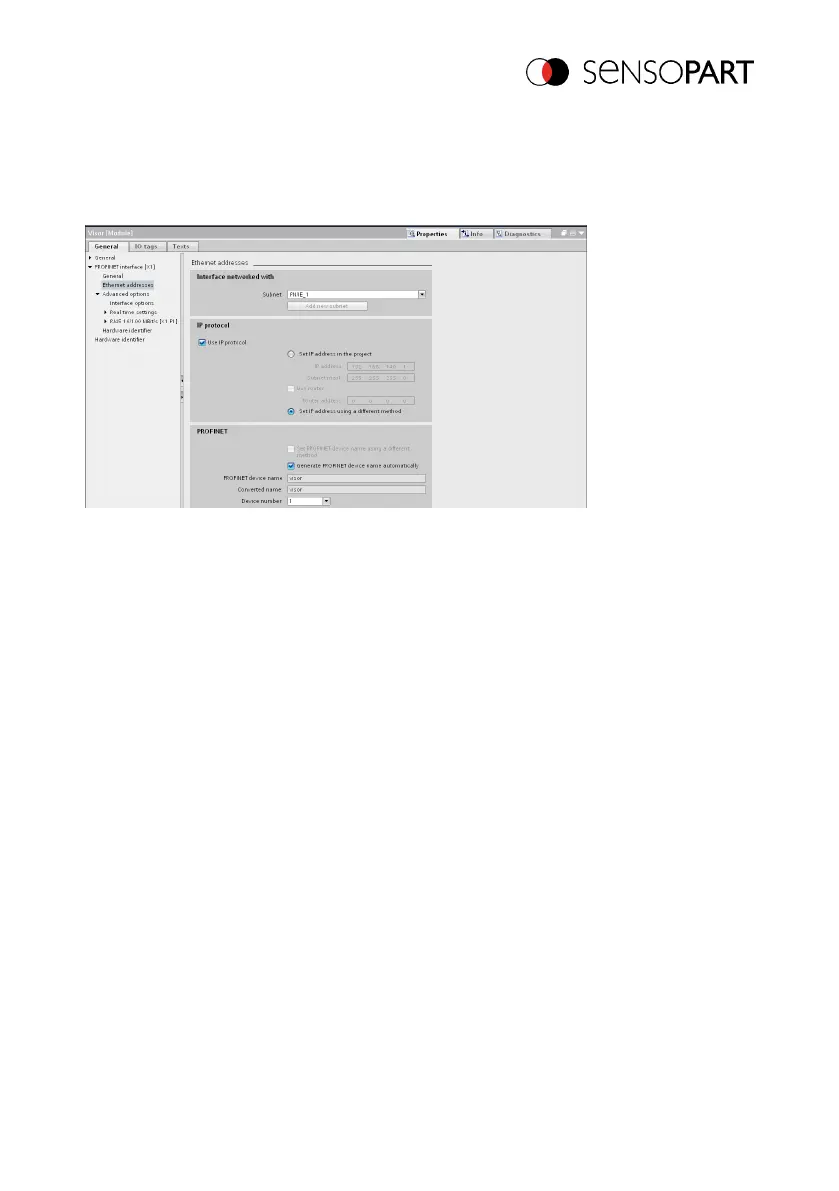
can also be configured via SensoFind. Select option "Set IP
address using a different method" in the PLC / TIA interface. Configure the IP address via
SensoFind (please refer to section: Settings in SensoFind (Page 15)).
Fig. 34: Configure the IP address for the VISOR
®
in SensoFind; the corresponding settings can
be found in the PLC/TIA interface
Set the name in the TIA portal
There are two ways to configure the name for the VISOR
®
from the TIA Portal.
Generate name automatically
The PROFINET name for the VISOR
®
can be generated automatically in the PLC. Option:
"Generate PROFINET device name automatically" takes the name from the project.
Set name manually
06814859 - 1/24/2019-00 Page 55 EN



 To Next Page