VISOR
®
Communications manual
9 PROFINET
This section explains how to operate the VISOR
®
vision sensor with PROFINET.
9.1 Siemens S7-1200 TIA 12 configuration example
This description shows all PLC screenshots in English; switch the TIA software to English if
necessary.
9.1.1 Create new project
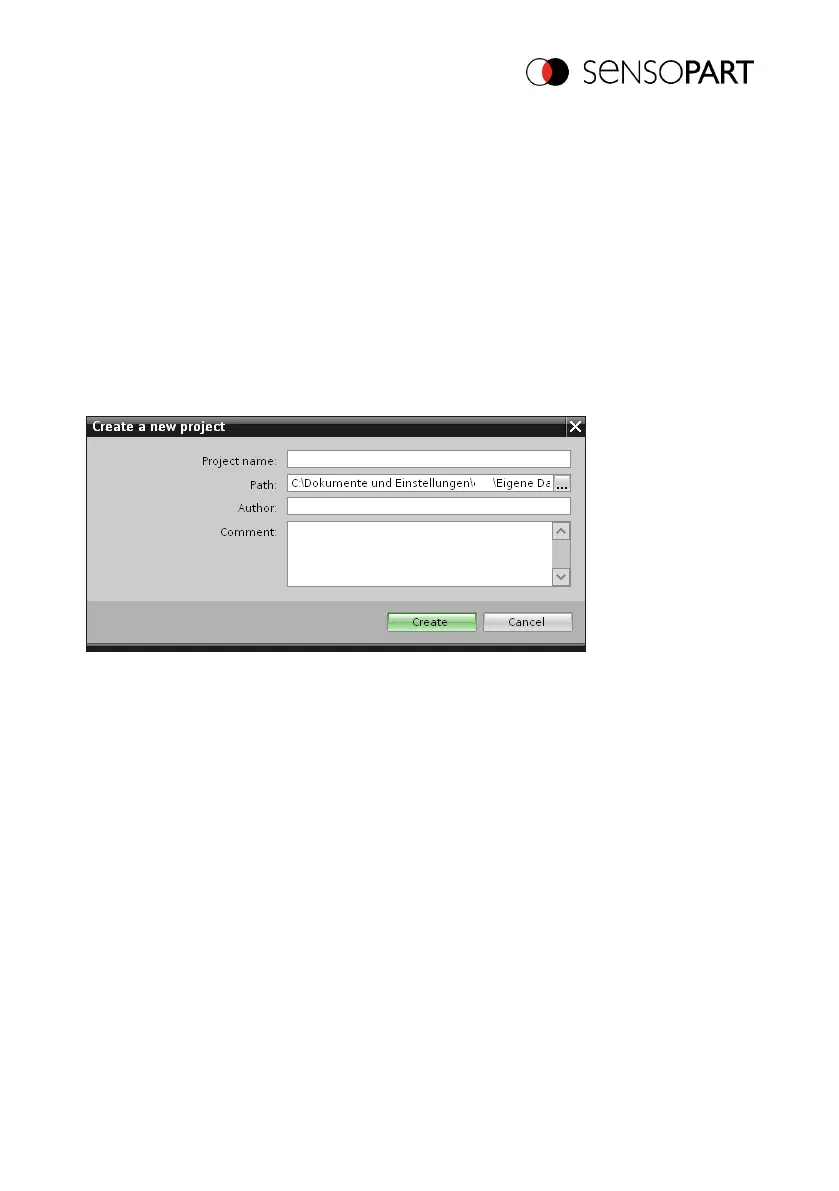
New project with: Project / Create new project
Fig. 28: PROFINET Create new project
9.1.2 Selecting the GSD file
First a PROFINET PLC must be added to the project.
In order to be able to use the PROFINET functions of the VISOR
®
vision sensor, the latest
version of the corresponding VISOR
®
GSD file must be installed. This is done at: Options/Install
general station description file. The GSD file can be found in the installation path for the VISOR
®
in: ...\SensoPart\VISOR
®
Vision-Sensor\Tools\PROFINET and is also available for download at
www.sensopart.com.
06814859 - 1/24/2019-00 Page 49 EN



 To Next Page