VISOR
®
Communications manual
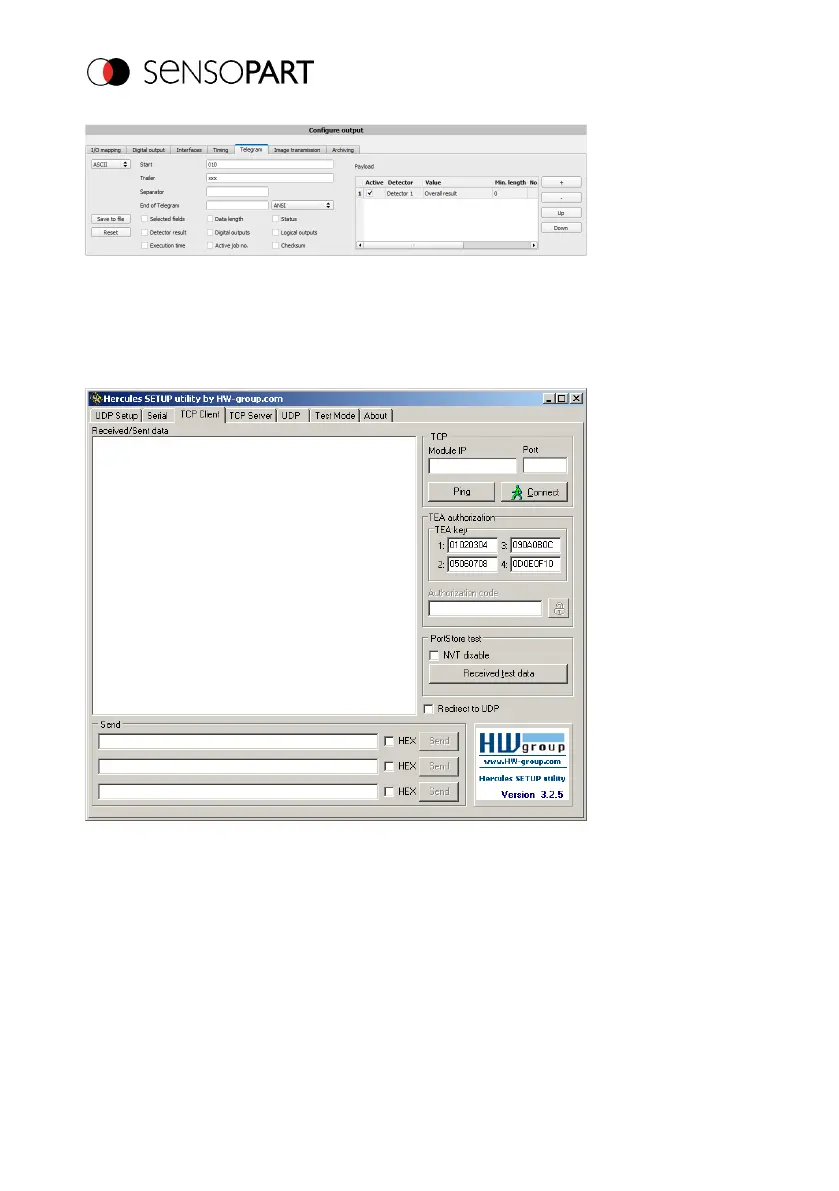
Fig. 7: Data output, Configure output data
Step 3:
After opening the Hercules Ethernet tool, you will need to open the "TCP-Client" tab to
communicate with the VISOR
®
socket server via Ethernet.
Fig. 8: Data output, Ethernet Tool / 1
You will need to enter the IP address of the VISOR
®
and the correct port in order to receive data.
The IP address of the VISOR
®
can be found in SensoFind. See the first line in the window "Active
sensors" = 192.168.60.199
Page 20 EN 06814859 - 1/24/2019-00



 To Next Page