VISOR
®
Communications manual
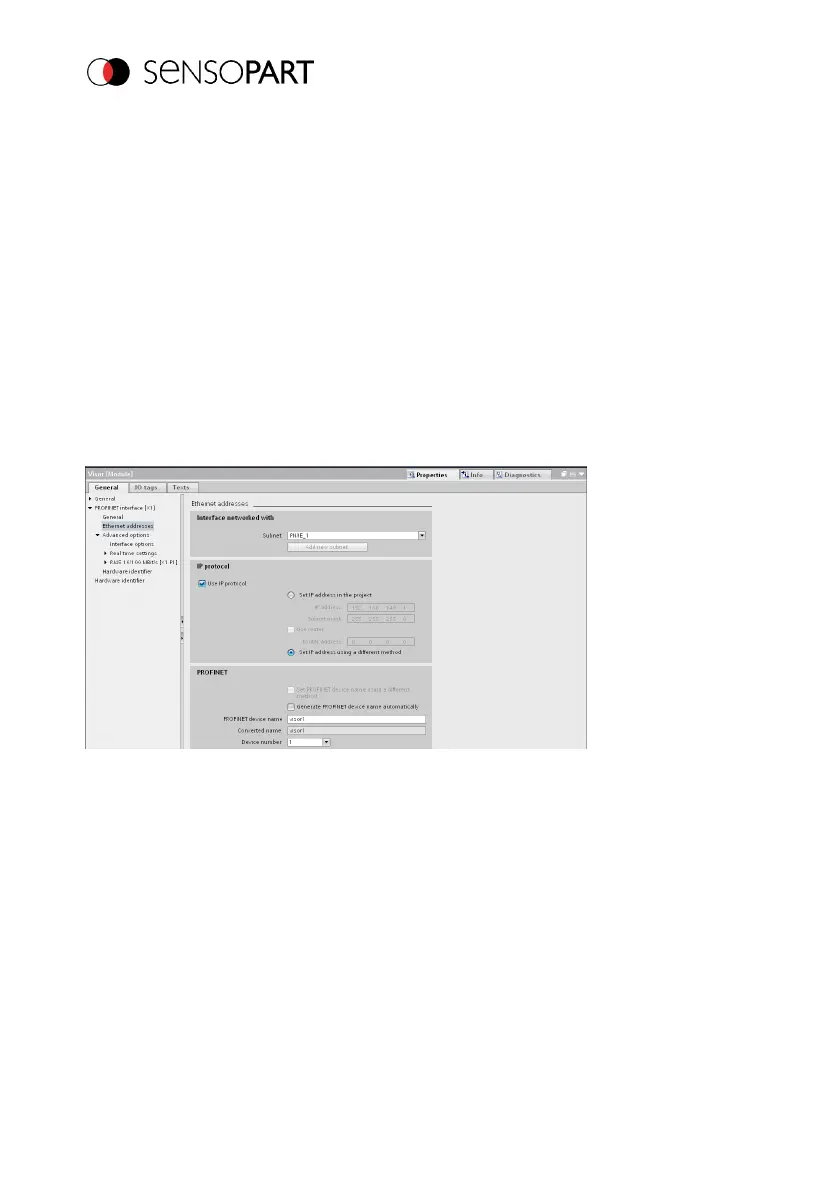
If the option "Set PROFINET device name using a different method" is activated, any name can
be edited.
Information: In the field "Converted name", a different name than entered is displayed, which is
then also used. As in the PROFINET, not all characters can be used, a conversion may be
necessary, which is made here automatically (names must be DNS-compatible, see also Chapter
Settings in SensoFind (Page 15)).
If the VISOR
®
vision sensor’s name is configured using the TIA Portal, it must be written to the
sensor with the "PROFINET device name" tool (as described in section VISOR
®
).
The PROFINET name in the project and in the VISOR
®
must match.
Fig. 35: Set name in project
9.1.4 Writing a name to VISOR
®
In order to be able to establish communications, the PROFINET name must be written to the
VISOR
®
in case it needs to be updated.
Page 56 EN 06814859 - 1/24/2019-00



 To Next Page