VISOR
®
Communications manual
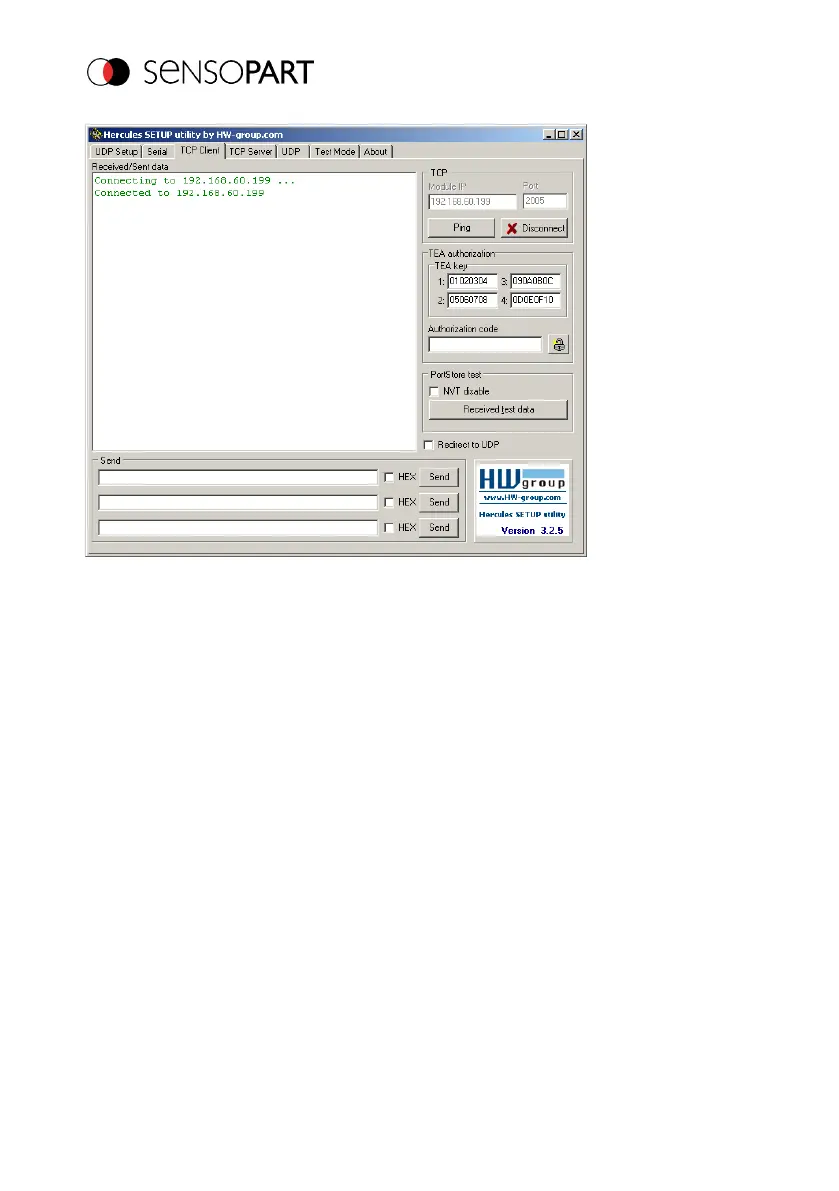
Fig. 10: Data output, Ethernet Tool / 2
Step 5:
You will now need to start the VISOR
®
from the PC application with "Start sensor" (later during
operation, the VISOR
®
will run normally after being turned on and will transmit data if
configured). Here in the example, Trigger mode = continuously set, i.e. evaluation is done
continuously and data are sent. These are only visible in the main window of Hercules.
Page 22 EN 06814859 - 1/24/2019-00



 To Next Page