VISOR
®
Communications manual
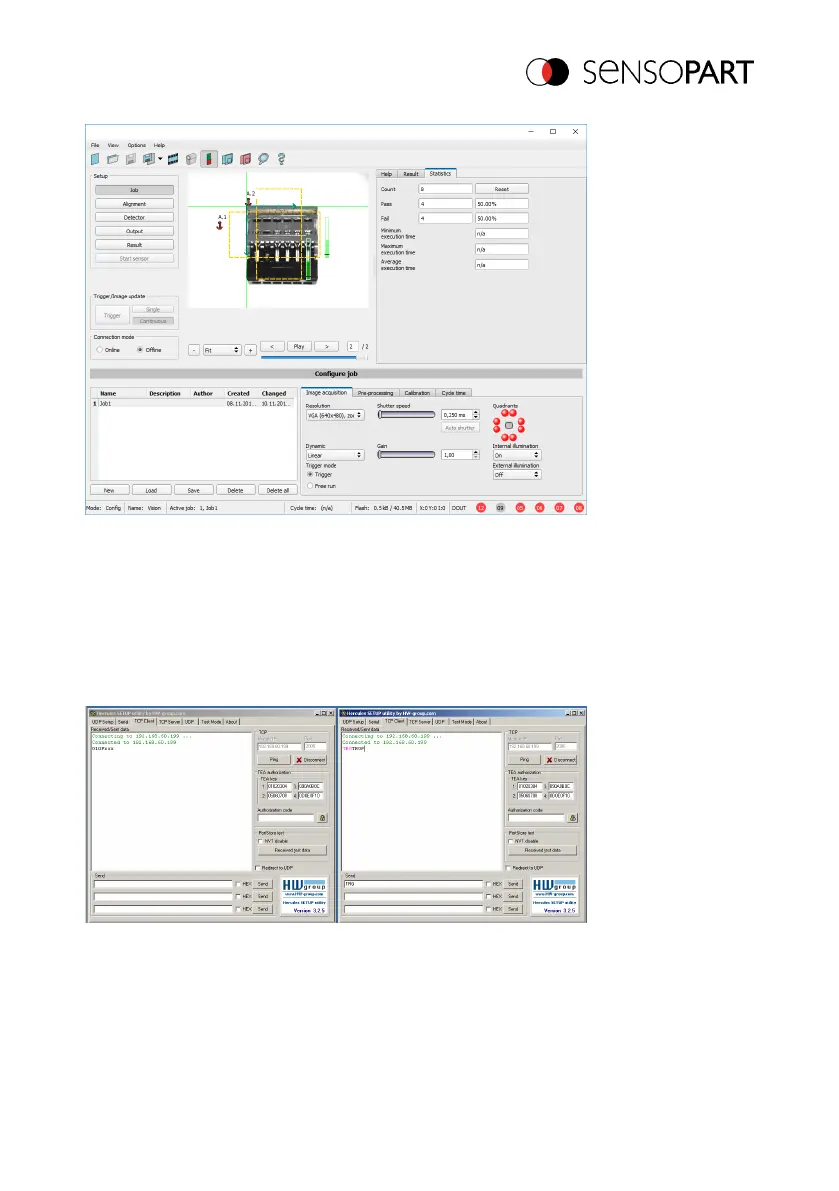
Fig. 13: Data output, Ethernet, Trigger
Step 2
In order to transmit commands to the VISOR
®
, the Hercules application needs to be opened
again. This time with port 2006 as the VISOR
®
input port through which it can receive commands.
All telegrams (commands and response strings) to and from the VISOR
®
are described in section
Overview telegrams (Page 81).
Fig. 14: Data output, Ethernet Tool / 4
In the right pane, the "TRG" command (for Trigger; see first line on the bottom for command)
was sent from port 2006 to the VISOR
®
by clicking on the corresponding "Send" button. This
command is shown in the main window in red letters when being sent. The VISOR
®
responds to
06814859 - 1/24/2019-00 Page 25 EN



 To Next Page