Chapter 5 — Operating the Library Monitoring Your Library
December 2019 User Guide—Spectra T200, T380, and T680 Libraries
162
See Syslog Server IP Address on page 109 for information about entering
the IP address of the Syslog server. Entering a valid IP address enables the
Syslog feature.
When enabled, the BlueScale Syslog feature automatically sends all system
messages posted by the library to a single, previously configured Syslog
server. The library transmits the messages to the Syslog server using the
format:
<severity level>BlueScale_<library name>[PP]:(<message number>)
<message text>
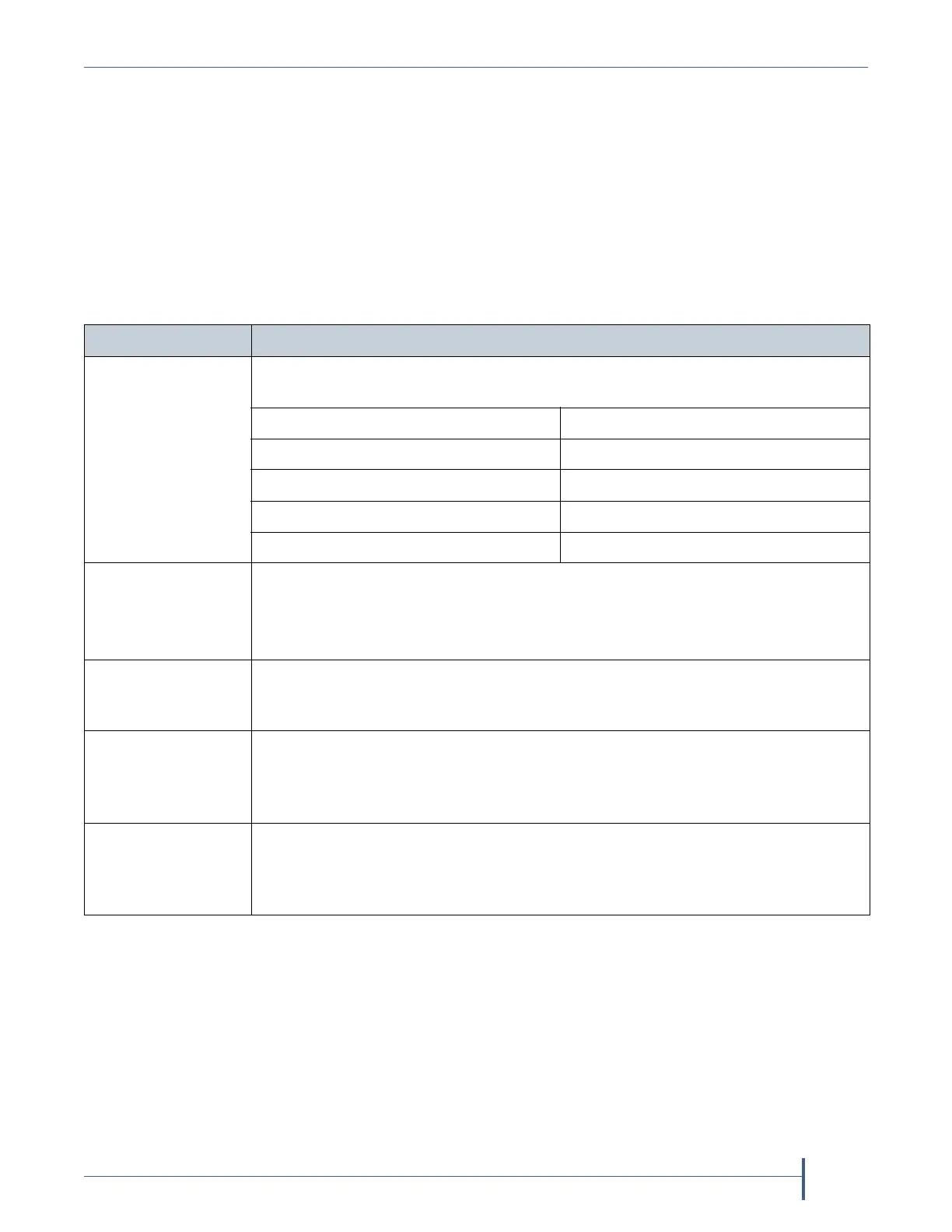
where:
Variable Definition
severity level Indicates the severity the library assigned to the message. This severity
corresponds to the syslog priorities as follows:
This library system message severity... Corresponds to this Syslog priority...
Informational 6 (Informational)
Warning 4 (Warning)
Error 3 (Error)
Fatal Error 2 (Critical)
library name The name of the library, if configured. If the library name is not configured, this
value is set to “UnknownLibrary.”
Refer to Library Name on page 106 for information about setting the library
name.
PP Indicates the ID number of the process that was being performed by the
library’s BlueScale software when the system message was posted. This ID
number is for internal use only.
message number Indicates the order in which the Syslog server received the messages. The
counter increments each time a message is received, beginning at zero. The
counter can be used to determine whether all messages are arriving at the
Syslog server.
message text Shows the actual message posted by the library. Each system message posted by
the library generates two Syslog messages; one for the message text and one for
the remedy text. The two messages have the same message number, which is
included at the beginning of the message.



 To Next Page