Chapter 8 — Using the Cartridge Inventory Moving Cartridges Within a Partition
December 2019 User Guide—Spectra T200, T380, and T680 Libraries
263
7. Select the desired option for uploading the move queue file.
8. Click the button that describes how you want the file processed.
If you selected the USB option, the library retrieves the move file
from the USB device.
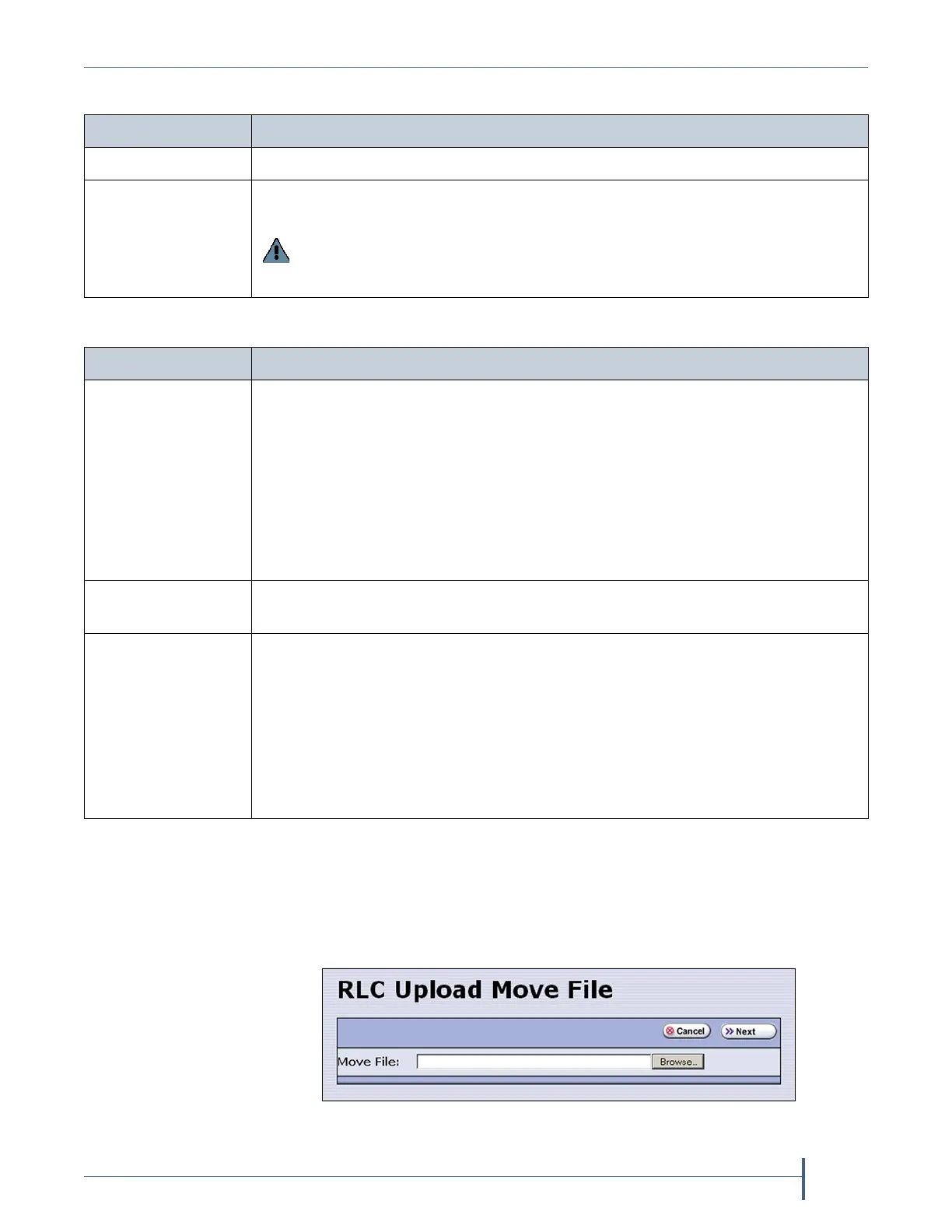
If you selected the Remote option, the RLC Upload Files screen
displays. Use your web browser’s upload feature to find the file, and
then click Next.
Select... To...
Remote Upload the move queue file using the BlueScale web interface.
USB Upload the move queue file from a USB device connected to the LCM or
operator panel.
Important: The move queue file must be named MoveQueue.txt. The
library does not recognize any other file name. The file must be stored in the
root of the USB device.
Click... To...
Upload to Move
Queue
Upload the file to the library. Once uploaded, you can view the parsed move
queue file in the Move Queue list on the Inventory screen to review the
uploaded moves. After reviewing the Move Queue, choose one of the
following:
Click Start Moves to begin processing the moves in the order that they are
listed in the queue. The front panel is locked while the library processes the
moves.
Click Start in Background to begin processing the moves without locking the
front panel.
Upload and Start
Moves
Upload the file to the library and begin the moves immediately. No other
operations can be started until the moves complete.
Upload and Start in
Background
Upload the file and start the moves in the background. The front panel or RLC
is available for some operations.
Notes:
The library posts informational messages after every 10 moves in the move
queue and when the all moves complete.
You are not able to edit the partition, import or export cartridges into the
partition, or create another move queue for the partition while background
moves are in progress.
Figure 155 Locate the move queue file and select it (Internet
Explorer shown).



 To Next Page