Chapter 11 — Configuring and Using AutoSupport Configuring AutoSupport
December 2019 User Guide—Spectra T200, T380, and T680 Libraries
327
Create or Modify a Profile
1. Click New Profile to create a new profile or click Edit Profile to modify
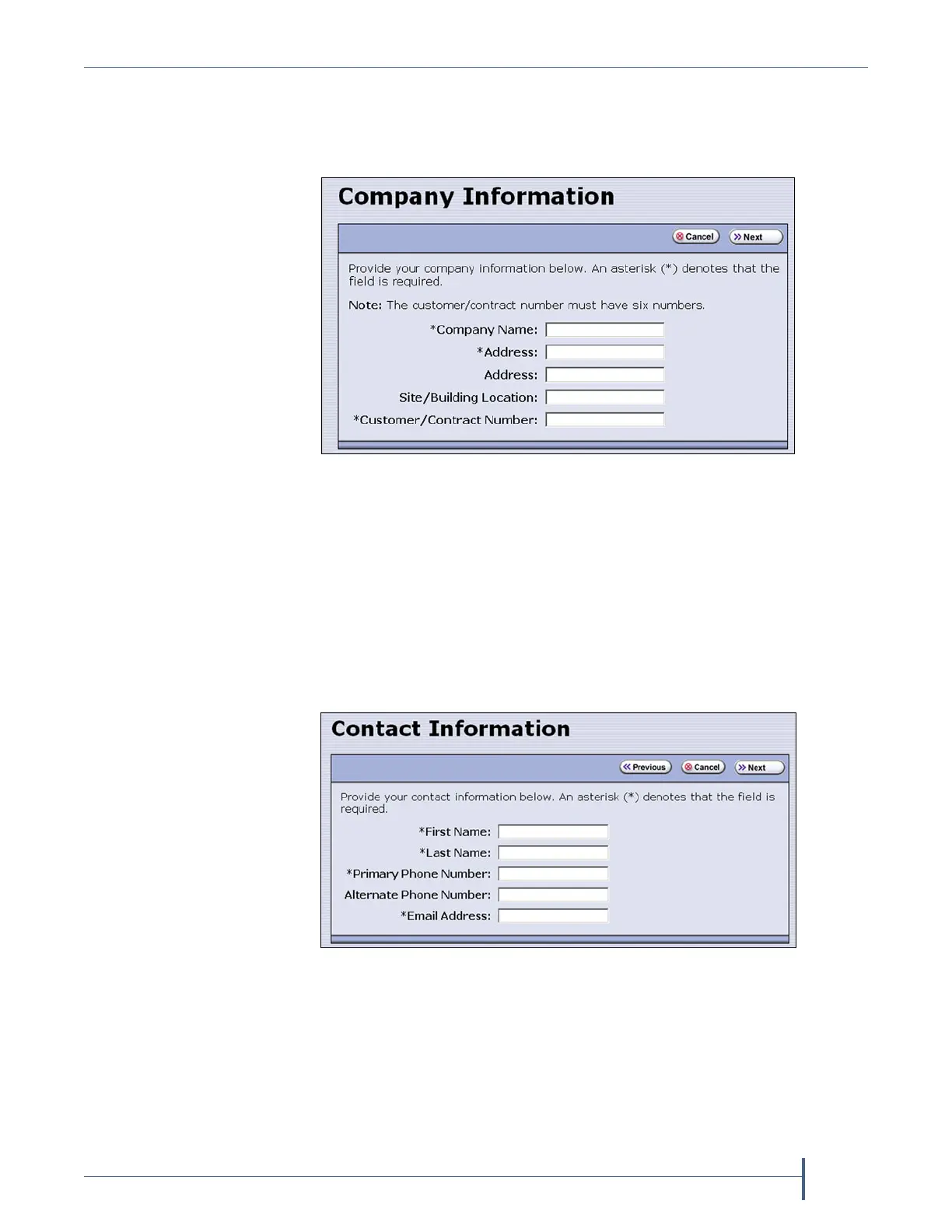
an existing profile. The Company Information screen displays.
Complete the information in this screen. The information marked
with an asterisk (*) is required.
Note: Make sure to fill in all of the required fields in each of the
following screens. You cannot advance to the next screen if
required information is missing.
The Customer/Contract Number is no longer used. Enter any six
alpha-numeric characters.
2. Click Next. The Contact Information screen displays.
3. Enter the information for your contact person in the fields provided.
This information determines how Spectra Logic contacts this person.
Figure 190 Enter required information for your company.
Figure 191 Enter the required information for the contact
person.



 To Next Page