Chapter 12 — Library Troubleshooting Discovering and Setting the BlueScale Vision Camera IP Address
December 2019 User Guide—Spectra T200, T380, and T680 Libraries
369
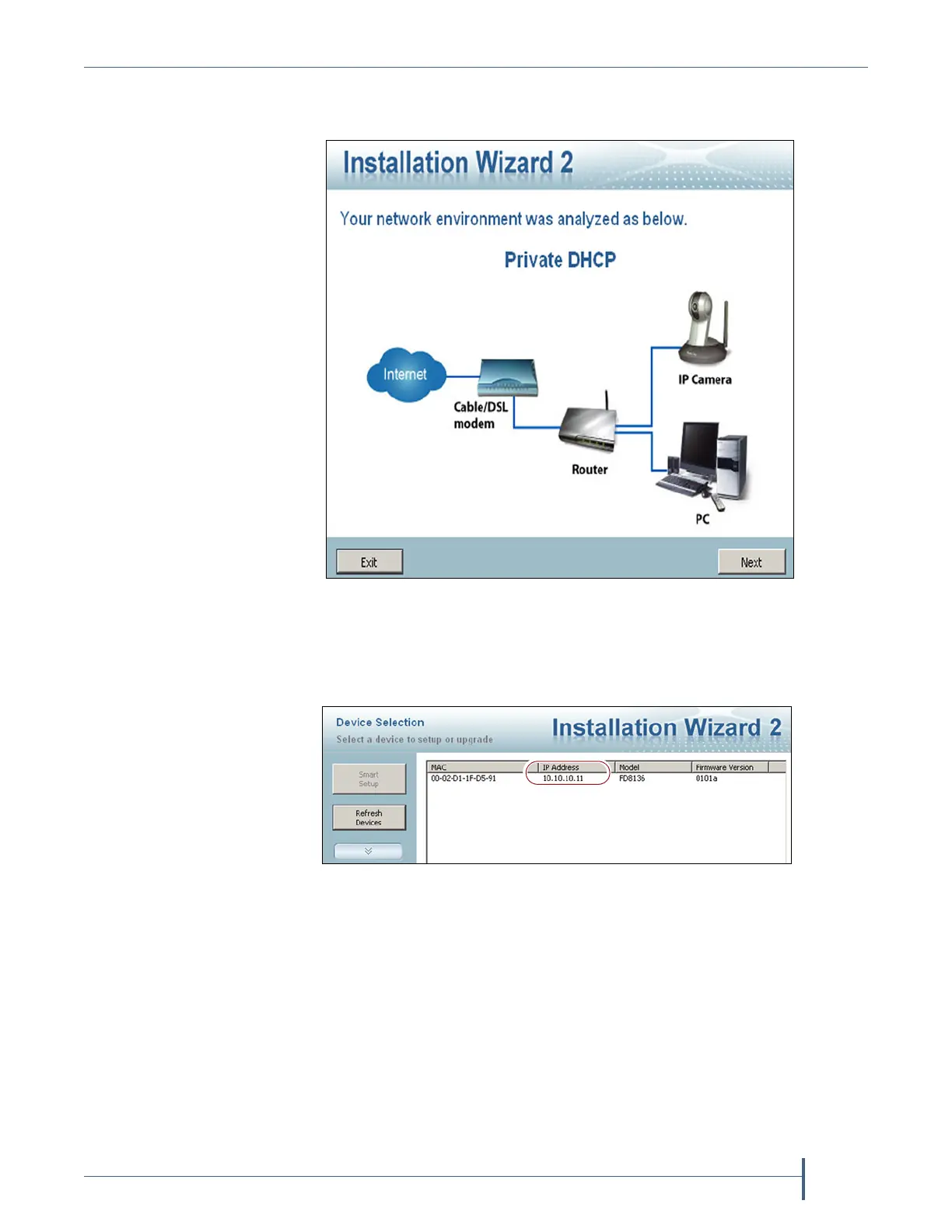
3. When the discovery completes, a graphic of the detected setup, similar
to Figure 223, displays. Click Next.
4. The installation wizard displays information, such as the MAC address
and IP address, for the cameras detected. Click the row for the camera
that you want to configure.
5. The camera software should open in your default browser. If it does
not, open a browser window and type the IP address shown.
Notes: The software for the black camera requires ActiveX to view
the streaming video and controls. You must use Internet
Explorer or see Streaming video and camera controls do not
work for the library camera on page 349 for alternate
solutions.
If this is the first time the program is run on the computer an
add-on needs to be installed
Figure 223 Sample detected network.
Figure 224 The camera IP address shown in the Network
Camera Installation Wizard 2.



 To Next Page