Chapter 15 — Maintaining the Drives Updating Drive Firmware
December 2019 User Guide—Spectra T200, T380, and T680 Libraries
485
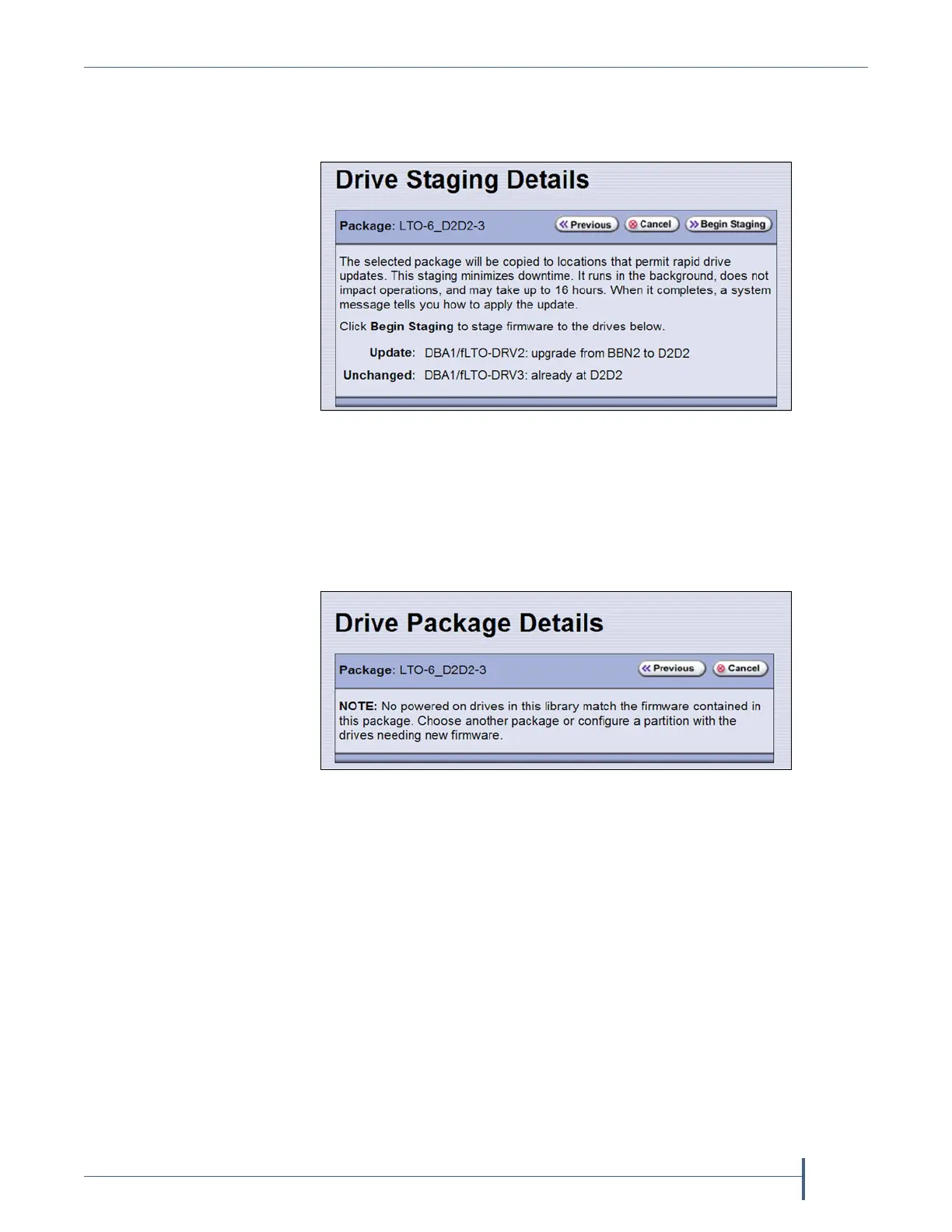
9. On the Drive Staging Details screen, each drive displays either in the
Update or Unchanged section, depending on whether the drive firmware
in the update package is different from the drive’s current firmware.
Notes: Depending on the location of the file, there may be a few
minutes of delay before the information displays.
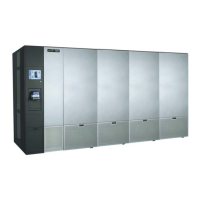
If no installed drives match the selected firmware, the Drive
Package Details screen displays, instead of the Drive Staging
Details screen.
Figure 299 The Drive Staging Details screen.
Figure 300 The Drive Package Details screen.


 To Next Page