Chapter 3 — Introducing the BlueScale User Interface Overview of the BlueScale User Interface
December 2019 User Guide—Spectra T200, T380, and T680 Libraries
84
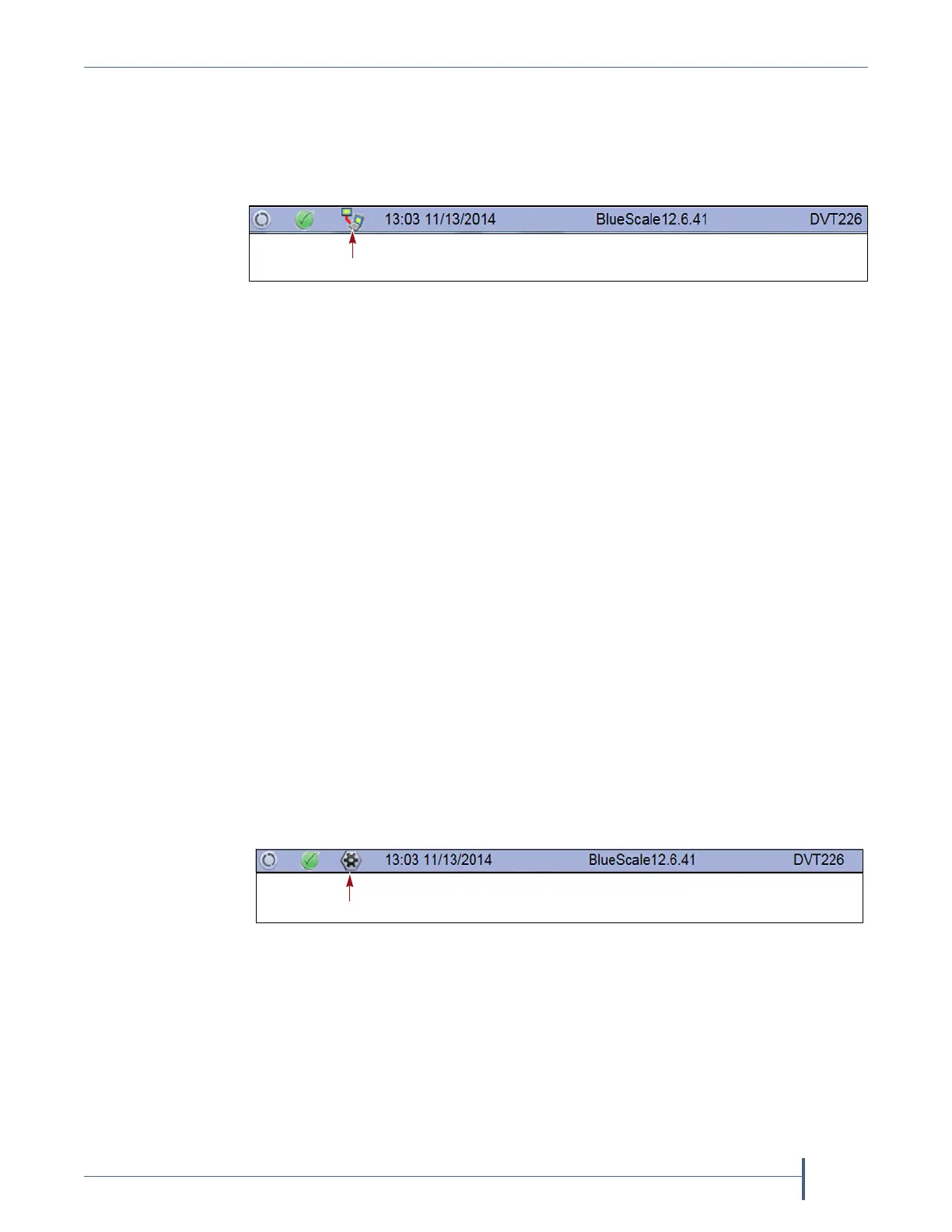
Remote Support Icon Provides you with online access to the support
section of the Spectra Logic website where you can search the Knowledge
Base, access the Product Documentation, and download BlueScale update
packages and drivers. If you need additional assistance, contact Spectra
Logic Technical Support (see Contacting Spectra Logic on page 7).
The remote support icon is also used to activate secure remote access
capabilities using Cisco WebEx technology. This remote access helps
Spectra Logic Technical Support provide faster resolution of support calls.
This capability is only enabled on an as-needed basis during a support call.
Notes: The remote support icon is only visible when you are
accessing the library through the BlueScale web interface.
When Spectra Logic Technical Support needs to launch a
WebEx session to access your library, they send you a link via
email.
HHM Icon When the library or one of its components reaches its
maintenance threshold, the Hardware Health Monitor (HHM) notification
icon appears on the status bar. As with the system message icon, the color
of the icon indicates the urgency of the notification.
You can click the icon to view information about the notification and send
a Hardware Health Monitor ticket to a contact person within your
organization or to Spectra Logic Technical Support. They can then review
the logs and determine if any maintenance tasks are needed (see Using
BlueScale Hardware Health Monitoring on page 349).
Note: The HHM icon only displays if an HHM threshold is reached.
After any required tasks are complete, the threshold can be reset.
The HHM icon disappears until the next threshold is reached.
Figure 37 The Remote Support icon in the BlueScale status bar.
Figure 38 The HHM icon in the BlueScale status bar.



 To Next Page