Chapter 3 — Introducing the BlueScale User Interface Using the BlueScale User Interface
December 2019 User Guide—Spectra T200, T380, and T680 Libraries
88
After the library completes initialization of configured components, the
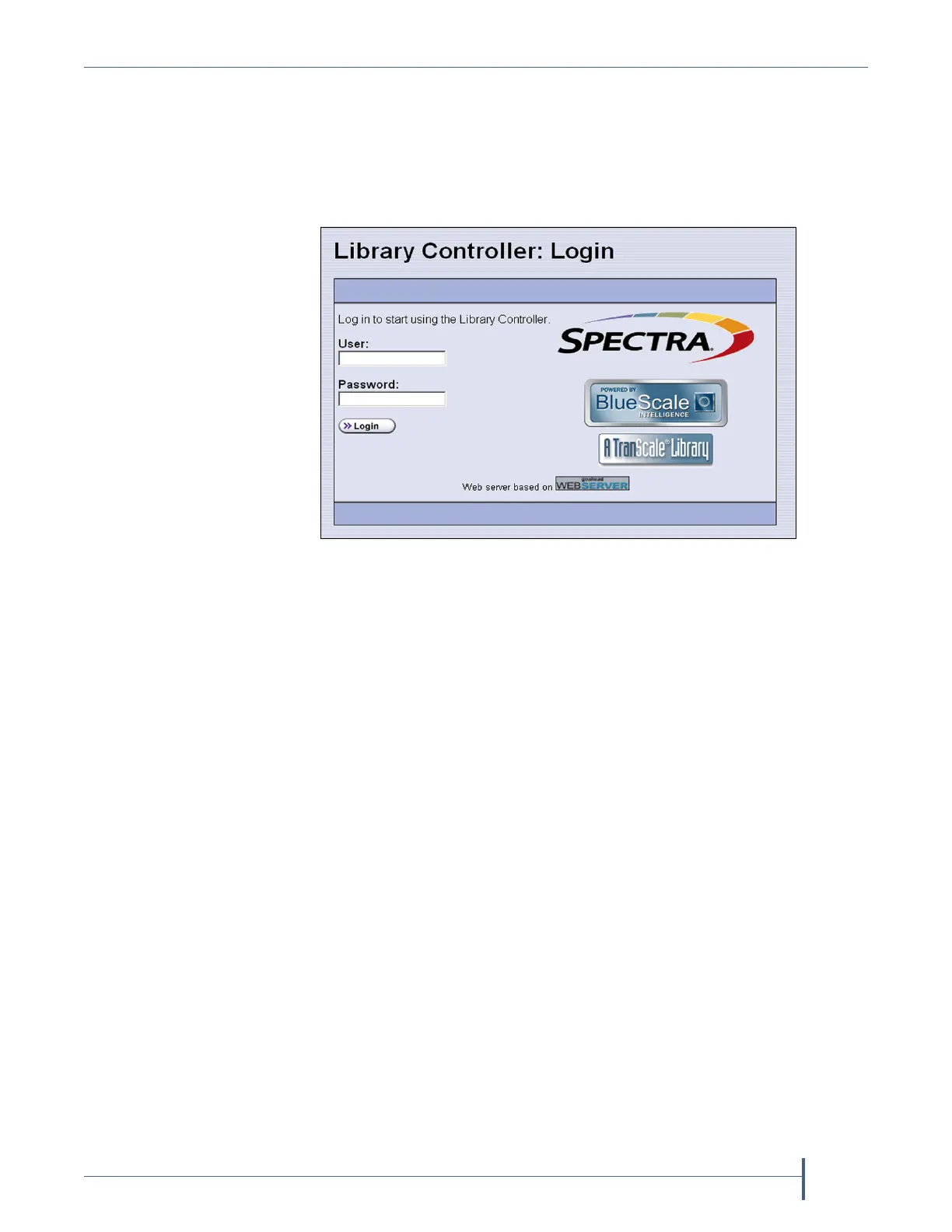
Library Controller: Login screen displays on the library operator panel.
This Login screen also displays when you access the library remotely using
the BlueScale web interface (RLC), as well as when you switch users or
when the library automatically logs out the current user if auto-logout is
enabled.
Figure 41 The Library Controller: Login screen.



 To Next Page