Certificate Configuration
Firebox Vclass User Guide 119
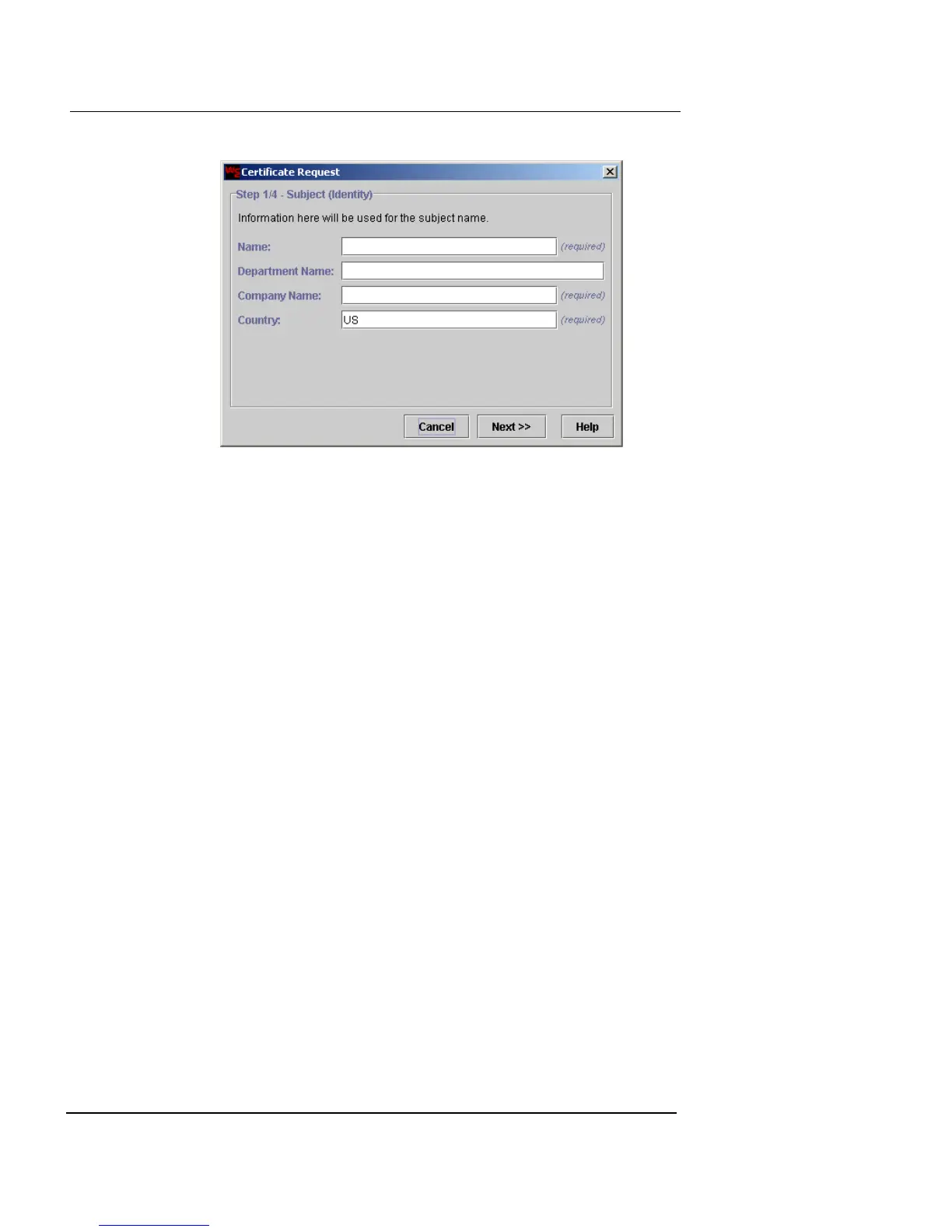
3 Type the following information:
Name
The name of the Firebox Vclass appliance. This is
the same as the system name configured in the
General settings. See “General Configuration” on
page 90.
Department Name
The group or department name that administers
this appliance. This field is optional.
Company Name
The requesting company name.
Country
The name of the country in which this appliance
and the certificate will be used.
4 Click Next.
The next certificate request dialog box appears, as shown in the
following figure.













 To Next Page