CHAPTER 6: System Configuration
120 Vcontroller
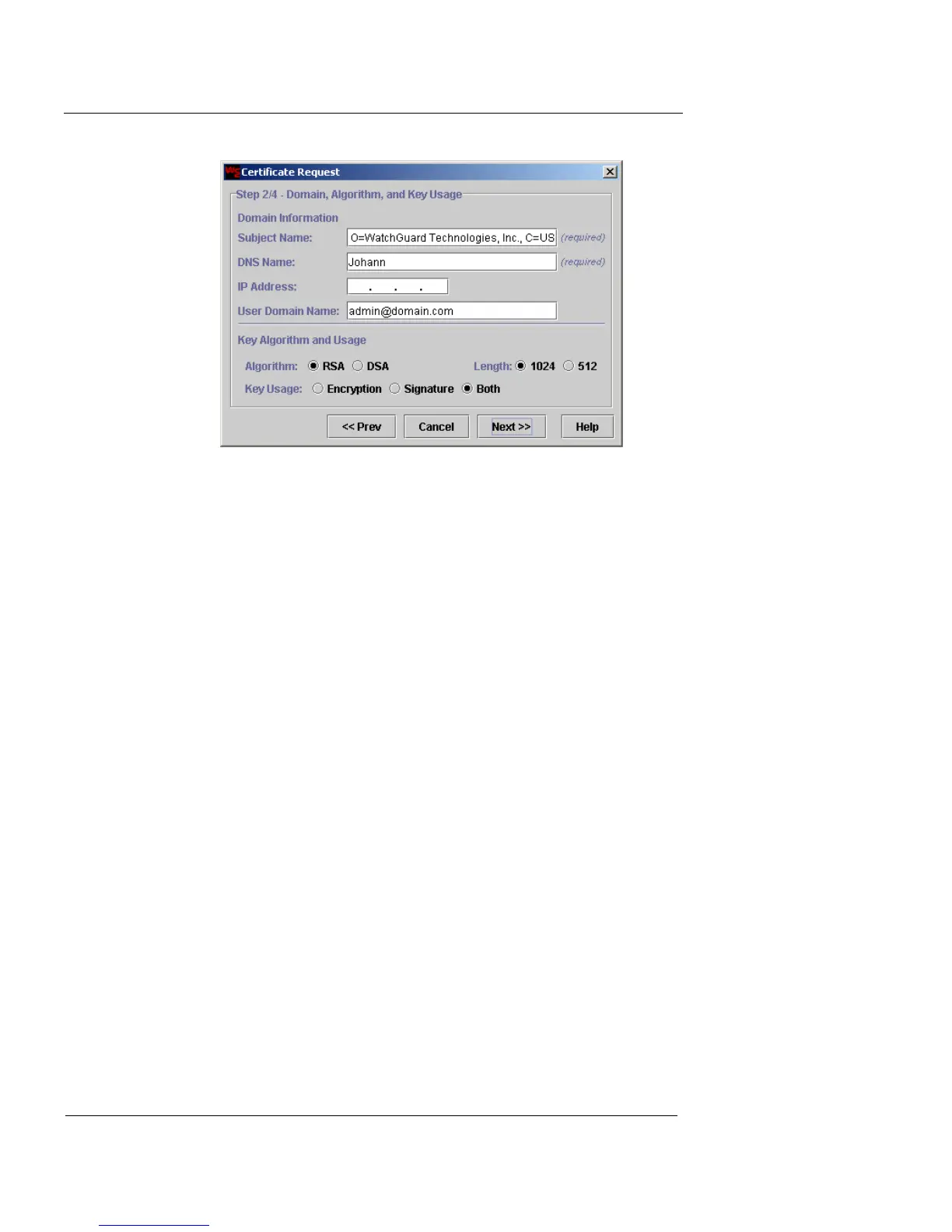
5 Fill in the following fields and then click Next.
Subject Name
This field is automatically updated with processed
data from your first step entries. You can make any
deletions or changes in this text field if you know
the proper formatting for all the elements.
DNS Name
Type the appliance name or domain name–for
example, “wg001.corporation.com”.
IP Address
Type the IP address of interface 0 (Public). This
step is optional.
User Domain Name
Type the user name of this appliance. This step is
optional.
Algorithm
Click the preferred option for this certificate.
Length
Click the preferred option.













 To Next Page