CHAPTER 8: About Security Policies
208 Vcontroller
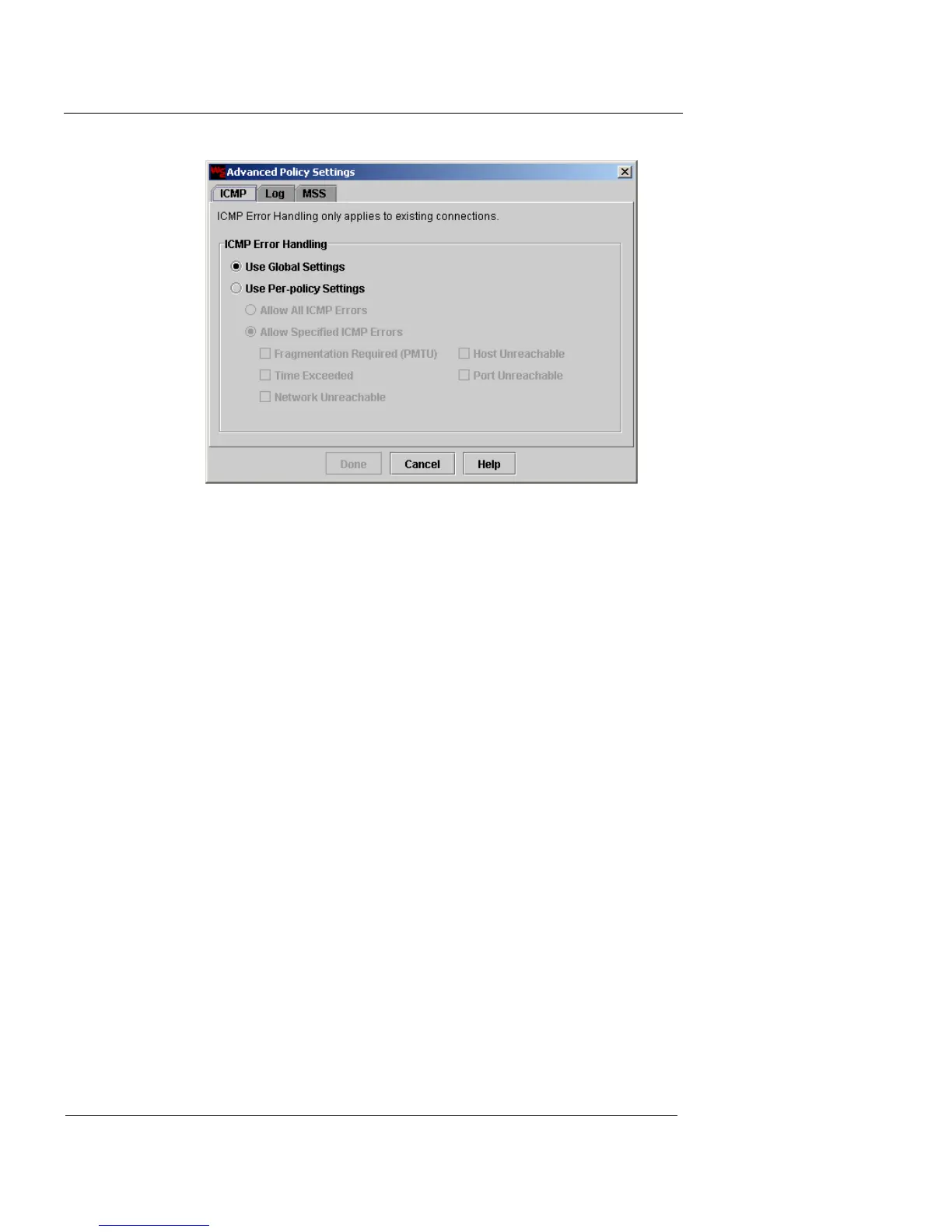
2 Click one of the following options:
Use Global Settings
Selecting this option enables the ICMP error
handling global policy settings configured using
the System Configuration button. For more
information, see “Advanced Configuration” on
page 129.
Use Per-Policy Settings
Selecting this option allows you to define ICMP
error handling parameters particularly for this
security policy, effectively overriding any global
settings you may have configured. Click one of the
following options: Allow All ICMP Errors or
Allow Specified ICMP Errors. Selecting the latter
allows you to define which ICMP error messages
will be allowed through the Firebox Vclass
appliance.
3 Click the Log tab.













 To Next Page