Using the Advanced Settings
Firebox Vclass User Guide 209
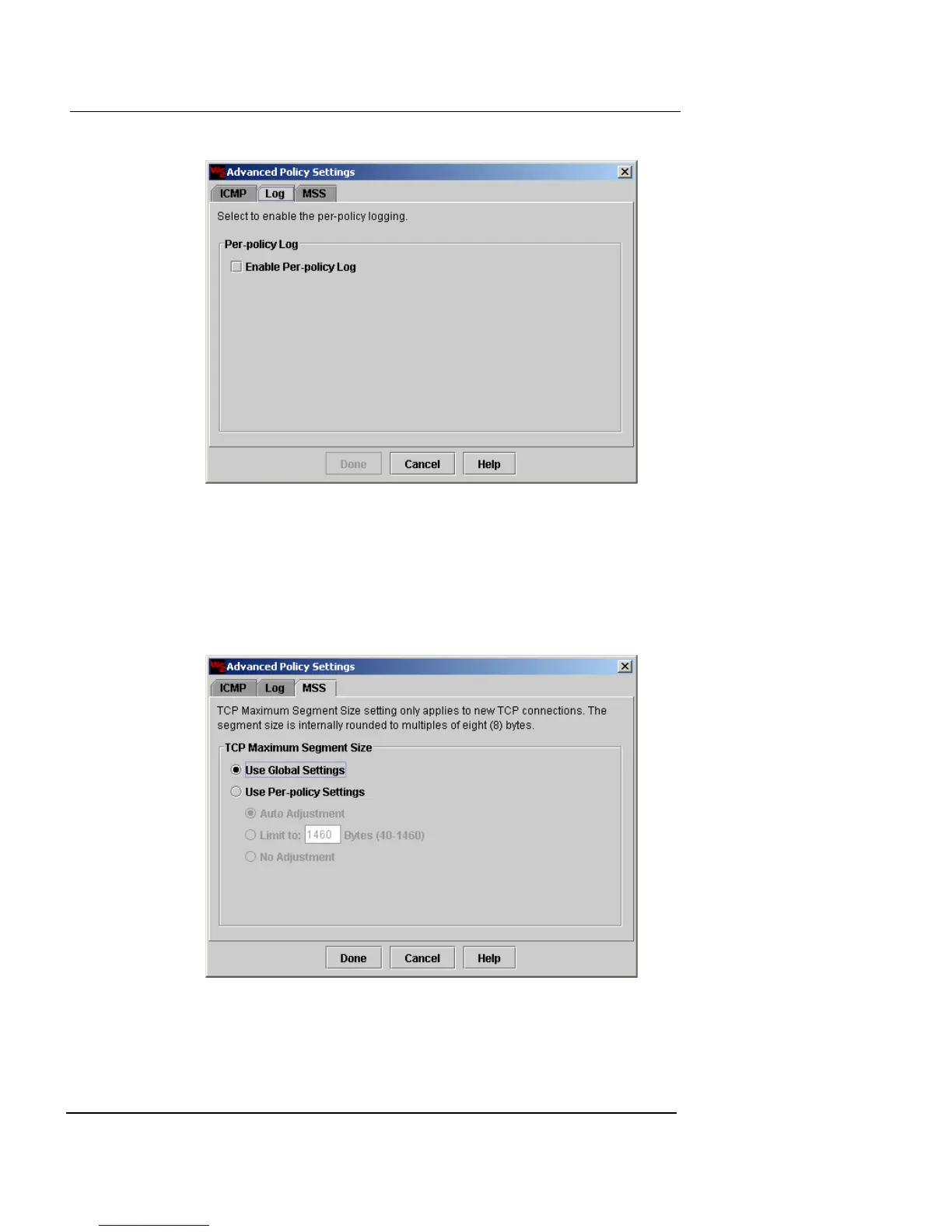
4 To enable the Firebox Vclass appliance to log for this
particular security policy, click Enable Per-policy Log.
The traffic log setting
must
also be enabled. For more
information on configuring logging, see “Log Settings” on
page 383.
5 Click the MSS tab.
6 To enable per-Policy TCP MSS (Maximum Segment
Size), click Use Per-policy Settings.













 To Next Page