Responding to an Alarm Notification
Firebox Vclass User Guide 361
give administrators instant notice of a new alarm condi-
tion.
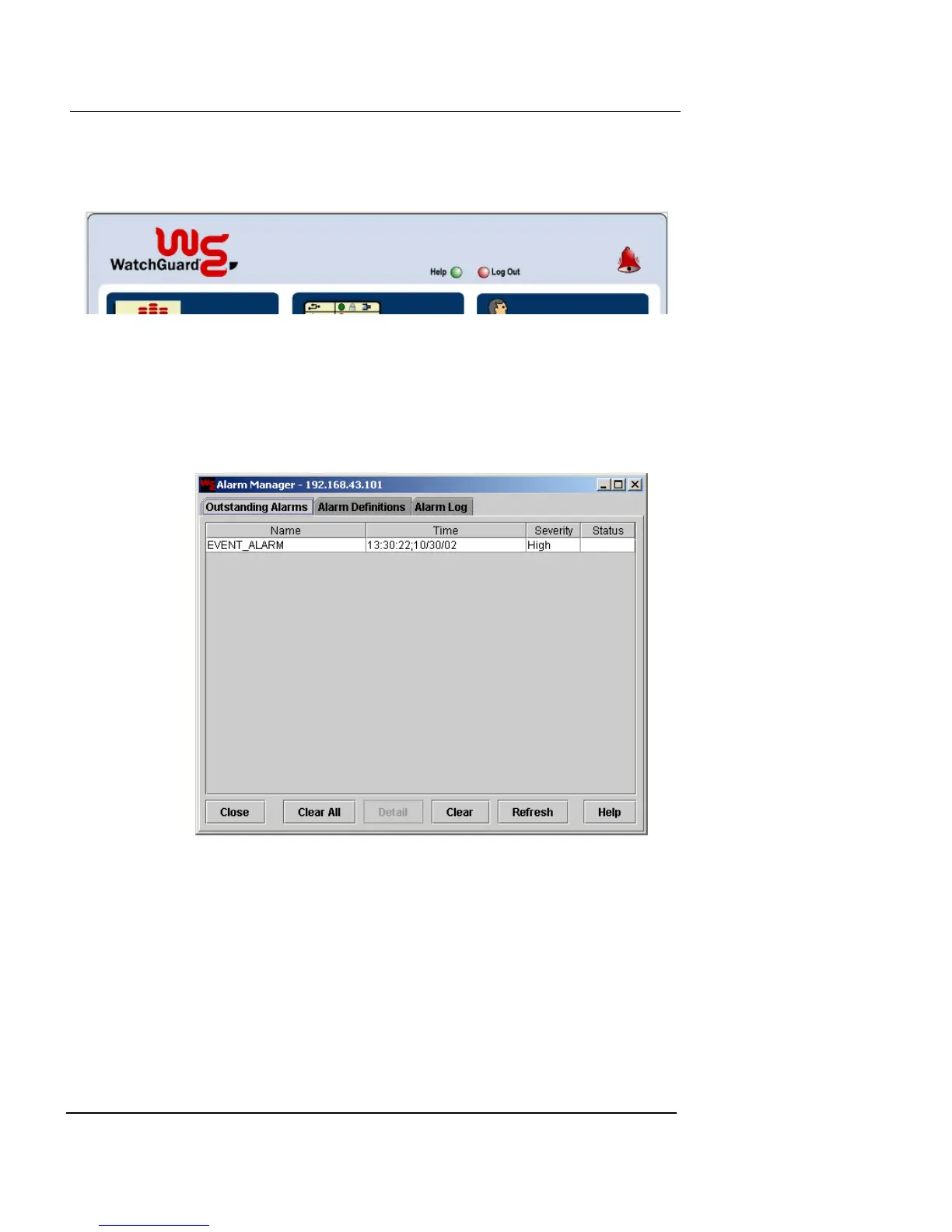
To view outstanding alarms:
1 From the Vcontroller main page, click the animated
alarm bell or click the Alarm button.
The Alarm Manager window appears, listing the current alarms
at the Outstanding Alarms tab.
2 Review the list of alarm notices. To view more
information about a specific alarm notice, double-click
the notice or select the notice and click Detail.
The Alarm Details dialog box appears.













 To Next Page