CHAPTER 13: Using Alarm Manager
362 Vcontroller
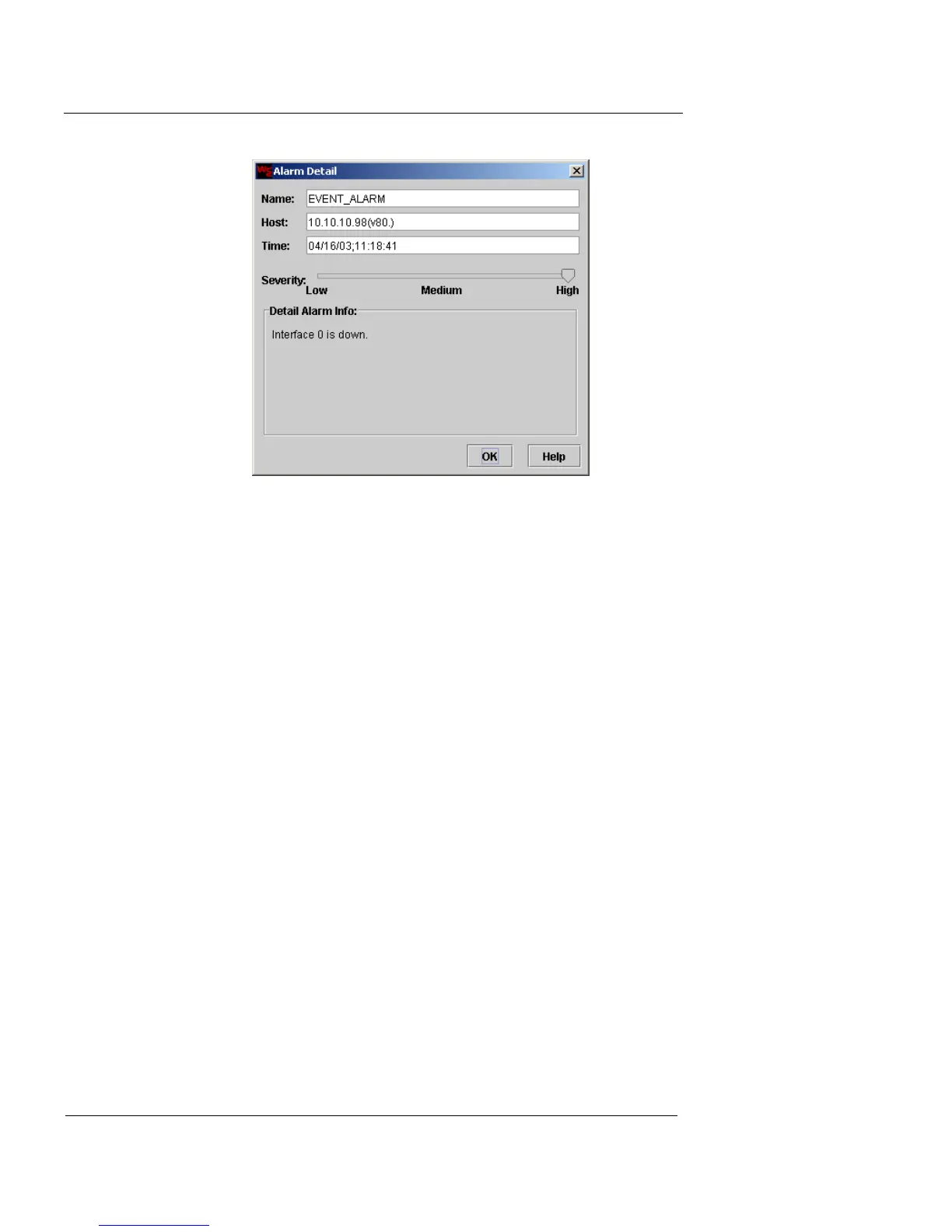
3 Review the information displayed.
4 Click OK to close the Alarm Detail dialog box.
5 To clear an outstanding alarm, select the alarm notice
and click Clear. To clear all outstanding alarms, click
Clear All.
The Alarm Manager removes the alarm notice from the
Outstanding Alarms tab.













 To Next Page