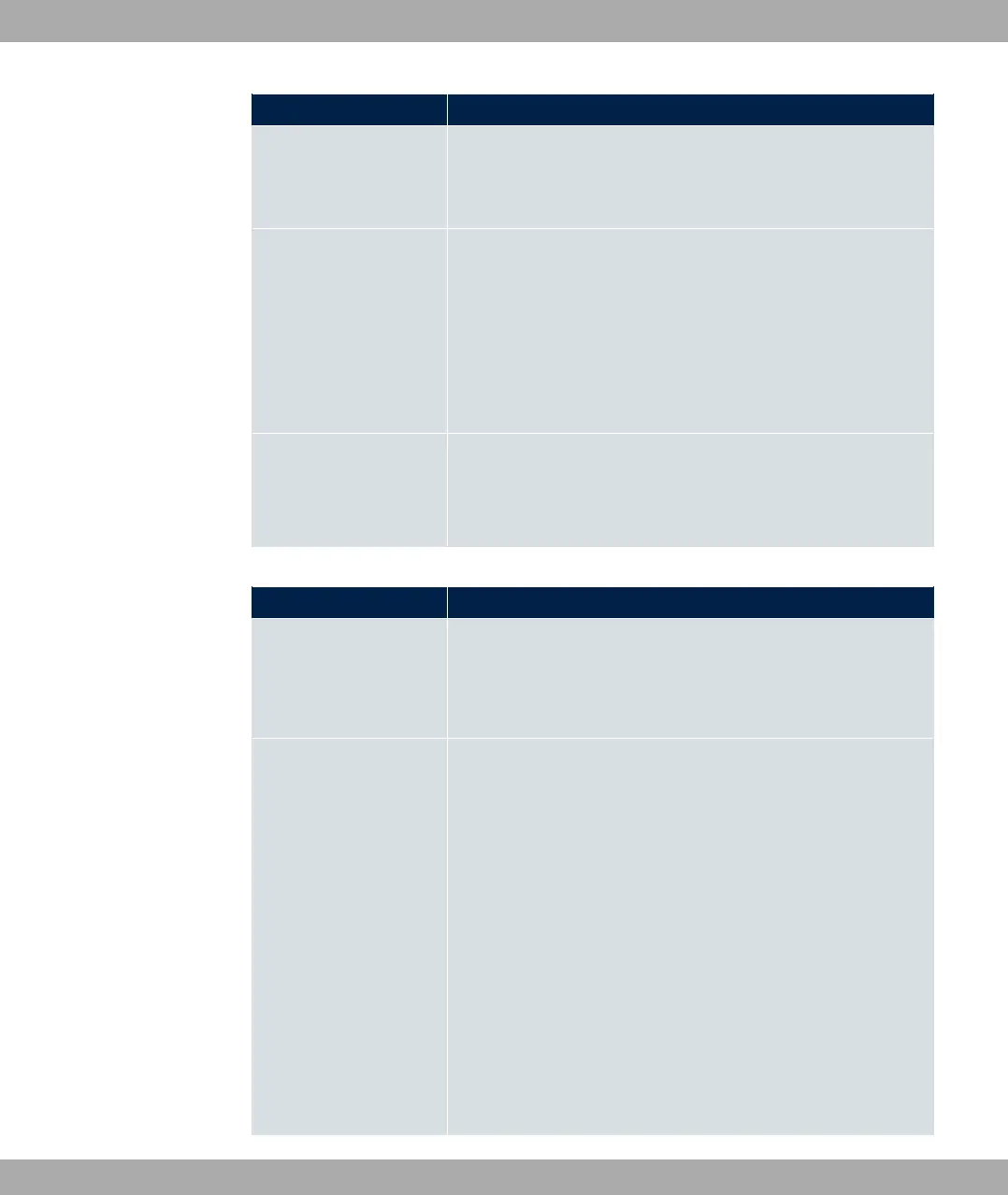
Field Description
ted zone.
You can configure exceptions for the selected setting in the
Firewall on page 415 menu.
Address Mode Select how an IP address is assigned to the interface.
Possible values:
• % (default value): The interface is assigned a static IP
address in IP Address / Netmask.
• 5@6: An IP address is assigned to the interface dynamically
via DHCP.
IP Address / Netmask Only for Address Mode = %
With Add, add a new address entry, enter the IP Address and
the corresponding Netmask of the virtual interface.
Fields in the Basic IPv6 Parameters menu.
Field Description
IPv6
Select whether this interface should use Internet Protocol ver-
sion 6 (IPv6) for data transmission.
The function is activated by selecting "1 .
The function is disabled by default.
Security Policy Only for IPv6 = "1
Select the security settings to be used with the interface.
Possible values:
• * (default value): All IP packets are allowed through
except for those which are explicitly prohibited.
We recommend you use this setting if you want to use IPv6
on your LAN.
• .: Only those packets are transmitted that can be
attributed to a connection that has been initiated from a trus-
ted zone.
We recommend you use this setting if you want to use IPv6
outside of your LAN.
7 LAN bintec elmeg GmbH
138 bintec RS Series



 To Next Page