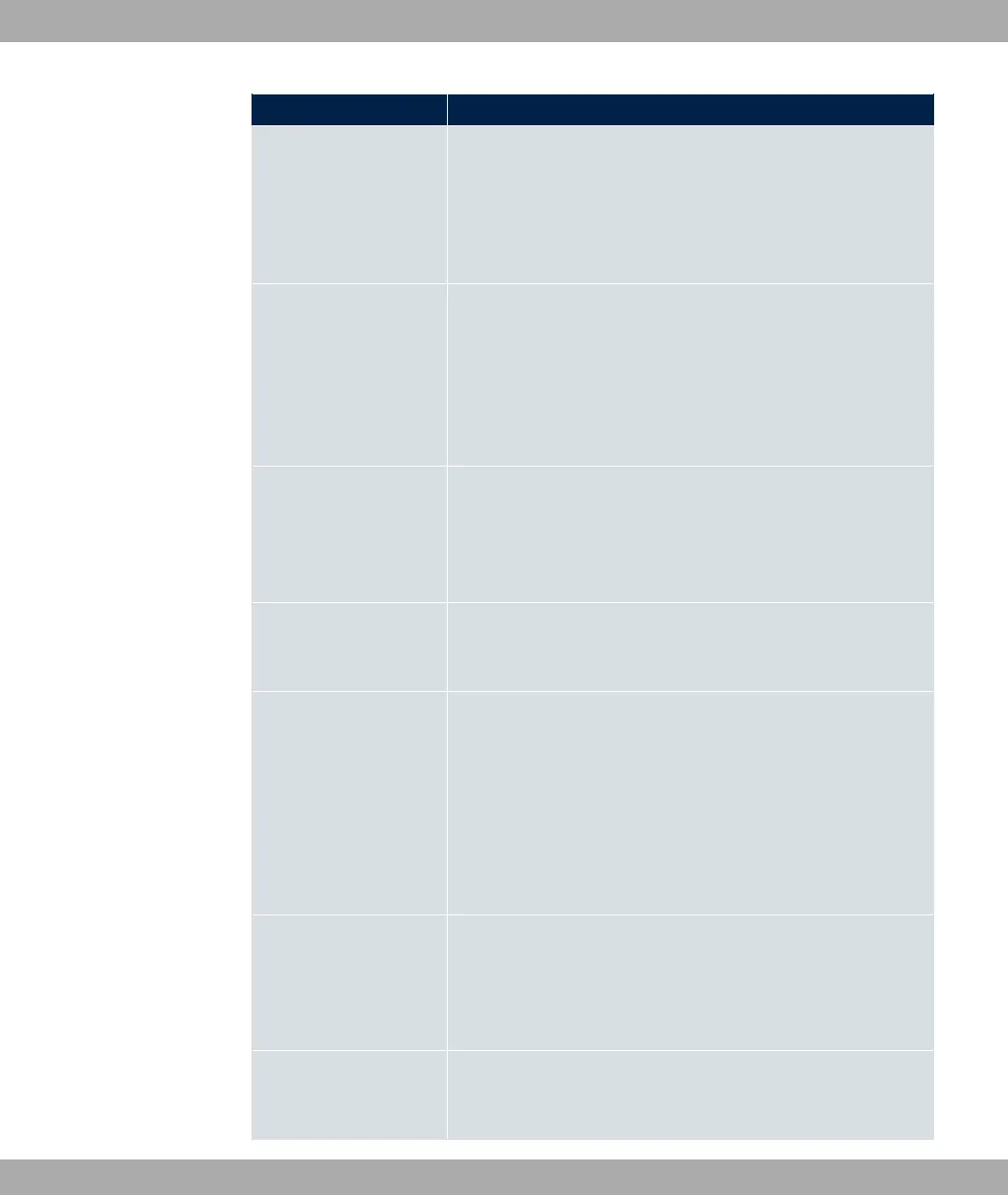
Field Description
Select the GEO Zone Status.
Possible values:
• *: The current position lies within the defined zone.
• <1: The current position lies outside the defined zone.
Monitored Variable
Only for Event Type ':/)'
Select the MIB variable whose defined value is to be configured
as initiator. First, select the System in which the MIB variable is
saved, then the MIB Table and finally the MIB Variable itself.
Only the MIB tables and MIB variables present in the respective
area are displayed.
Compare Condition
Only for Event Type ':/)'
Select whether the MIB variable (default value),
;1, 0, ) ;1, must have the value given in 6
+ E1 or must lie within A# to initiate the operation.
Compare Value
Only for Event Type ':/)'
Enter the value of the MIB variable.
Index Variables
Only for Event Type ':/)'
Where required, select MIB variables to uniquely identify a spe-
cific data set in the MIB Table, e.g. 6$?. The unique
identification of a particular table entry is derived from the com-
bination of Index Variable (usually an index variable which is
flagged with *) and Index Value.
Use Index Variables to create more entries with Add.
Monitored Interface
Only for Event Type $% and $%
*$$%
Select the interface whose defined status shall trigger an opera-
tion.
Interface Status
Only for Event Type $%
Select the status that the interface must have in order to initiate
bintec elmeg GmbH
17 Local Services
bintec RS Series 487



 To Next Page