0ALJ-027
Basic Copy Operations
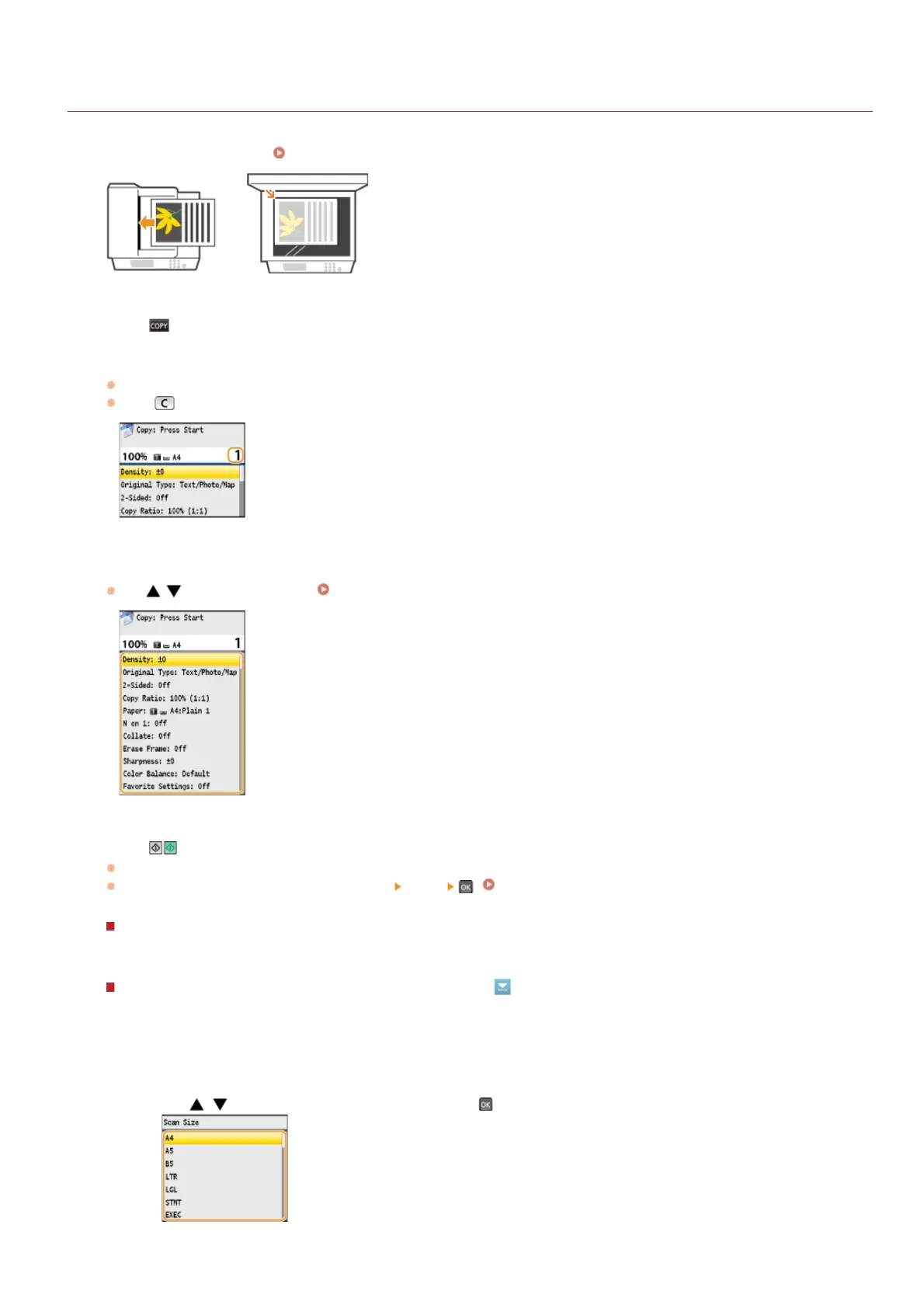
Place the document(s). Placing Documents
Press .
Enter the number of copies using the numeric keys.
Enter a quantity from 1 to 99.
Press
to cancel the entered quantity.
Specify the copy settings as necessary.
Use / to select the settings. Various Copy Settings
Press .
Copying starts.
If you want to cancel copying, press <Cancel>
<Yes> . Canceling Copies
When placing documents in the feeder in step 1
The document is automatically scanned.
When placing documents on the platen glass in step 1
Depending on the copy settings you made, the screen for selecting the document size and paper source is displayed when
copying multiple documents. Follow the procedure below.
1
Use / to select the document size, and press .
1
2
3
4
5
㻝㻜㻥㻌㻛㻌㻢㻣㻢











 To Next Page