0AWU-010
1
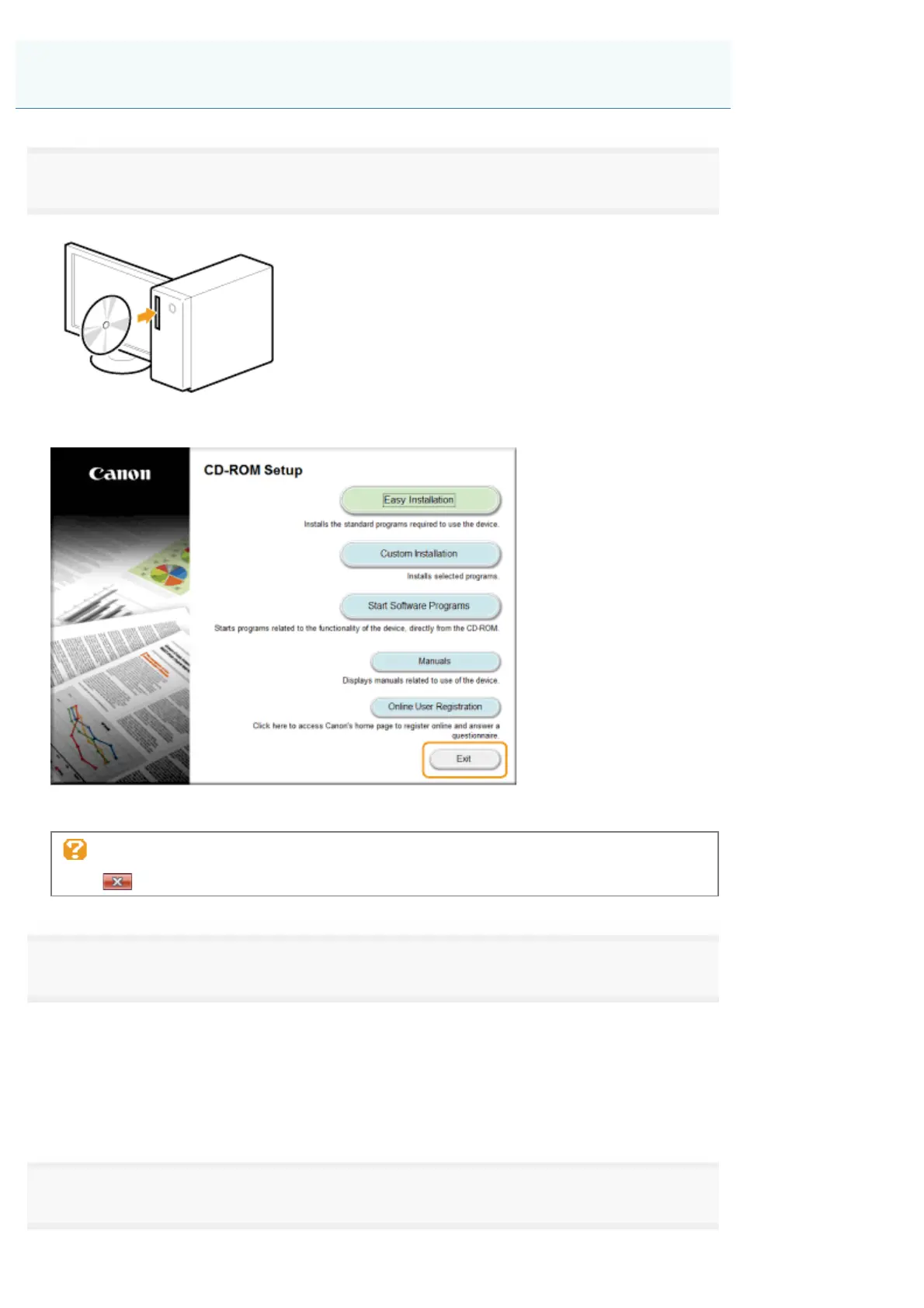
Insert the User Software CD-ROM.
When the following screen appears, click [Exit].
The options to be displayed differ depending on your country or region.
If [AutoPlay] is displayed:
click [
] to close the dialog box.
2
Open the folder that contains the uninstaller on the CD-ROM.
For 32-bit:
\DRIVERS\us_eng\32bit\misc\
For 64-bit:
\DRIVERS\us_eng\x64\misc\
3
Double-click [DelDrv.exe].
Uninstalling the Drivers for the WSD Device (For Windows)
㻡㻤㻌㻛㻌㻣㻠











 To Next Page