0AWU-009
Check if the MF drivers, MF Toolbox, and e-Manual are installed correctly.
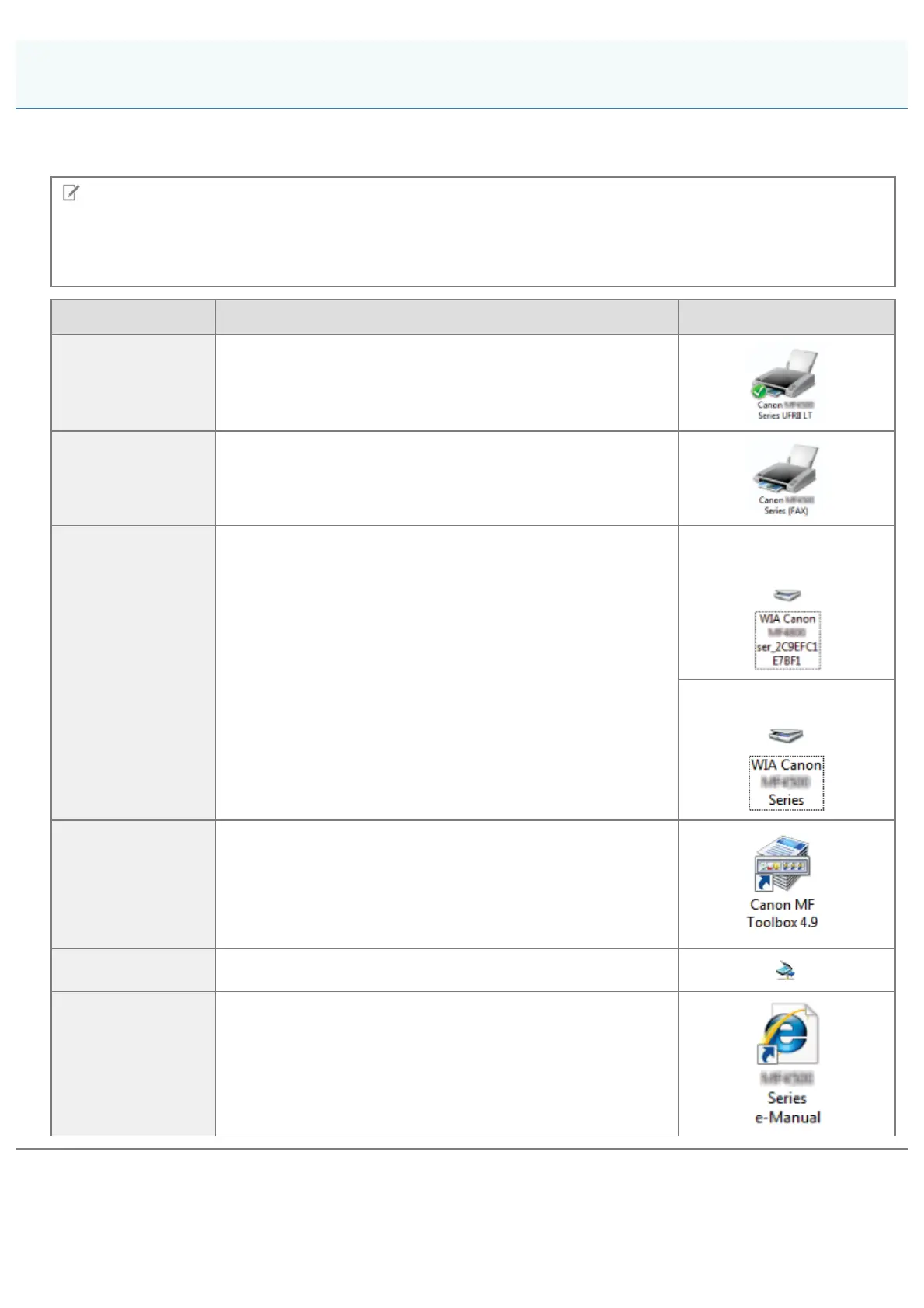
Check if the following icons are displayed for the installed applications.
NOTE
About Icons That Are Displayed:
Icons for each driver may be displayed separately or only representative icon may be displayed depending on the
operating system.
Software Location Icon
Printer driver [Printers and Faxes], [Printers], or [Devices and Printers] folder
Fax driver [Printers and Faxes], [Printers], or [Devices and Printers] folder
Scanner driver
[Scanners and Cameras] or [Scanners and Cameras Properties]
folder
For network
connection
For USB connection
MF Toolbox Desktop
Network Scan Utility Taskbar
e-Manual Desktop
Checking the Installation Results (For Windows)
㻟㻟㻌㻛㻌㻣㻠











 To Next Page