0ALJ-02H
Adjusting Color Balance
Adjust the levels of yellow, magenta, cyan, or black.
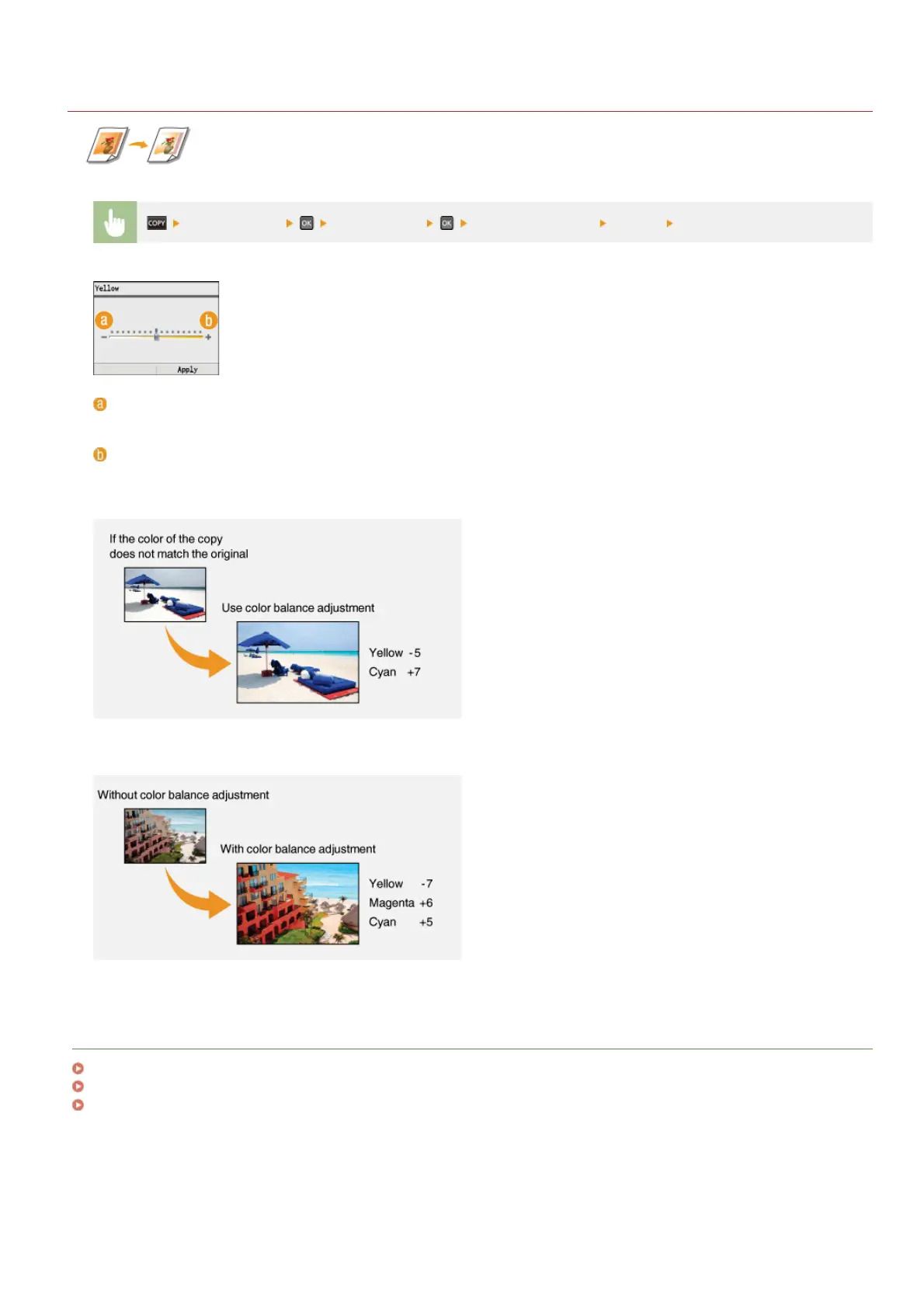
<Color Balance> Select the color Adjust the color level <Apply> <Apply>
<–>
Makes the selected color lighter.
<+>
Makes the selected color darker.
Example: If you want to make a copy with colors that more closely match the original
Example: If you want to make a copy with brighter colors than the original
LINKS
Basic Copy Operations
Adjusting Density
Adjusting Sharpness
㻝㻝㻥㻌㻛㻌㻢㻣㻢











 To Next Page