0ALJ-00H
Connecting to a Computer
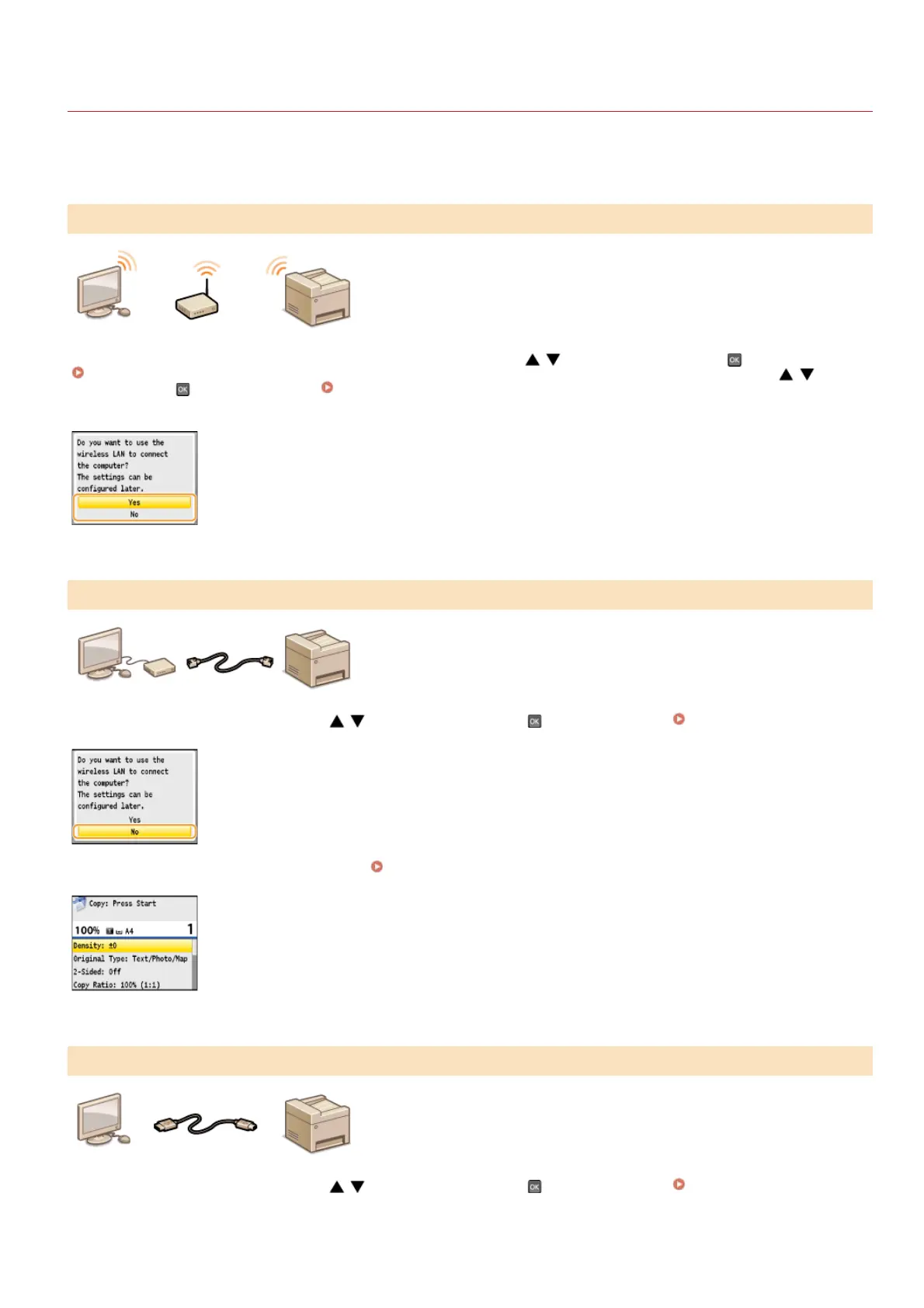
When connecting the machine to a computer, you can select whether to connect via wireless LAN, wired LAN, or USB. Select the
connection method that best suits your environment and devices.
A LAN cable is not required because wireless communications (radio waves) are
used to connect the machine and the router.
If you want to connect the machine to a computer via wireless LAN now, use
/ to select <Yes>, and press , and then proceed to
Connecting via Wireless LAN (MF8580Cdw / MF8280Cw Only). If you want to connect via wireless LAN later, use / to select
<No>, and press
, and then proceed to Configuring Initial Settings for Fax Functions (MF8580Cdw / MF8550Cdn /
MF8280Cw Only) to configure the fax settings.
Use a LAN cable to connect the machine to the router.
If the screen shown below is displayed, use
/ to select <No>, and press , and then proceed to Connecting via Wired LAN.
If the screen shown below is displayed, proceed to Connecting via Wired LAN.
The machine and computer are connected via a USB cable.
If the screen shown below is displayed, use
/ to select <No>, and press , and then proceed to Connecting via USB.
Connecting via Wireless LAN (MF8580Cdw / MF8280Cw Only)
Connecting via Wired LAN
Connecting via USB
㻟㻢㻌㻛㻌㻢㻣㻢











 To Next Page