0ALJ-09U
Disabling Use of Previously Used Destinations
You can disable selecting previously used destinations and settings from the transmission records for faxing or for scanning to e-mail or a
shared folder.
Press .
Use / to select <System Management Settings>, and press .
If the logon screen appears, enter the correct ID and PIN using the numeric keys, and then press . Logging on to the
Machine
Select <Restrict TX Function> <Restrict Resending from Log>.
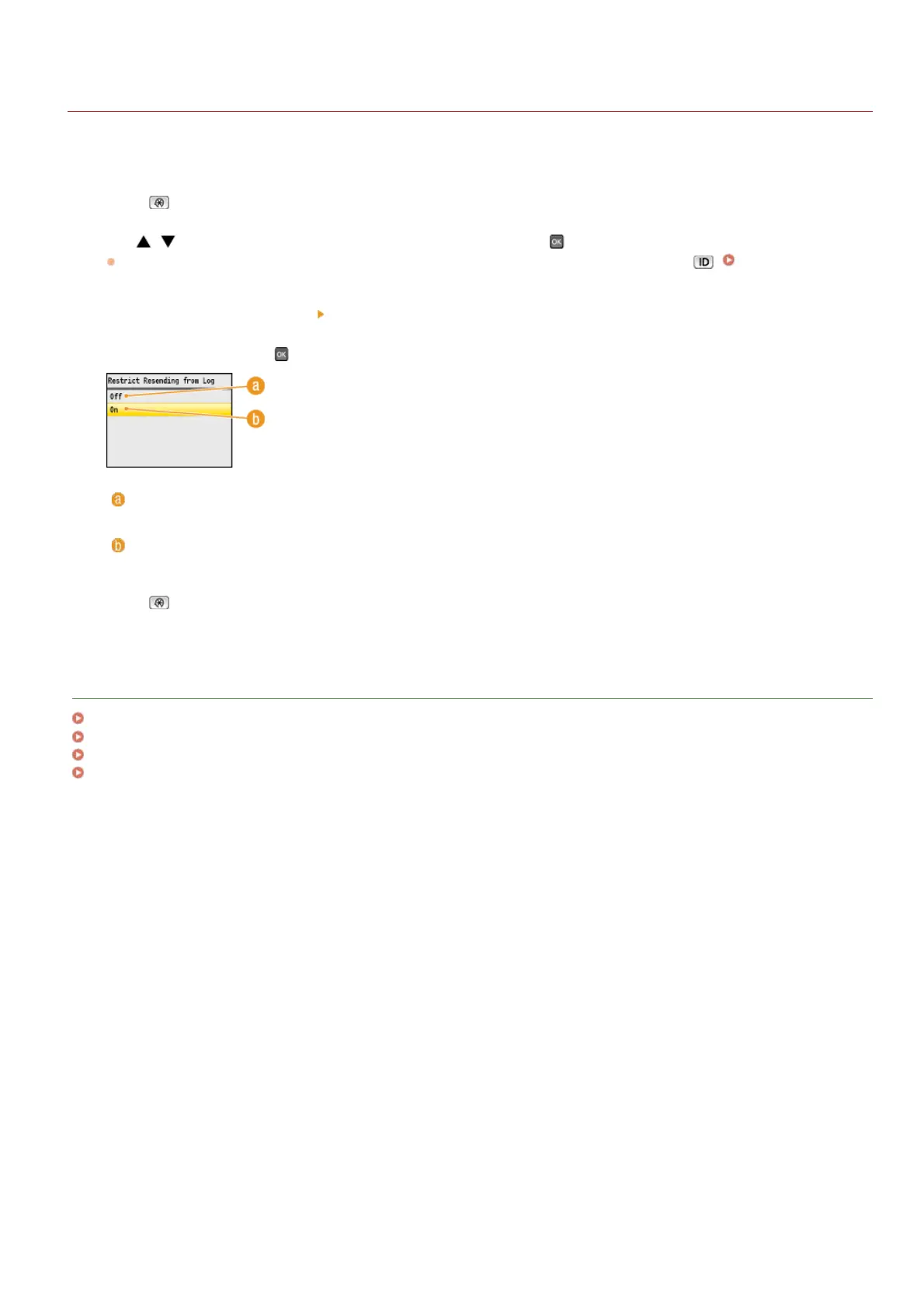
Select <On>, and press .
<Off>
Enables use of previously used destinations.
<On>
Disables use of previously used destinations.
Press .
LINKS
Limiting Available Destinations
Prohibiting Sequential Broadcasting (MF8580Cdw / MF8550Cdn / MF8280Cw Only)
Specifying Previously Used Destinations (Fax)
Specifying Previously Used Destinations
1
2
3
4
5
㻠㻞㻞㻌㻛㻌㻢㻣㻢











 To Next Page