0ALJ-0F1
Viewing the Counter Value
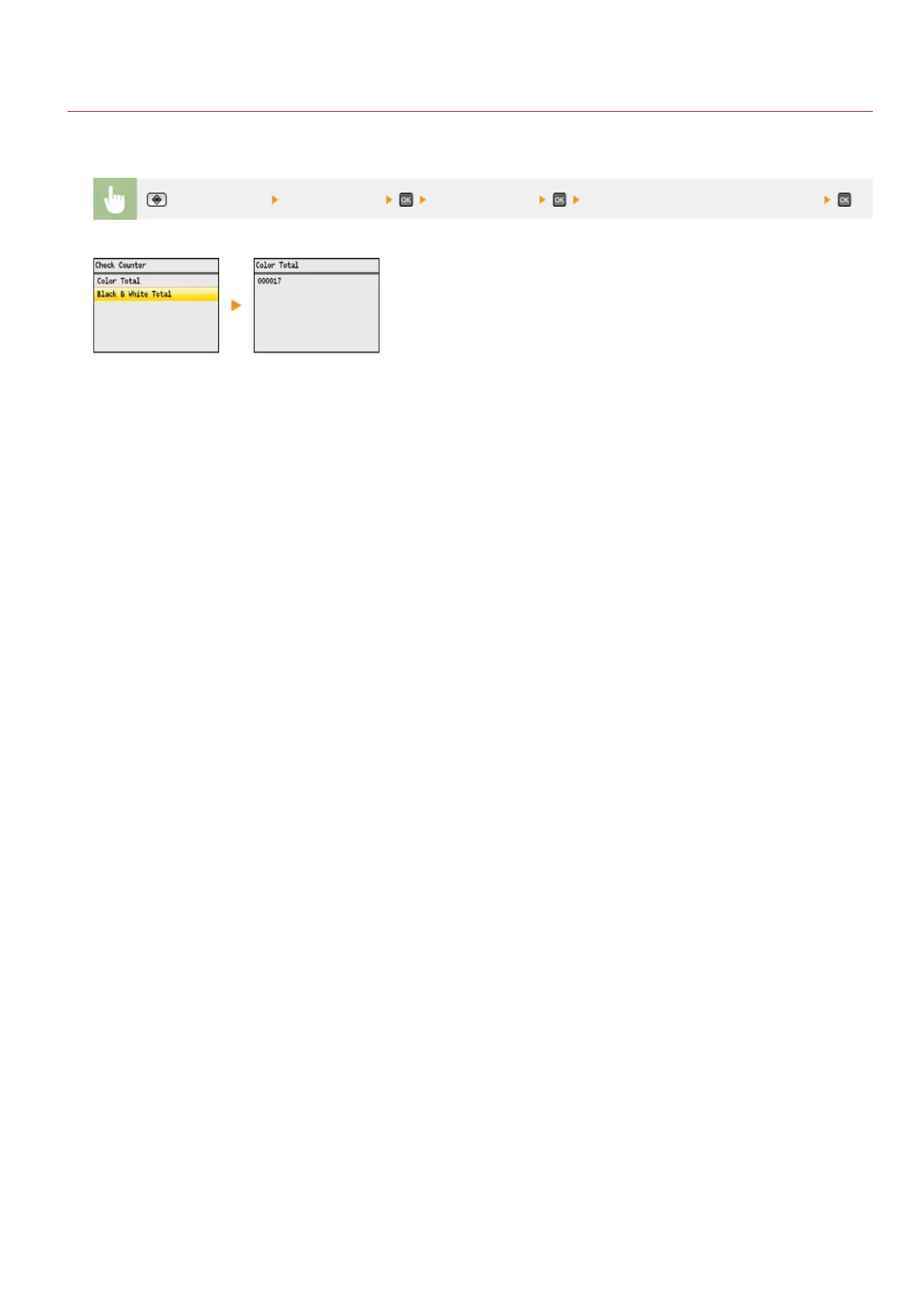
You can check separate totals for the number of pages used for color printouts and black and white printouts. These totals include faxes,
reports, and lists, in addition to copies and printouts of data from computers.
(Status Monitor) <Device Status> <Check Counter> <Color Total> or <Black & White Total>
㻢㻝㻢㻌㻛㻌㻢㻣㻢











 To Next Page