0ALJ-091
Registering LDAP Servers (MF8580Cdw / MF8550Cdn / MF8540Cdn /
MF8280Cw Only)
If an LDAP server is implemented in the network, you can search the server for fax numbers or e-mail
addresses, and then specify them as destinations or register them in the Address Book. You can register a
maximum of five LDAP servers to the machine. Register LDAP servers via the Remote UI.
NOTE
LDAP servers that are supported by the machine are Windows Server 2003/Server 2008/Server 2012 Active Directory.
The machine communicates with LDAP servers using LDAPv3.
UTF-8 is the supported character encoding used when the text data is transmitted between the machine and an LDAP server.
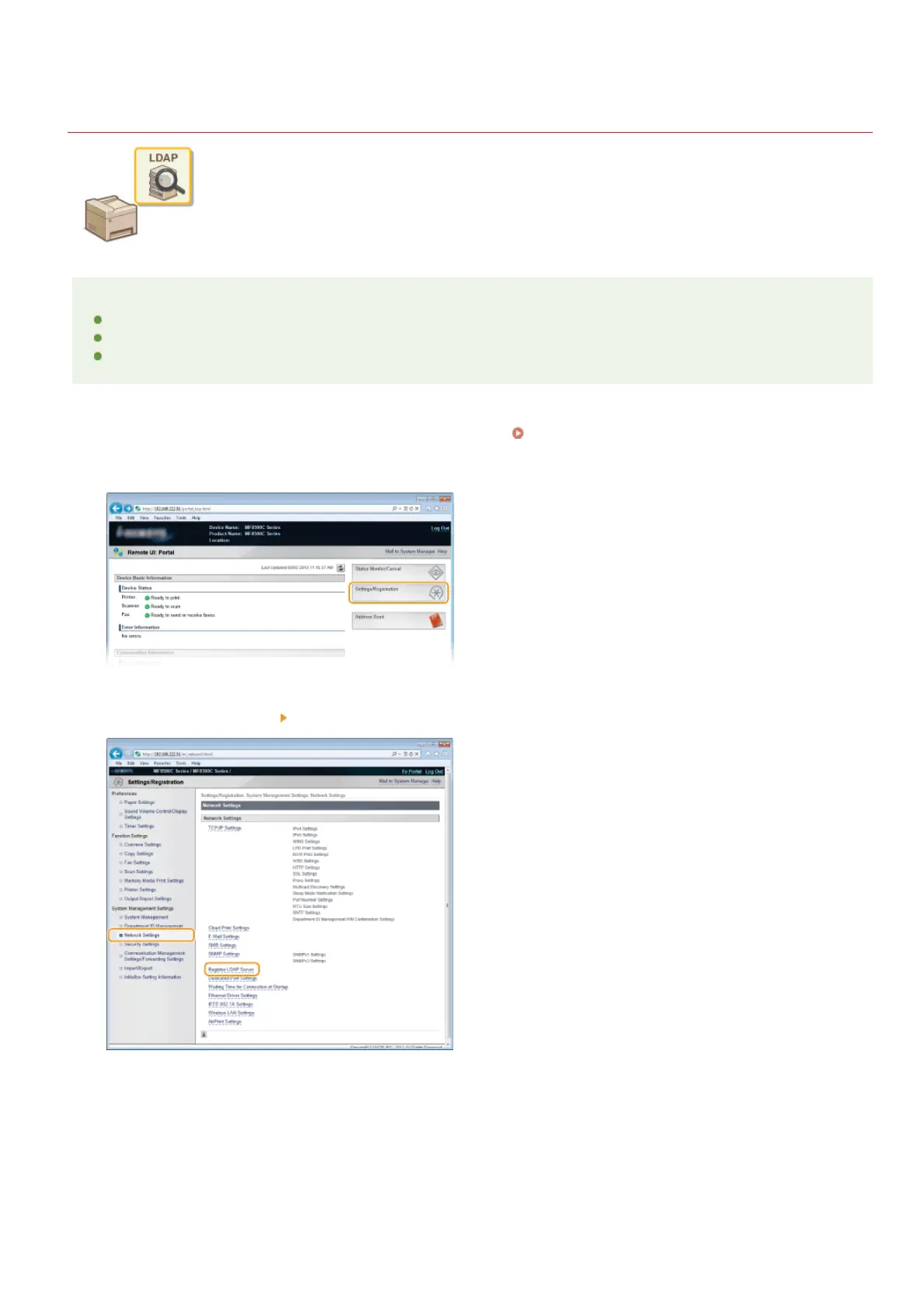
Start the Remote UI and log on in System Manager Mode. Starting Remote UI
Click [Settings/Registration].
Click [Network Settings] [Register LDAP Server].
Click [Register New Server...].
1
2
3
4
㻟㻤㻟㻌㻛㻌㻢㻣㻢











 To Next Page