0ALJ-0C1
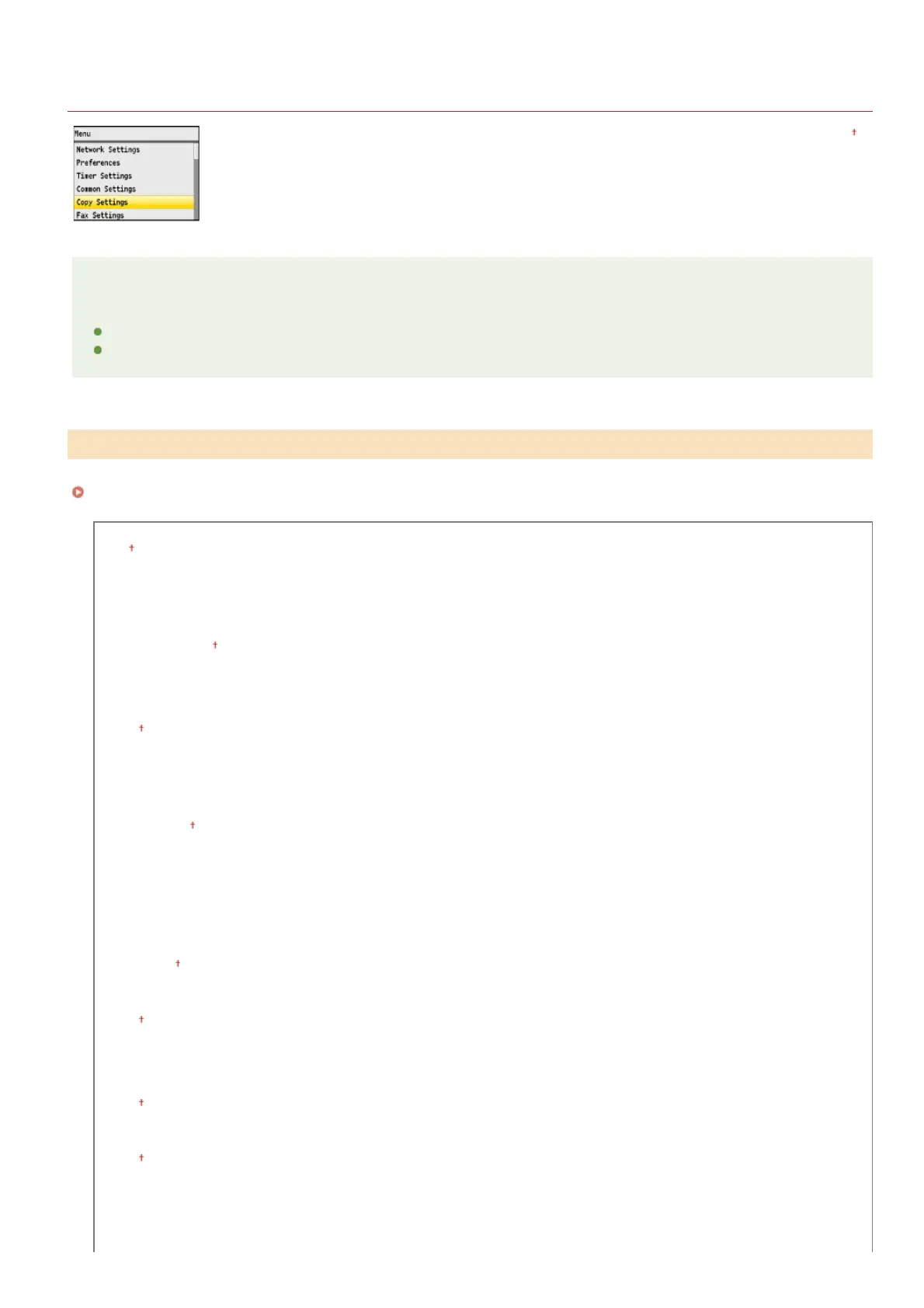
Copy Settings
All the settings about the copy are listed with short descriptions. Default settings are marked with a dagger (
).
NOTE
Asterisks ( )
Settings marked with " " are only available for the MF8580Cdw / MF8550Cdn / MF8540Cdn.
Settings marked with " " are only available when the optional paper drawer (drawer 2) is attached.
You can change the factory default settings about copy. The selected settings are used as the default settings of the copy function.
Changing Default Settings
Number of Copies
1 to 99
Density
Nine Levels
Original Type
Text/Photo/Map (Speed)
Text/Photo/Map
Text/Photo/Map (Quality)
Printed Image
Text
2-Sided
Off
1-Sided->2-Sided
2-Sided->2-Sided
2-Sided->1-Sided
Copy Ratio
Custom Ratio
100% (1:1)
400% (Max)
200%
141% A5->A4
70% A4->A5
50%
25% (Min)
Paper
Multi-Purpose Tray
Drawer 1
Drawer 2
N on 1
Off
2 on 1
4 on 1
ID Card Copy
Collate
Off
On
Erase Frame
Off
On
Sharpness
Seven Levels
Color Balance
*
*1
*2
Change Default Settings
*1
*2
㻠㻥㻠㻌㻛㻌㻢㻣㻢











 To Next Page