0AWU-013
To print or send faxes from a Macintosh, you need to register this machine in the Macintosh. The registration method
varies depending on the connection method. Select a method according to your environment.
To use the scanning function via a network connection, you need to register the scanner to the MF Toolbox. For details,
see the Canon Scanner Driver Guide.
Connection method Registration method
Auto IP (Bonjour)
"Bonjour Connection"
TCP/IP connection
"TCP/IP Connection"
USB connection
"USB Connection"
Bonjour Connection
1
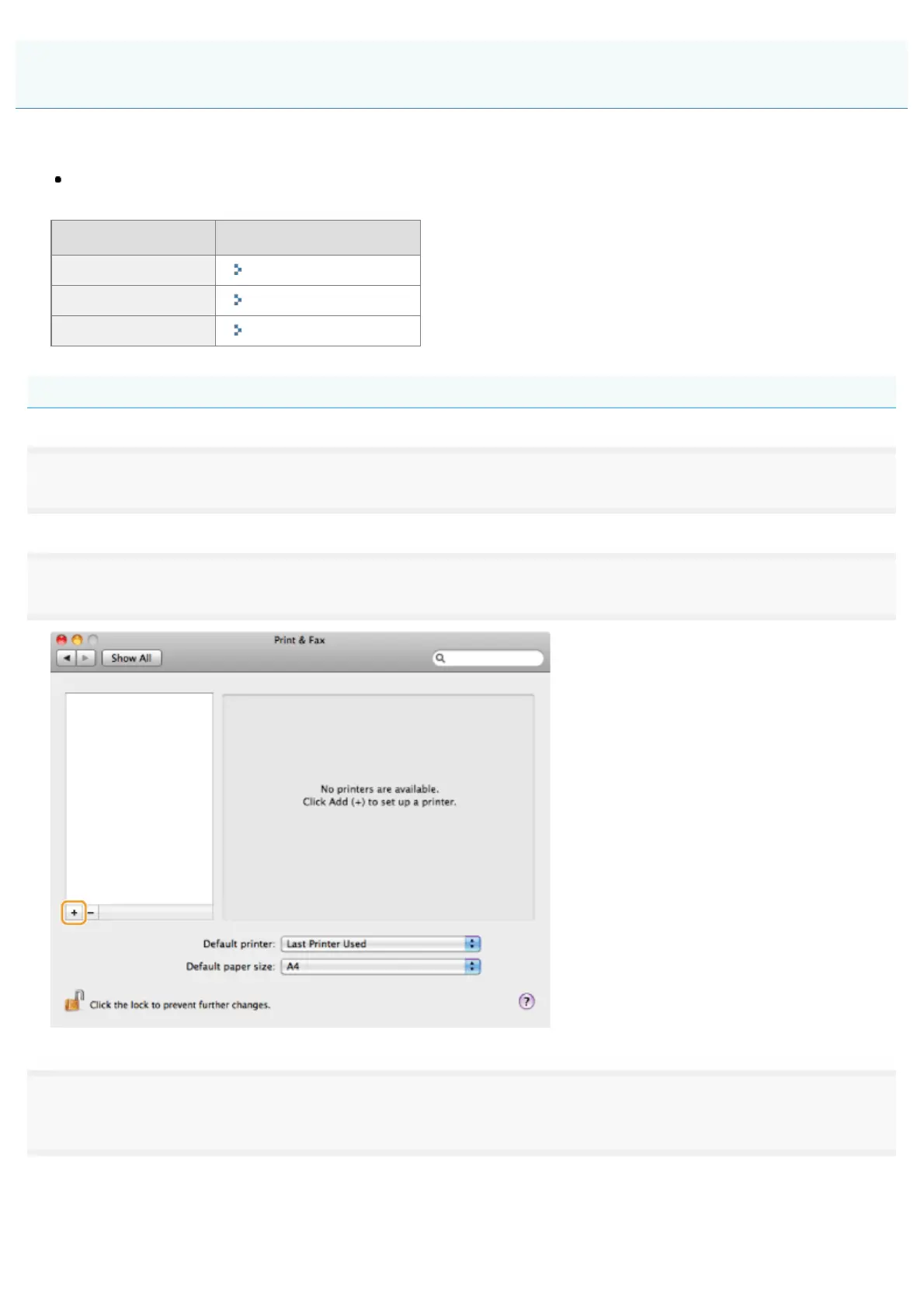
Open [System Preferences], and click [Printer & Fax] or [Print & Scan].
2
Click the [+] icon.
3
Click [Default], and then select a printer name for which [Bonjour] is displayed in the [Kind] or
[Connection] column.
Registering the Printer and Fax (For Macintosh)
㻟㻠㻌㻛㻌㻣㻠











 To Next Page