0ALJ-035
Adjusting Resolution
You can select the resolution suitable for your document type. The higher the resolution is, the clearer the
image becomes, but the longer it takes to send.
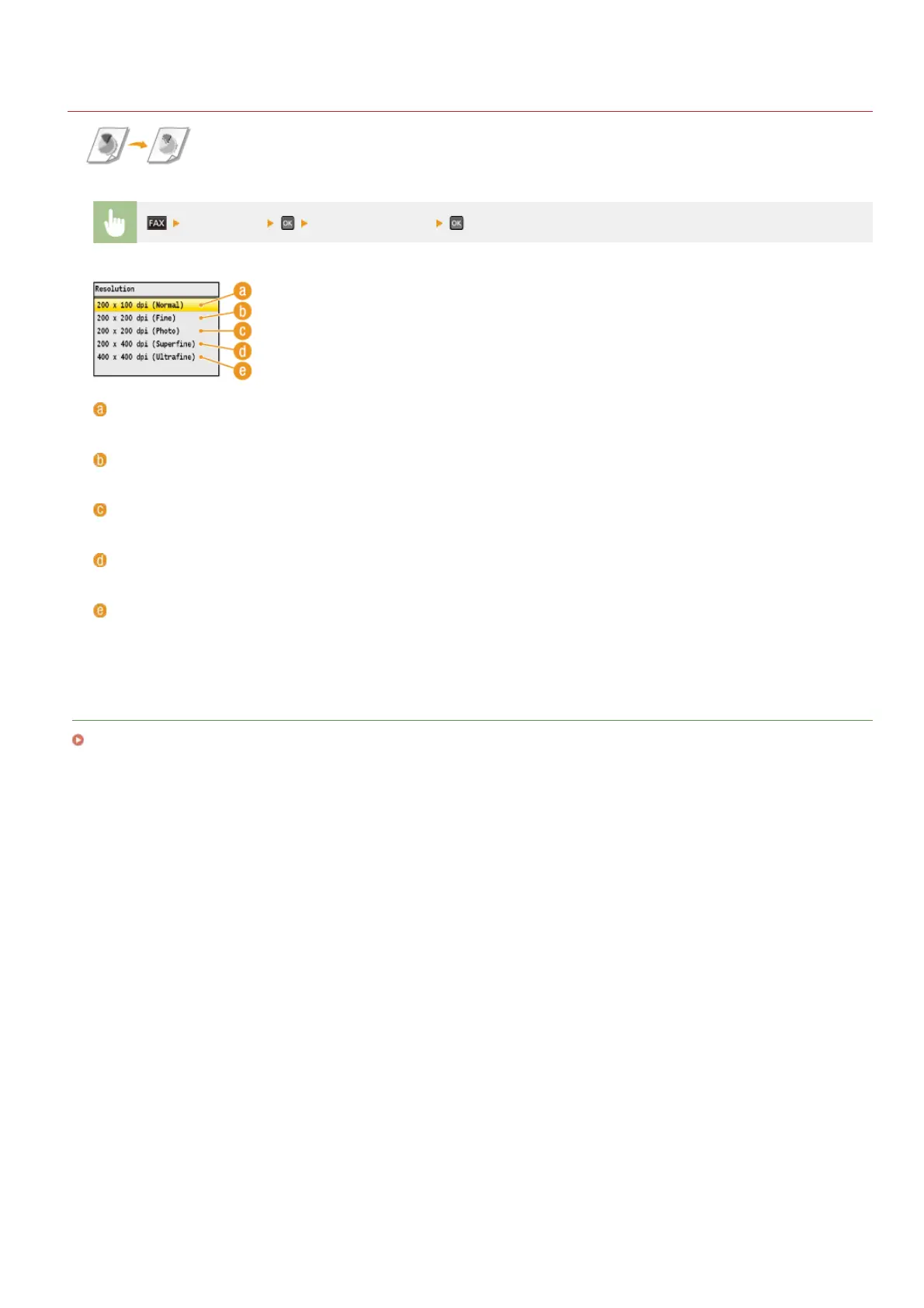
<Resolution> Select the resolution
<200 x 100 dpi (Normal)>
Suitable for documents that contain text only.
<200 x 200 dpi (Fine)>
Suitable for documents that contain fine text.
<200 x 200 dpi (Photo)>
Suitable for documents that contain photographs.
<200 x 400 dpi (Superfine)>
Achieves an even finer resolution than Fine.
<400 x 400 dpi (Ultrafine)>
Achieves an even finer resolution than Superfine.
LINKS
Sending Faxes
㻝㻟㻤㻌㻛㻌㻢㻣㻢











 To Next Page