0ALJ-037
Adjusting Sharpness
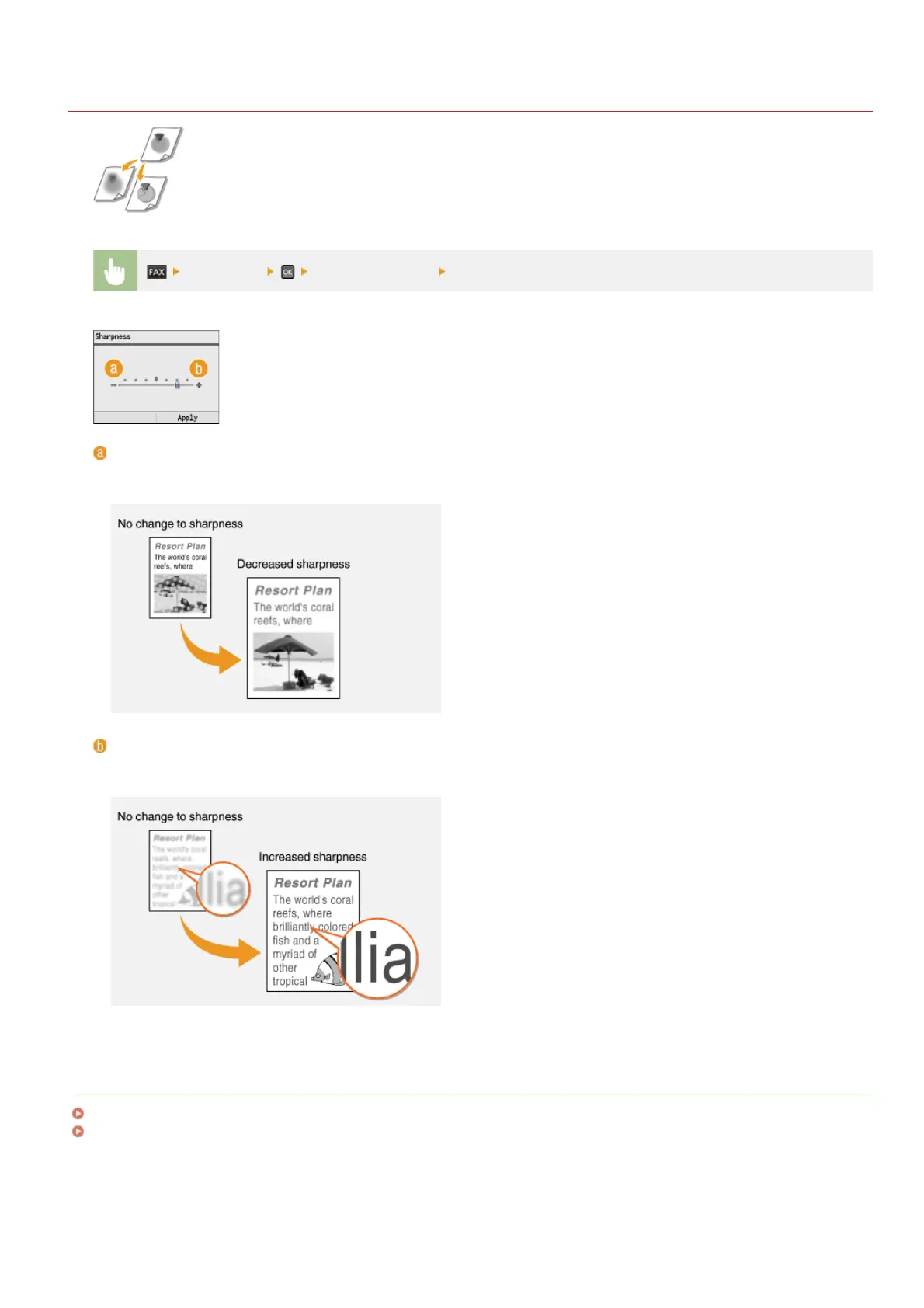
You can adjust sharpness of the image before sending. Increase the sharpness to sharpen blurred text and
lines, or decrease the sharpness to improve the appearance of magazine photos.
<Sharpness> Adjust the sharpness <Apply>
<–>
Decreases the sharpness, resulting in a softer image.
Example: If you want to improve the appearance of magazine photos
<+>
Increases the image sharpness.
Example: If you want to sharpen text and lines written in pencil
LINKS
Sending Faxes
Adjusting Density
㻝㻠㻜㻌㻛㻌㻢㻣㻢











 To Next Page