0ALJ-0E4
Fixing Unit
Dirt may adhere to the fixing units inside the machine and cause black streaks to appear on printouts. To clean the fixing unit, perform
the following procedure. Note that you cannot clean the fixing unit when the machine has documents waiting to be printed. To clean the
fixing unit, you need plain A4 or Letter size paper. Set the paper in the paper drawer or manual feed slot (
Loading Paper in the
Paper Drawer
Loading Paper in the Manual Feed Slot) before performing the following procedure.
NOTE
Cleaning requires toner. Make sure that there is sufficient toner remaining beforehand.
Checking Toner Level
Press .
Use / to select <Adjustment/Maintenance>, and press .
Select <Clean Fixing Unit>, and press .
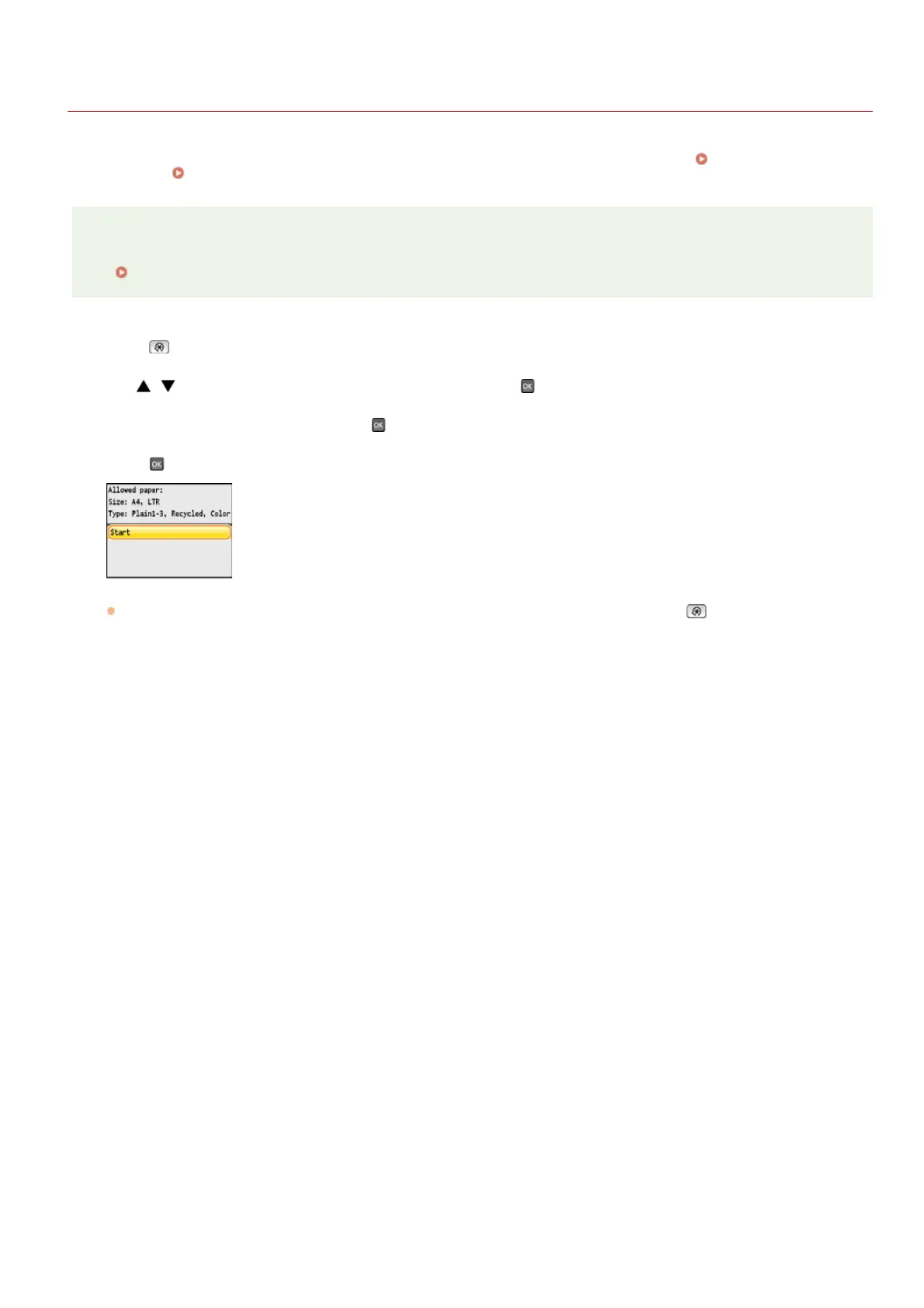
Press .
Cleaning starts. When the <Finished.> message is displayed approximately 1 minute later, press to return to the main
screen.
1
2
3
4
㻡㻥㻜㻌㻛㻌㻢㻣㻢











 To Next Page