0ALJ-095
Security
Confidential information is handled by information devices everywhere, including computers and printers, and any of these devices may
become a target for malicious third parties at anytime. Attackers may directly gain unauthorized access to your devices, or indirectly take
advantage of negligence or improper use. Either way, you may incur unanticipated losses when your confidential information is leaked.
To counter these risks, the machine is equipped with a variety of security functions. Set the necessary configuration depending on your
network environment.
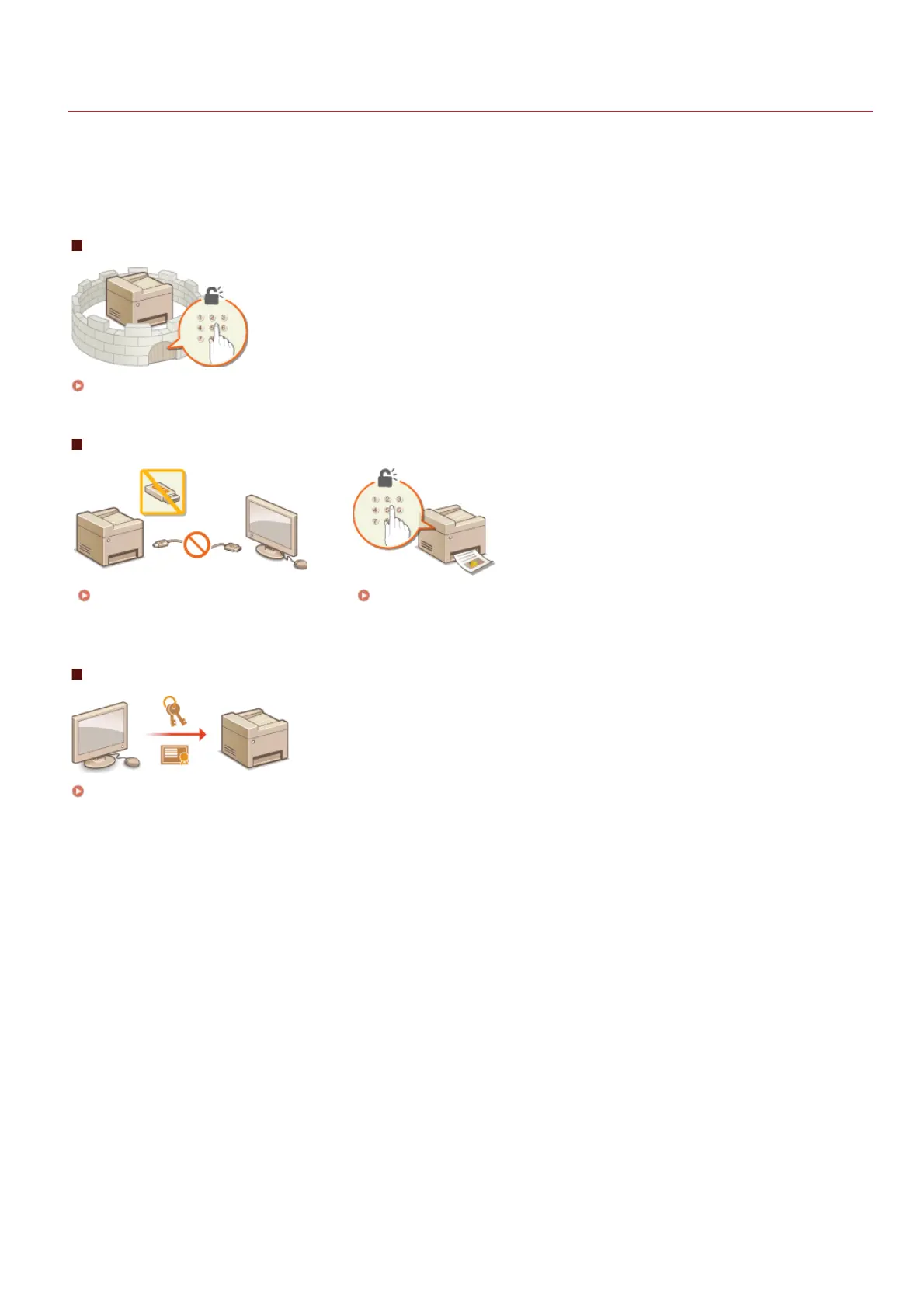
Establishing the Basics of Information Security
Protecting the Machine from Unauthorized Access
Preparing for Risks from Negligence or Misuse
Restricting the Machine's
Functions
Printing a Document Secured by a PIN (Secure Print) (MF8580Cdw /
MF8550Cdn / MF8540Cdn Only)
Implementing Robust Security Features
Implementing Robust Security Features
㻟㻥㻢㻌㻛㻌㻢㻣㻢











 To Next Page